
- Woocommerce
- Shopify Apps
- WordPress
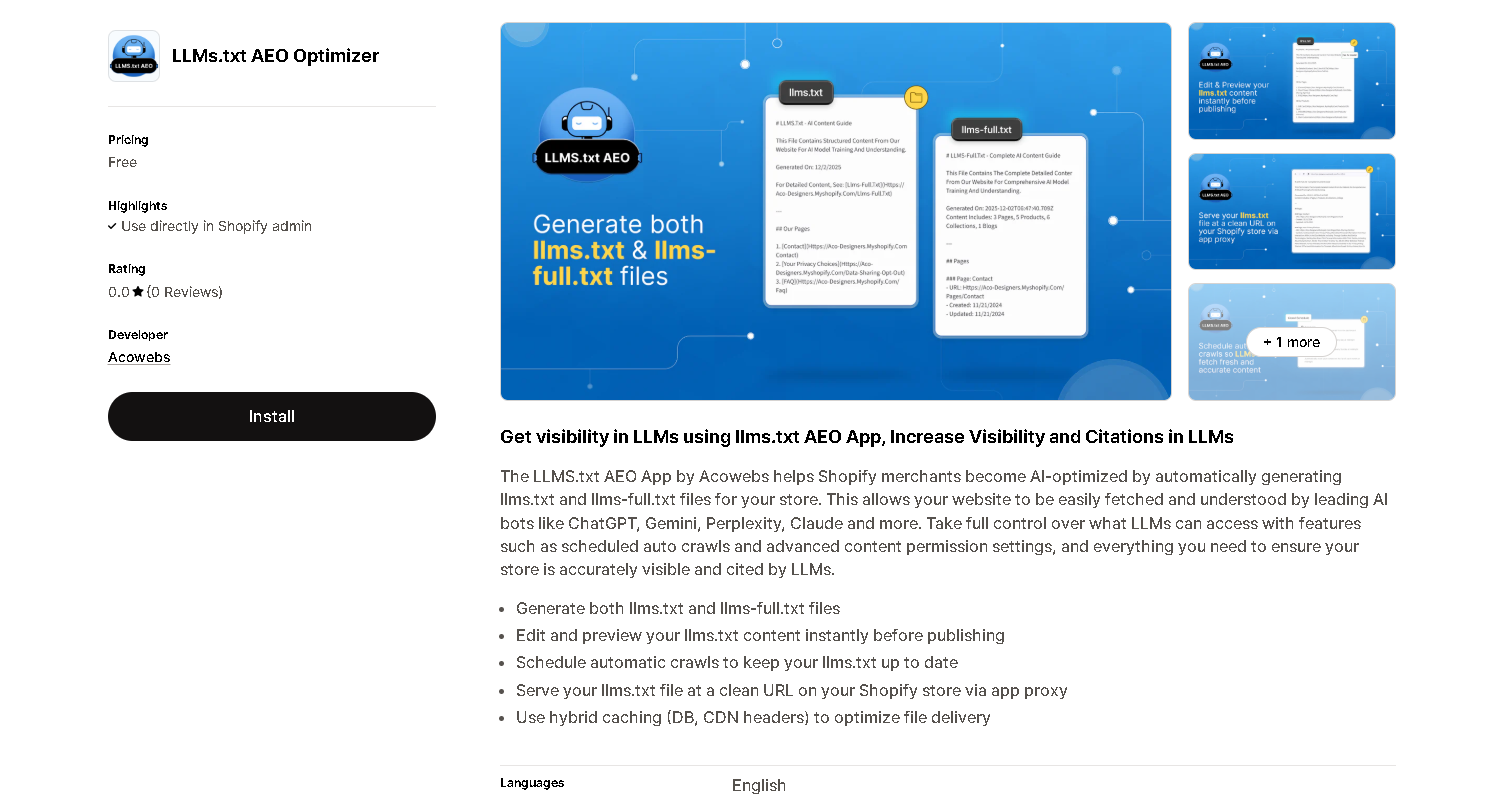
Install the LLMs.txt AEO app from the apps page.
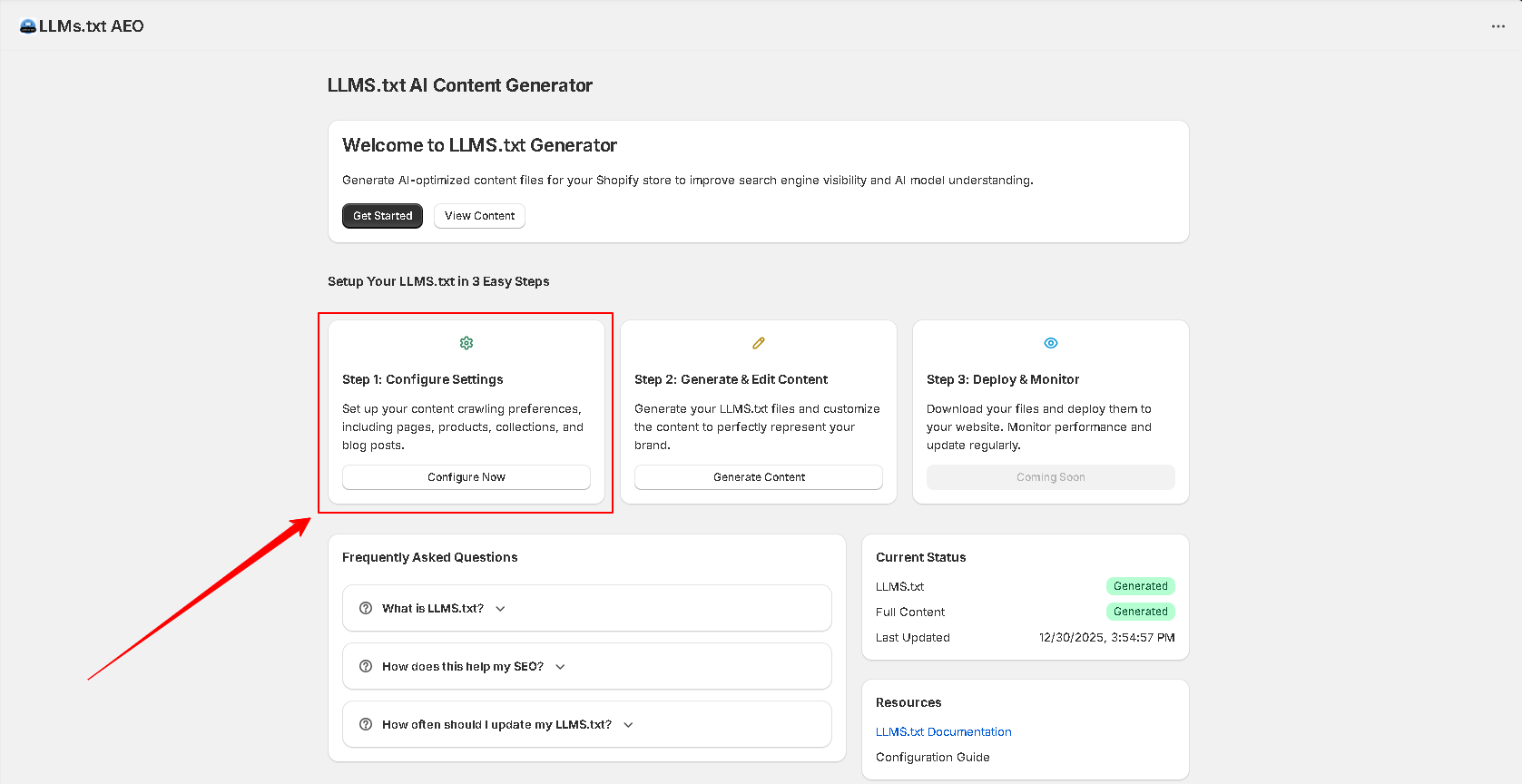
Once installing, go to the home page of the app and click on to the configure now button to configure the crawling settings.
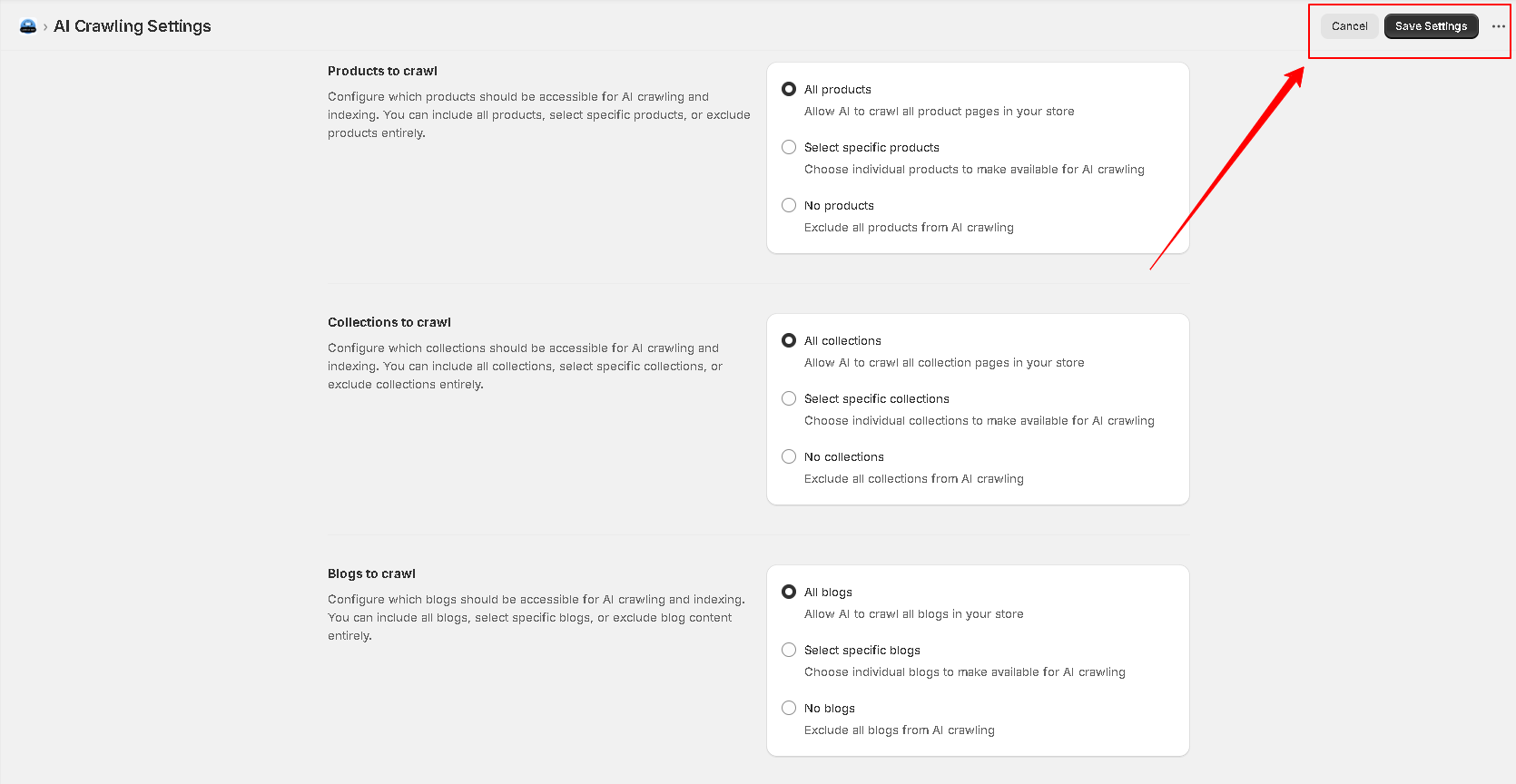
The settings page list the sections to be configured for crawling. You can set the crawl options as per your requirement.
Once setting the crawling options, click on to the Save Changes button on the top right side of the page.
Once saving, switch the tab to Generate Content tab.
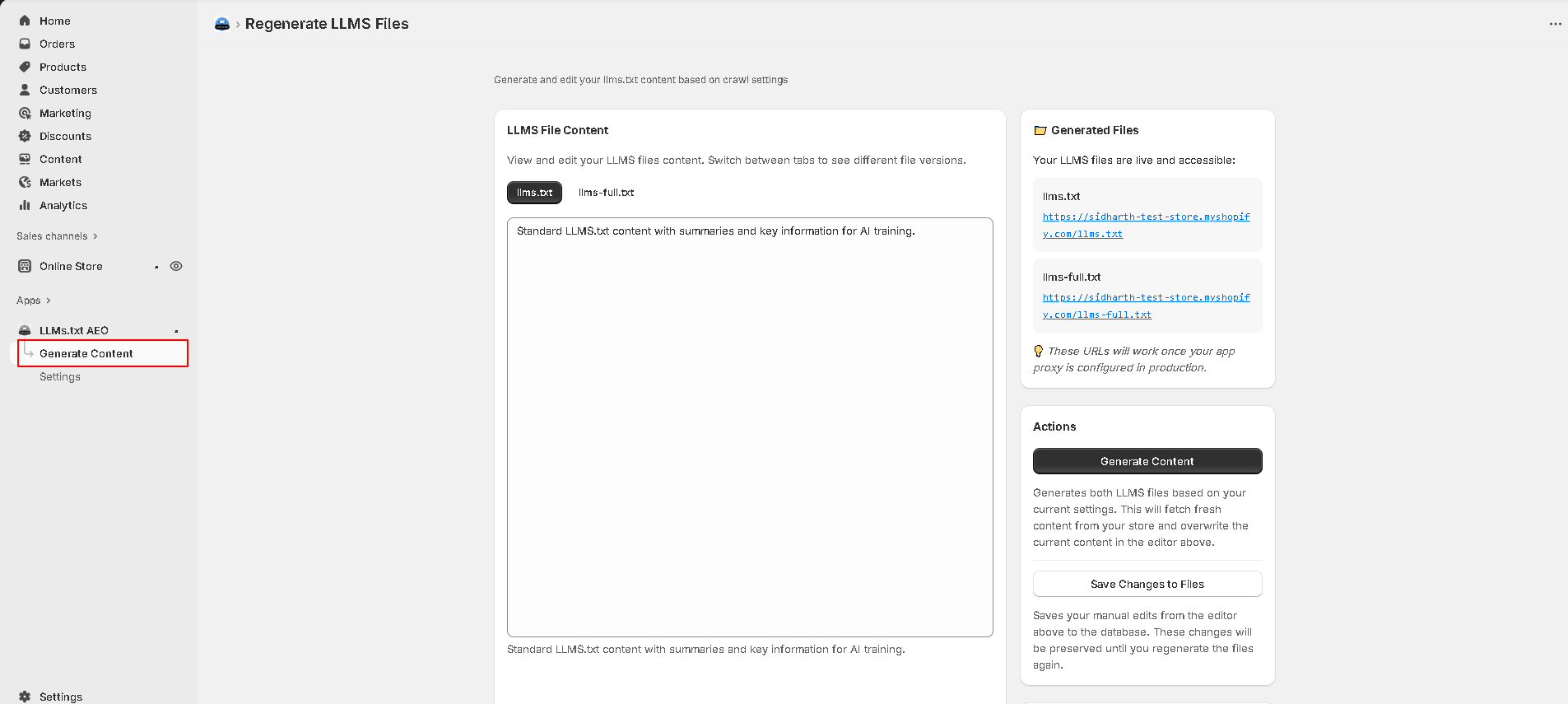
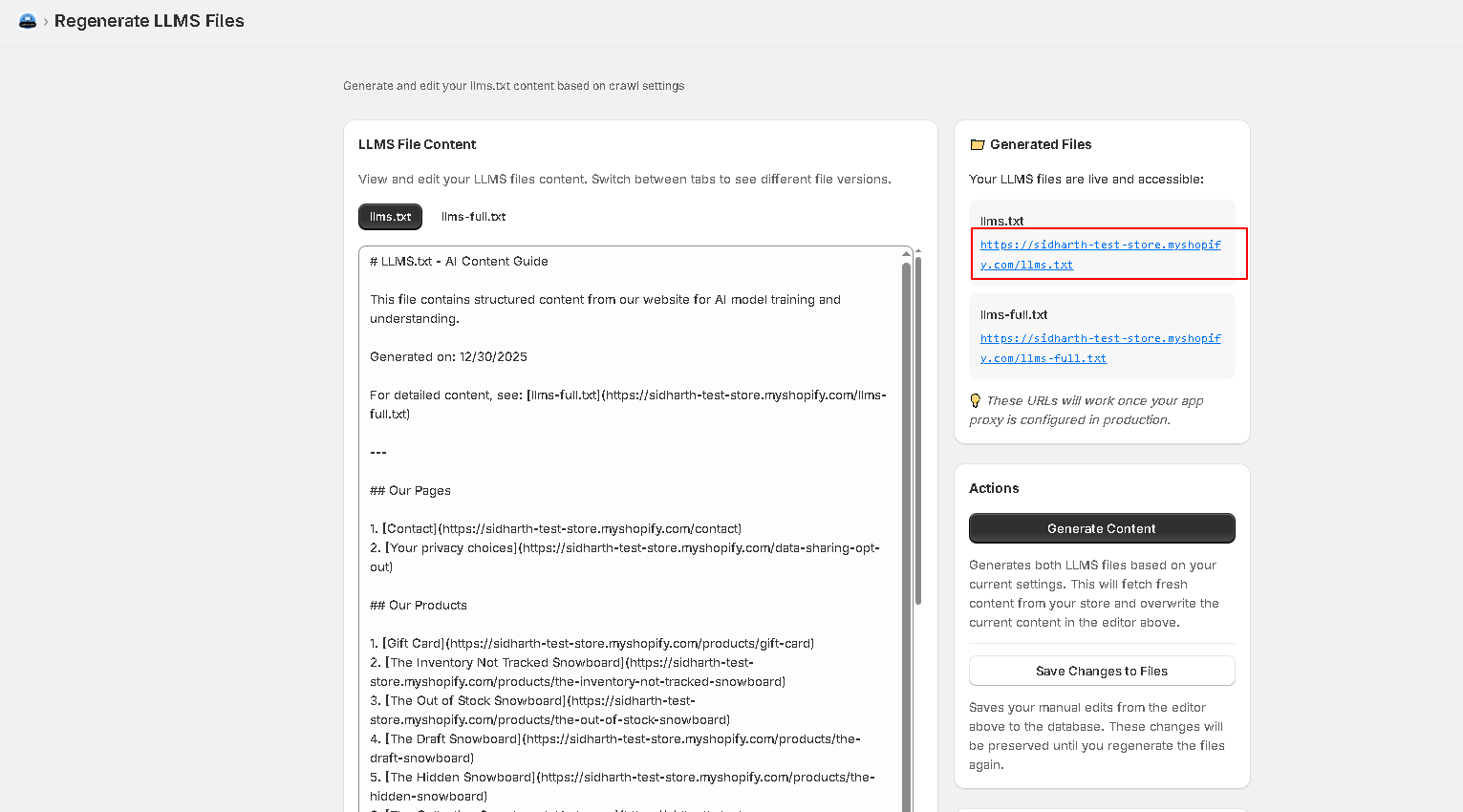
You have two tabs for generating the content. LLMs.txt and LLMs-full.txt.
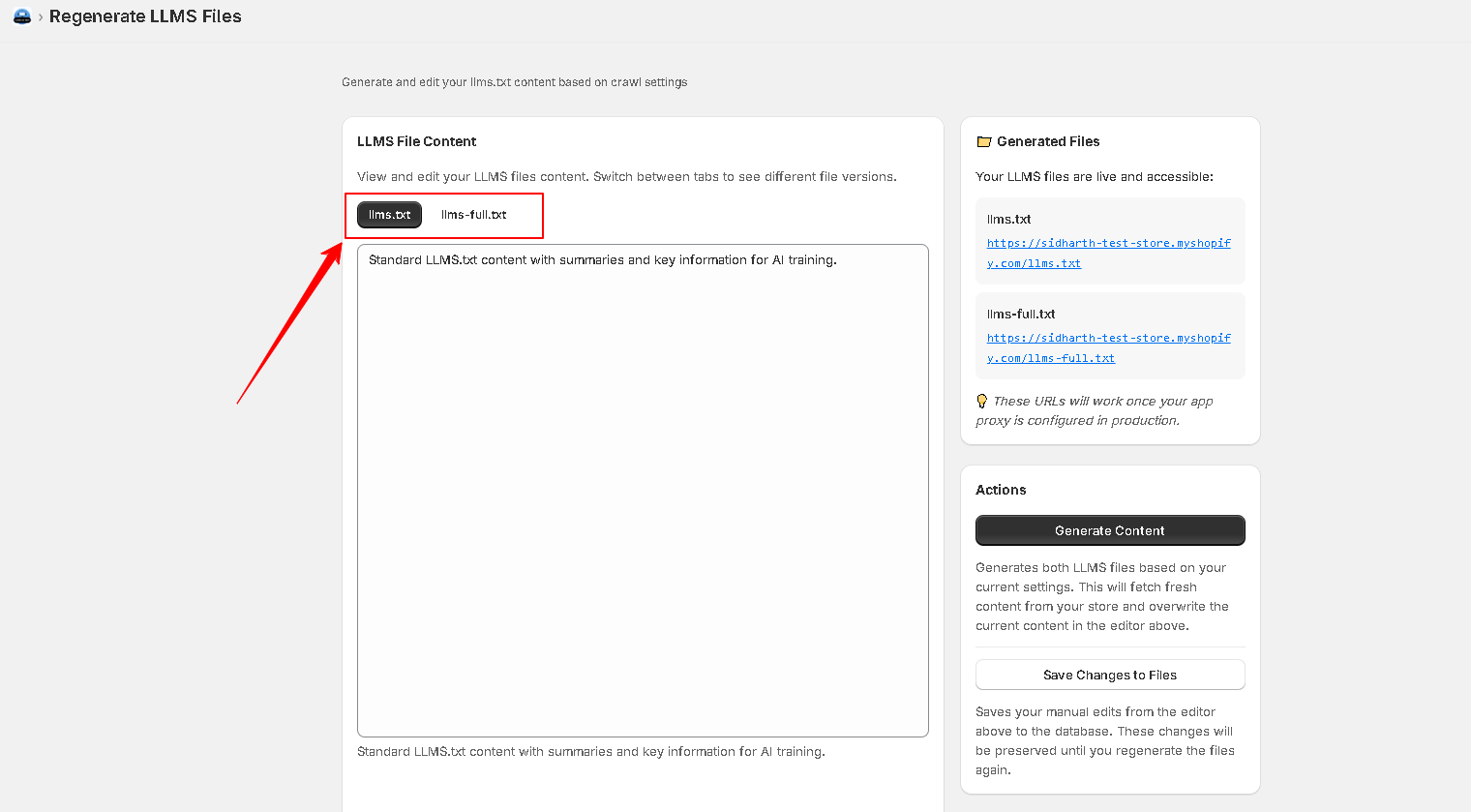
These two tabs provide you two different types of contents.
LLMs.txt provides a standard version of the content which is generally used for summaries and key information for AI training.
Whereas the LLMs-full.txt provides a detailed version of the content with comprehensive information and full descriptions.
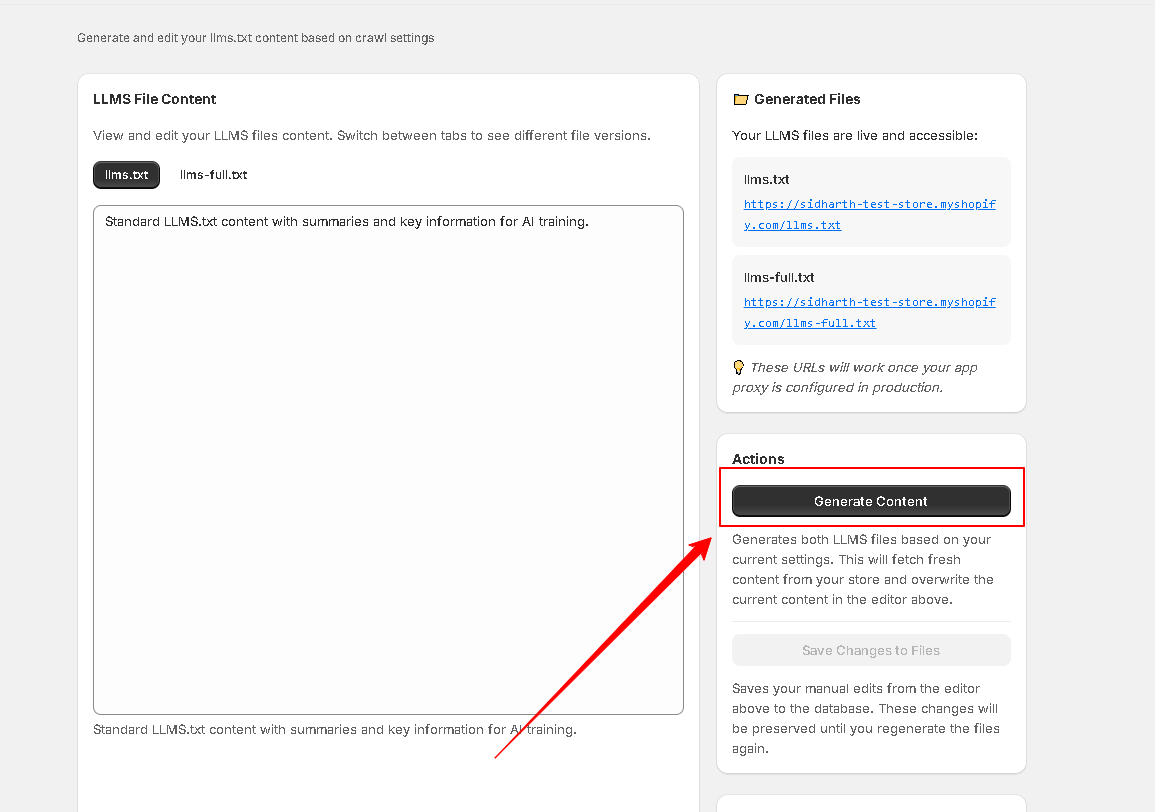
Now click on to the Generate Content button to crawl the data and generate the llm.txt contents.
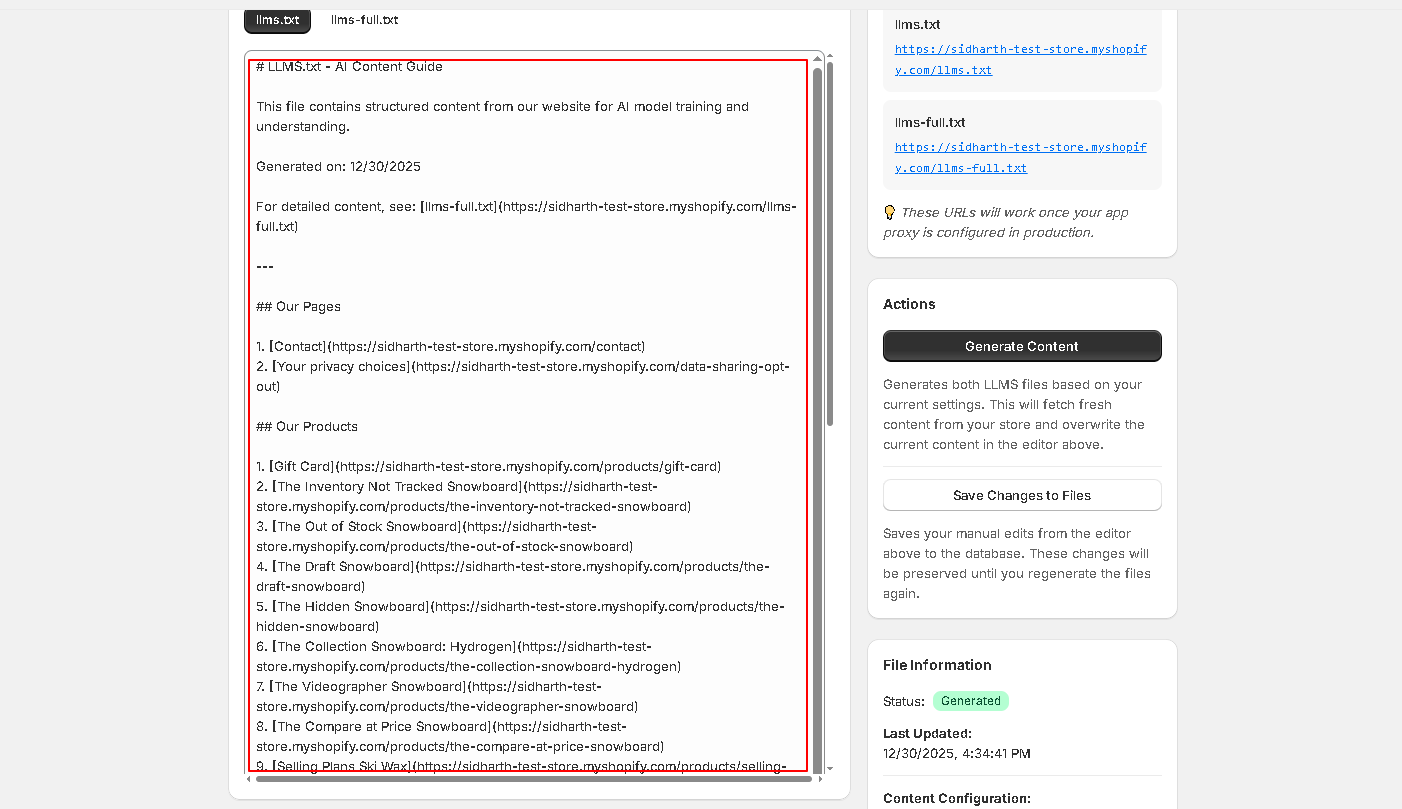
Once generating the content, you can make the desired changes if any from the content tab.
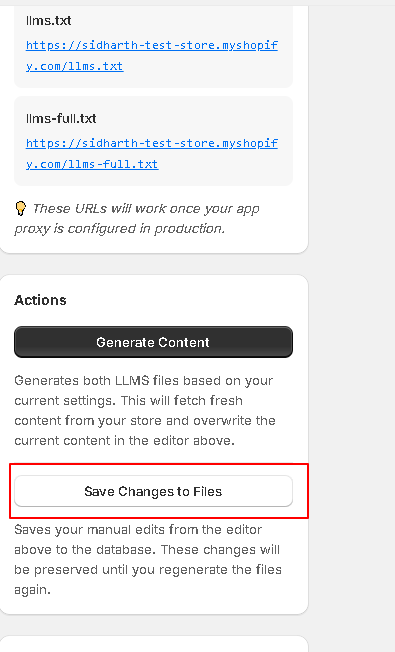
The changes made can be saved by clicking theSave Changes To The Files button.
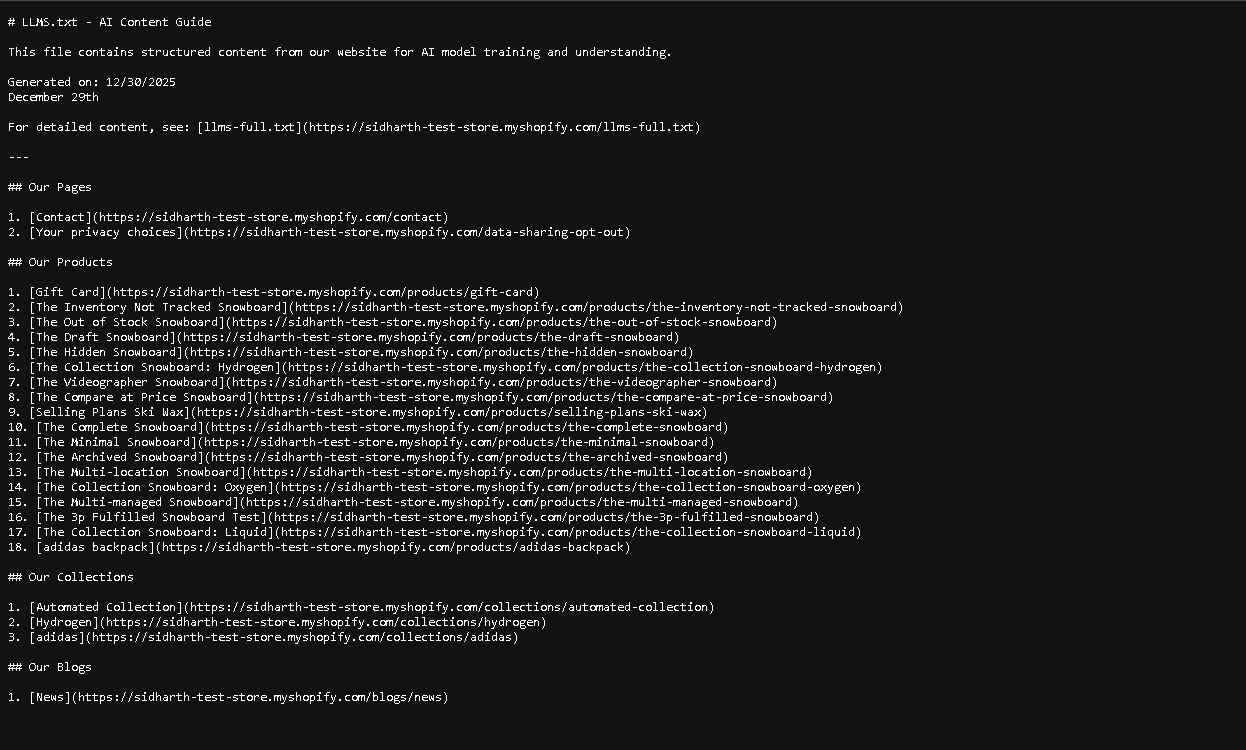
The saved content can be viewed by clicking the respective link from the content tab.
The link opens the saved content as a .txt file in the browser.
Thank You
Click below to watch the video tutorial.
If you have questions about our plugin(s), are experiencing issues with any of our plugin


 Login
Login
 Cart
Cart