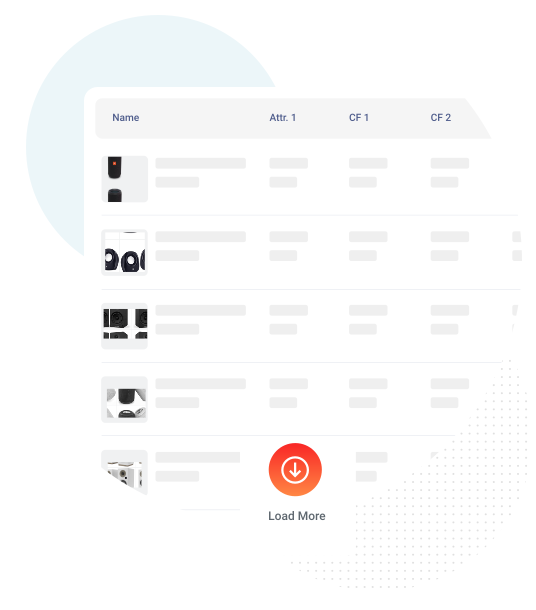
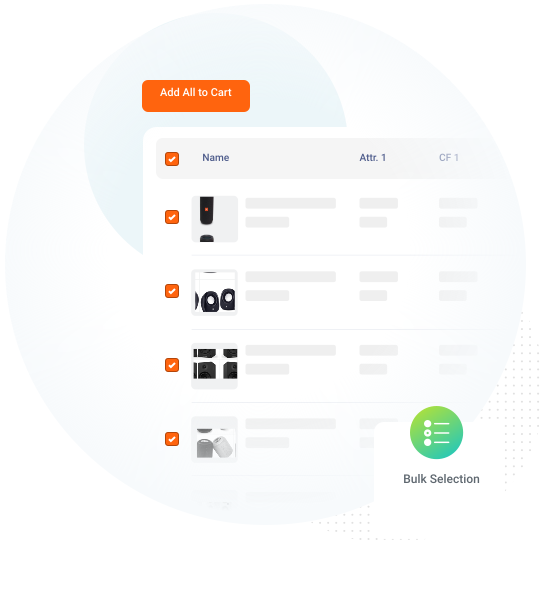
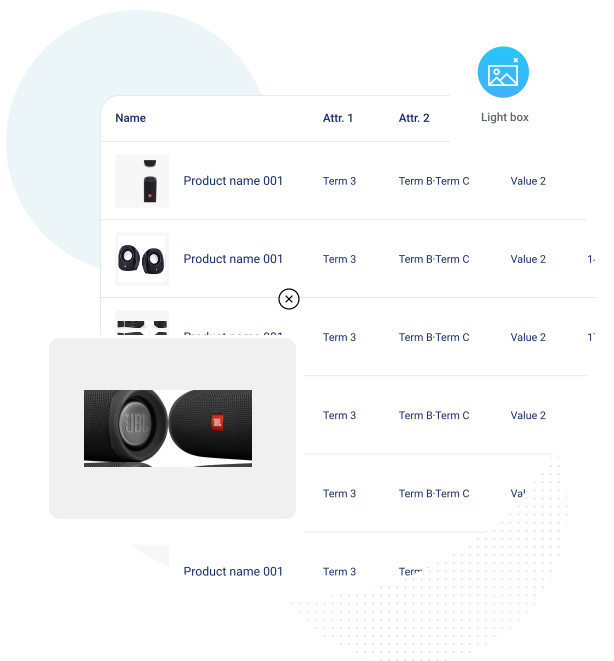
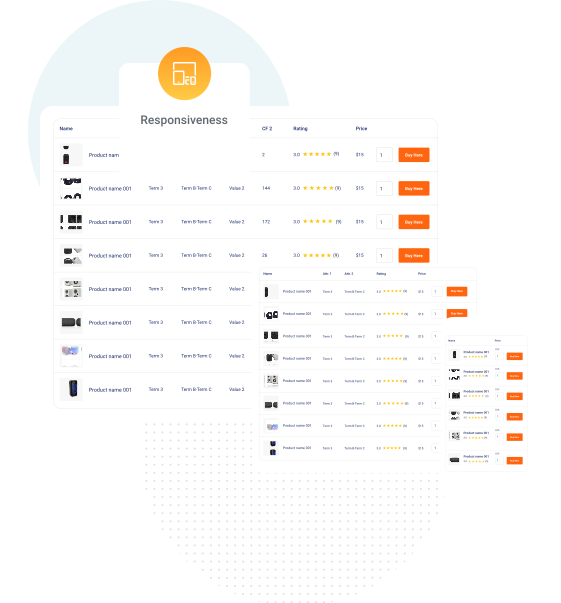
WooCommerce Product Table Plugin helps to display the products in a table layout in a customizable and responsive way using shortcode. A table view can help the customers get connected to their desired products quickly and let you include product tables anywhere on your site as you wish. The woocommerce custom product tables can let you display tables across any page with a shortcode.

if you are not 100% satisfied with our products, you will receive a 100% refund for any reason.


Active installations

Total Reviews

Current Version

WordPress version

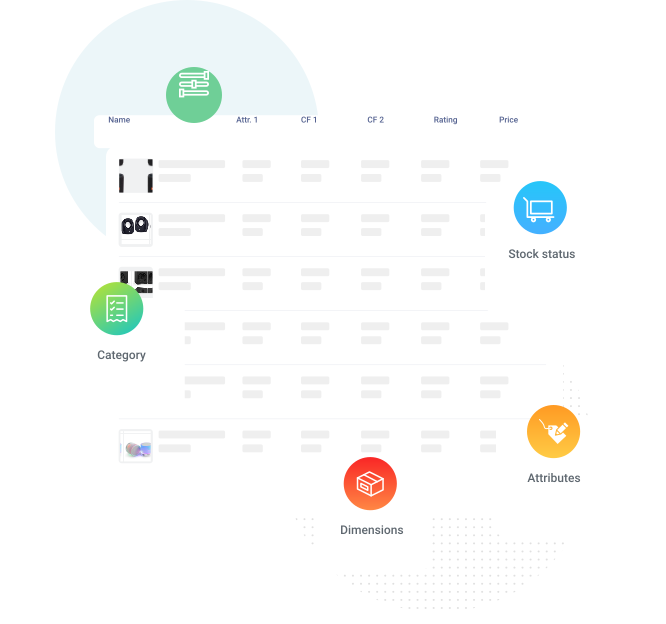








Yes, you can select the corresponding product and variations to be displayed by enabling the option from the “configurations” tab in the table settings page.
Yes, you can enable this option in the Woocommerce product tables plugin From the “configurations” tab on the table settings page.
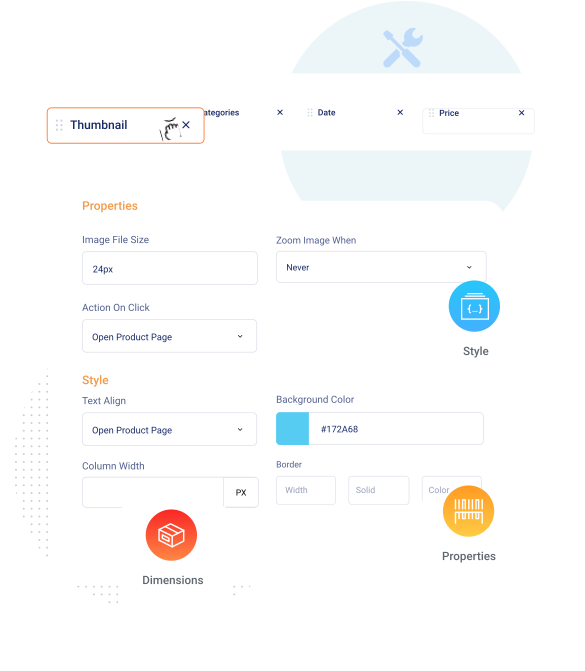
You can add or edit table columns from the Columns tab on the Table settings page.
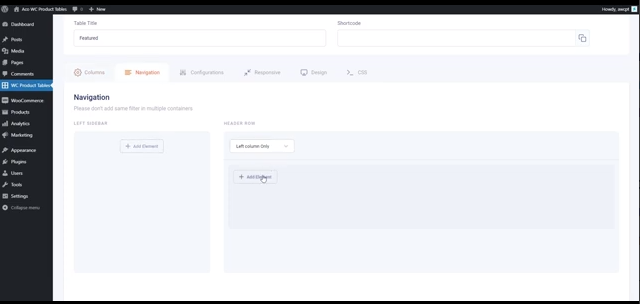
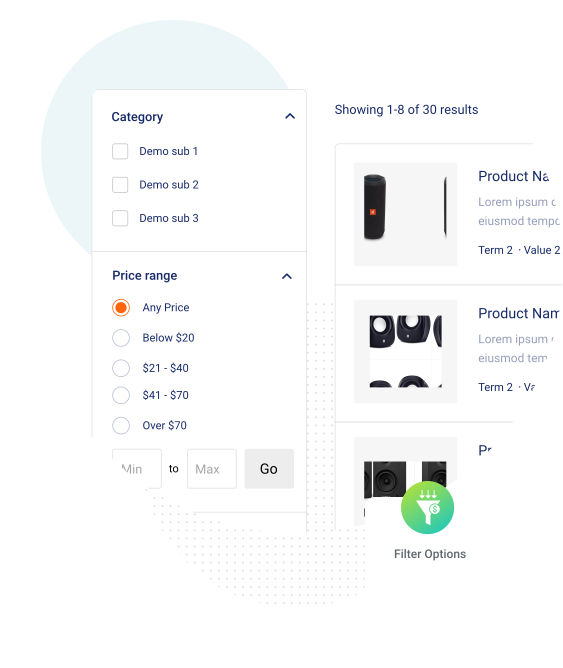
In the table settings page go to the “Navigation” tab where you can see add filters by clicking the “Add element” button.
The Woocommerce product table shortcodes for displaying the table is [aco_product_table id=”107″]
Go to the “Configurations” tab on the table settings page, where you can view the “Products By Categories” option. You can choose the products of a specific category there..
Go to the menu “WC Product Tables” in the WordPress left menu bar. Select the “Add New Table” button, where you can configure the product table settings.
Once the pro license is purchased ,login to https://acowebs.com/my-account/.
Select Purchase History tab. You can see the list of Purchased Plugins. Download the plugin Zip file and License key file from there.
To add the download plugin and activate ,please refer to the below link.
https://acowebs.com/guideline/get-started/install-activate-plugin/
You need to deactivate the trail plugin first before activating the premium version.
We offer both,you can go for either Annual Subscription license or Lifetime license.
We assure a full 30 day money back Guarantee.
Please contact us to request a refund within the first 30 days of purchase.
It is basically a perpetual license scheme which makes you eligible to enjoy all our features updates unlimited and ensured compatibility with all new versions of wooCommerce.
Yes, You can easily upgrade to lifetime license , if you don’t wish to pay annually for Plugin. This ensures that you can continue receiving plugin updates and support. You can find upgrade option at in your account page
Yes, Our plugins provides support with Elementor Page Builder
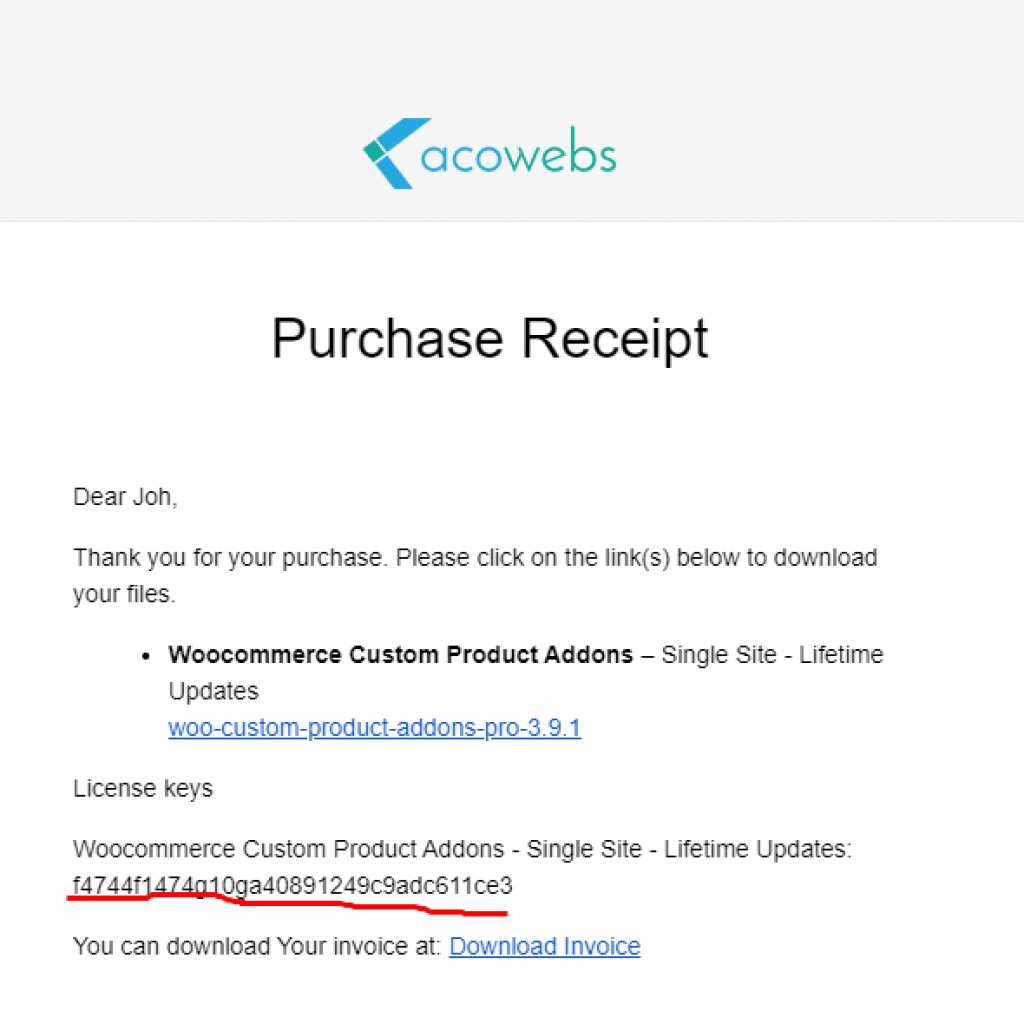
Once the purchase completed, you will receive an order receipt email. You can find the license key on this email


easy to use and good plugin design for everyone

The plugin works as considered. For my customer I had some more difficult cases and the team helped me out immediately. Perfect!

This plugin does exactly what it promises – and does it exceptionally well! I’ve been using it for several months now, and it has become an essential part of my WooCommerce setup.

The team was kind, patient, and professional throughout the whole process. They solved my issue and made me feel well taken care of. Thank you so much!

It does exactly what it says in the tin. Very useful plugin that allows you to add extra inputs to woocommerce checkout form.

Thanks a lot indeed. Your plug-in is, what i have been looking for. Super easy to use – and absolutely useful at the same time.

Super Plugin must use it. Very Helpful Plugin, 5 stars

Very helpful plugin and works great !!

Brilliant plugin that allowed me to take deposits and track balance payments easily. It works seamlessly whilst monitoring stock levels too, which is great. I had to work with a specific relatively niche payment gateway that my client used and the support team were amazing in helping integrate the gateway as well as tailor it to my client’s needs.

Professional and responsive support when required. The technical support has been professional and responsive when needed. Top-notch service — highly recommended.

I’ve been using this Deposit plugin for a while and I’m extremely satisfied with the level of support provided by the team. They respond quickly, understand the issue clearly, and offer practical solutions without any delay. my requirements were handled professionally, and the team made sure everything worked perfectly on my site.

Perfect assistance. Fast, precise and very kind assistance.

Incredible support. Support team showed me how to use features that I requested. Very kind and polite.

I had an issues which ended up being related to my understanding of how the plugin worked and this was successfully resolved. Then their team followed up and made a couple of other suggestions and provided additional support on an another issue. The software works well for enabling a deposit and payment plan to follow a purchase

Works great! Very responsive team. A client of ours needed to support partial payments for their customers. We installed this plugin and it worked out perfectly. There is another similar tool on the Woo plugins site but it is nowhere close to how configurable this one is. We only use the 50% deposit option, and it works great.

Exceptional customer service! A huge thank you to Adhil PS, who was remarkably responsive and competent! His answers were clear, detailed, and extremely helpful. He guided me step by step with great patience and professionalism.

Great support, nice features, reasonable price.

Best plugin and support team ever! I’ve been using the pro version for almost three years now and it’s worth every penny, it could be 3x more expensive and still be worth it. The plugin was clearly developed (and maintained) by incredibly intelligent people.

Must-Have Plugin – Super Flexible and Works Like a Charm! I’ve tested many product addons plugins for WooCommerce, but this one beats them all. It’s lightweight, powerful, and incredibly easy to use.

Highly Flexible, Easy to Use, with Excellent Support and Lifetime License

Excellent support from the Acowebs team, i needed something sorting and they remedied fairly quickly and are looking to now push this out to the masses. Well done Acowebs for listening to your loyal customers.

At first, I did not see anything, turns out, if you are using a block checkout page template you have to switch to the shortcode-based checkout by using [woocommerce_checkout] in the WooCommerce checkout page. This resolves every issue and the plugin works as intended. Excellent support.

Very happy with this plugin! It’s super easy to use and lets me customize checkout fields without any coding. Highly recommended for WooCommerce users!

Plugin works brilliantly for my project, support is very helpful with fast response time.

Great Plugin which was perfect for my client needs.
I asked for additional help for showing partial payments in cart and checkout.
They helped me within 24 hours and the provided code was perfect.

I used the plugin. it is very user friendly. I needed some info from plugin to use in my code and the support team helped me to get the info from plugin code. thanks alot.

This plugin has everything we need, Support is also very good!!

Plugin is easy to configure and support is top class. Recommended

Good plugin that is easy to use. It was causing a major error on my site (preventing express checkouts from being shown), I contacted support and they eventually fixed it in an update. Very grateful for their help.

Excellent plugin and customer support. Thank you

Excellent support, they were even able to quickly add a feature we needed. Highly recommend!

This plugin is great and provide solution for websites offering COD option, where this option is creating headache and loss for us and this plugin avoids COD returns by requesting an advance amount from customers when placing the order thus avoiding returns and fake orders.

The plugin is intuitive and easy to use, excellent support, definitely reccommend!

I really appreciate working with this plugin. They always there to answer my questions and they are fast! Thank you!

Nowadays most companies are slow to respond with unhelpful answers but this team went above and beyond. They patiently answered all questions, provided context and screenshots. And also importantly, they replied quickly. Their app is easy to use as well. Recommend!

Great Customer Support and a Great Plugin

These guys have totally impressed me with their customer service – working well beyond what was necessary to get me moving forward

Does the job well and the team was super helpful with a custom request.

Great service. Resolved payment URL error in email for partial payment system fast and well. Great work, thank you very much.

I use different Acowebs plugins on various websites and they work great, handling is easy and intuitive and if you need help the support is kind and really fast.
100% recommended

Great plugin, amazing support 😊

The Product Addons for Woocommerce plugin produced by Ecowebs is really very talented and has many features. I use this plugin on the domain “fontuma.com”. I am very pleased. Moreover, when I encounter a problem, Ecowebs officials respond very quickly and help to solve the problem. Thank you Acowebs.

I’m genuinely impressed by this plugin—it works seamlessly and delivers exactly what it promises. What truly sets it apart, though, is the exceptional customer service. Responsive, helpful, and genuinely committed to solving any issue quickly and kindly. Highly recommended!

Simple and powerful plugin, fast support regarding some advanced implemtation question over the live chat – thank you!

This addons worth every penny you paid. It has full function and very high quality. The online support is efficient to answer the questions and help me resolve my problems. 5 stars!

Very reactive support!

The support is really fast and helpful.

Really good support, fast response, very kindly people. I really appreciate their help. Thanks again.

It works well, support works efficiently and helps if needed. I think I will stay with this plugin for a long time. I recommend

Great plugin and excellent customer service.
Thanks

I have been using this extension for over a year and I am very satisfied with it. I encountered a problem on my site once, but the support resolved it within a few hours! I recommend this plugin for adding custom fields to WooCommerce products.

Smooth admin interface and responsive support make this plugin a 5/5 😊

Received great and fast support from the Acowebs Support Team! Acowebs has nice products with great support! Highly recommended!

I had a little problem visual problem with the plugin, but the support team walk me through it pretty fast.

Support fast and good plugin

The support is very good. Nice people, very professional and competent.
Great plugin & support! Thanks!

The team are amazing for support if your moving from shopify to Woocommerce or the other way around (we have done both for clients). Always speedy in a reply and quick with any fixes or information you need!

We encountered an issue with the tax calculation. After reaching out to the support team at Acowebs, they were able to resolve the bug within a few days. Great support!
Top Support for plugin.. In mail and chat!

The WooCommerce Product Add-Ons plugin is easy to use. It works well with my WooCommerce store, and the support is helpful. A great plugin for online stores!

Well done with lots of possibilities in the free and pro version.

Does everything we need and the support from Acowebs has been outstanding!

Fair price with lifetime support and updates, fantastic, well thought out, feature rich plugin, and the best support, always super keen to get things fixed, and quickly too.
I have been using this plugin for some time now and it covers quite a few requirements with a WooCommerce store that I look after that can’t be managed through Woo itself.
I would happily recommend this plugin.

Thanks again guys, your plugin is great and support has been fantastic – thanks for your help in sorting out the small issue very quickly 🙂

Just what I needed so that customers could add a personalisation to their purchase And when I had a support question it was answered within the day.

Definitely the best compared to similar plugins. Great support.

Best and active support! Every inquiry that I have they see to it that it will solved the fastest! Chat Support always online on the website and I am not worried for any related issues that I encounter.

Love this plugin, use it on alot of sites. The plugin is so flexible, and with the custom formula is even more powerful. I love the way you can have conditions based on Variation options too!

The support services and technology are excellent, and the product has been crafted thoughtfully, catering well to our novice users.

I couldn’t figure out a feature and their support got back with me right away. It’s a great plugin with some awesome features. 100% recommended!

The support is very responsive. I had a solution in less than a day. The plugin is perfect for my client’s needs.

They quickly helped me figure it out. Corrected. Everything is working.

I don’t often write reviews but the support was so super quick and resolved brilliantly i had to. Best plugin support i’ve ever had and also perfect add-on.

I tried out several add-on plugins but this one is the best with so many great options and the support is very fast und uncomplicated.

The team’s performance is exceptional. Whenever I had an inquiry, they offered helpful and swift responses, despite the significant time difference.

Their support is absolutely amazing they go above and beyond to help you

The plugin works great and the support team is super helpful for any request.

Great plugin with excellent support. They went above my expectations to ensure the plugin worked for me.
Great value for money plug in that makes adding badges time efficient and simple. Support available immediately when required.

I love, love, love this product. It works exactly as described. And the support is out of this world!! You can’t go wrong with Acowebs

I’ve had this plugin for a while now, and they’ve improved a lot since the beginning. This is a great sign, as they show that they are dedicated every day. The service from the first time was excellent, they never stopped answering me and were always very interested in solving and making me satisfied. I’m very happy to date with this plugin.

I went on their sites chat, expecting to be told to create a support ticket for me issue…I was wrong, the support person walked me through everything, step by step. The issue was resolved, and the plugin is doing everything I wanted it to do.

I’ve had 3 support requests and the team from Acowebs are super fast to reply and solve any queries. 5 star service. I qould highly recommend their Woocommerce Custom Product Addons to create custom product options, it’s amazing value for money and like I said, the support is amazing!

I ran into a problem specific to my website. And Acoweb made every effort to fix the issue. They will do their best to implement a fix in their next release of the plugin. But they really went out of their way to get it resolved. Thanks!

What an amazing team to deal with. Fast, Helpful and resolved all of my queries and special requirements from this versatile and quality plugin. A big well-deserved congrats to the team and thank you for making my life allot easier – much appreciated:)

It is possible to add fields to items whose customized values are going to be saved in the WooCommerce order by category in a seamless way, it is exceedingly good. Plus it is coded in a clean and modular manner.

First of all, loved the React-based UI – simple yet fully functional.
Loved the way they provide support – quick and to-the-point. Thanks for the customer-focused support.
Long live the journey.

We are very glad that we found this plugin.
We had a problem which was fixed very fast.
Thank you very much!

I searched for a day and finally found this plugin. It’s definitely the best I’ve ever tried! Simple, convenient and useful. Thank you!

The plugin does what it says and much more than expected. I needed support and the support chat was nice and very helpful. I’m using the premium version, but it’s really worth it!

This is by far the best product addons plugin I know. And I have tried them all by now I guess. And not only that, but the support is outstanding and without a doubt the best I’ve seen for any plugin. Highly recommended!

Great service. I needed a special fix on the plugin. When I bought it and they helped me in less than 24 hours to do what I wanted for my website.

I rarely post reviews about a plugin. But I just bought the PRO version. And I must admit that it corresponds perfectly to what I was looking for. This plugin has a lot of potentials, and I am sure it will evolve well over the versions.

This is by far the best product addons plugin I know. And I have tried them all by now I guess. And not only that, but the support is outstanding and without a doubt the best I’ve seen for any plugin. Highly recommended!

I downloaded and configured my first custom field in a matter of minutes. Thank you for providing a simple but effective solution for this! It’s developers that contribute to the free WordPress plugin repository.

This plugin is awesome and is the best option that I have founded for work with product-addons. The support is very fast by chat in their website. The free version even include WPML support! Excellent!
































 Login
Login
 Cart
Cart Back-end Demo
 Front-end Demo