- Woocommerce
- Shopify Apps
- WordPress
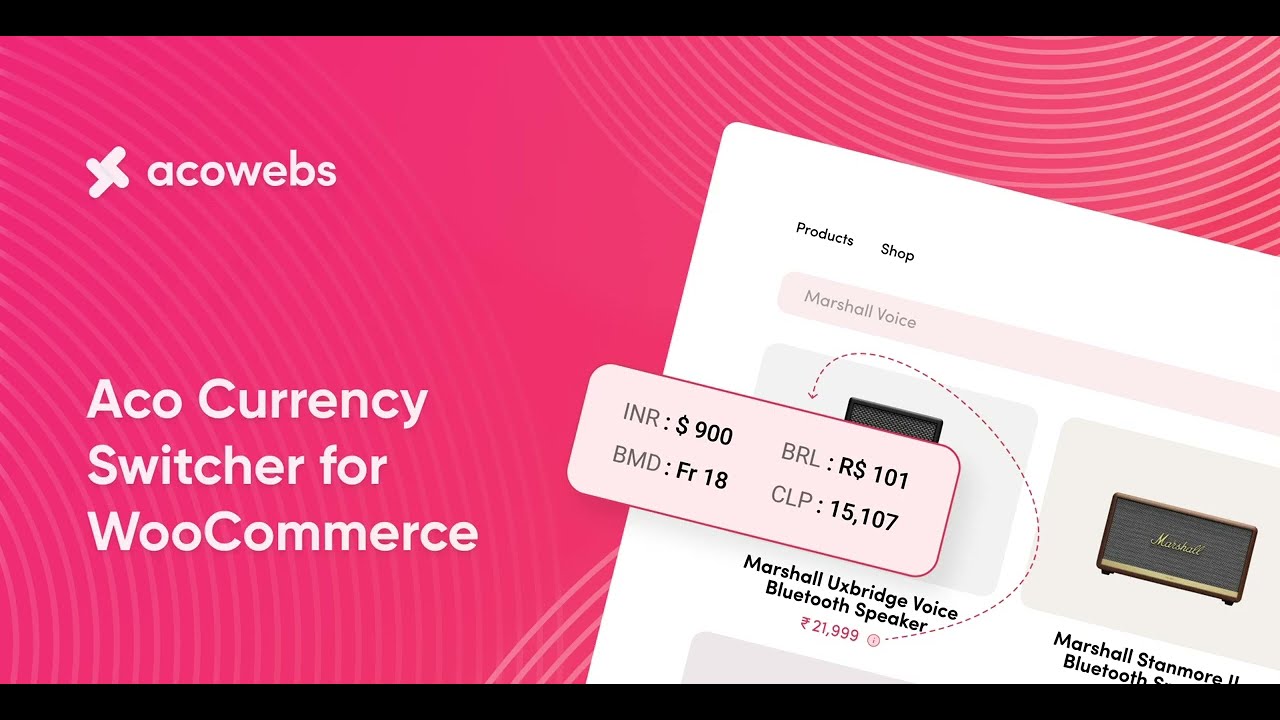
Increase your business worldwide with WooCommerce Currency Switcher– the multi-currency converter plugin that shows prices in the user’s local currency. WooCommerce Currency Switcher plugin helps to set up multi-currency in a WooCommerce store utilizing the easy-to-use and elegant User Interfaces.


 Rated 4.9/5.0

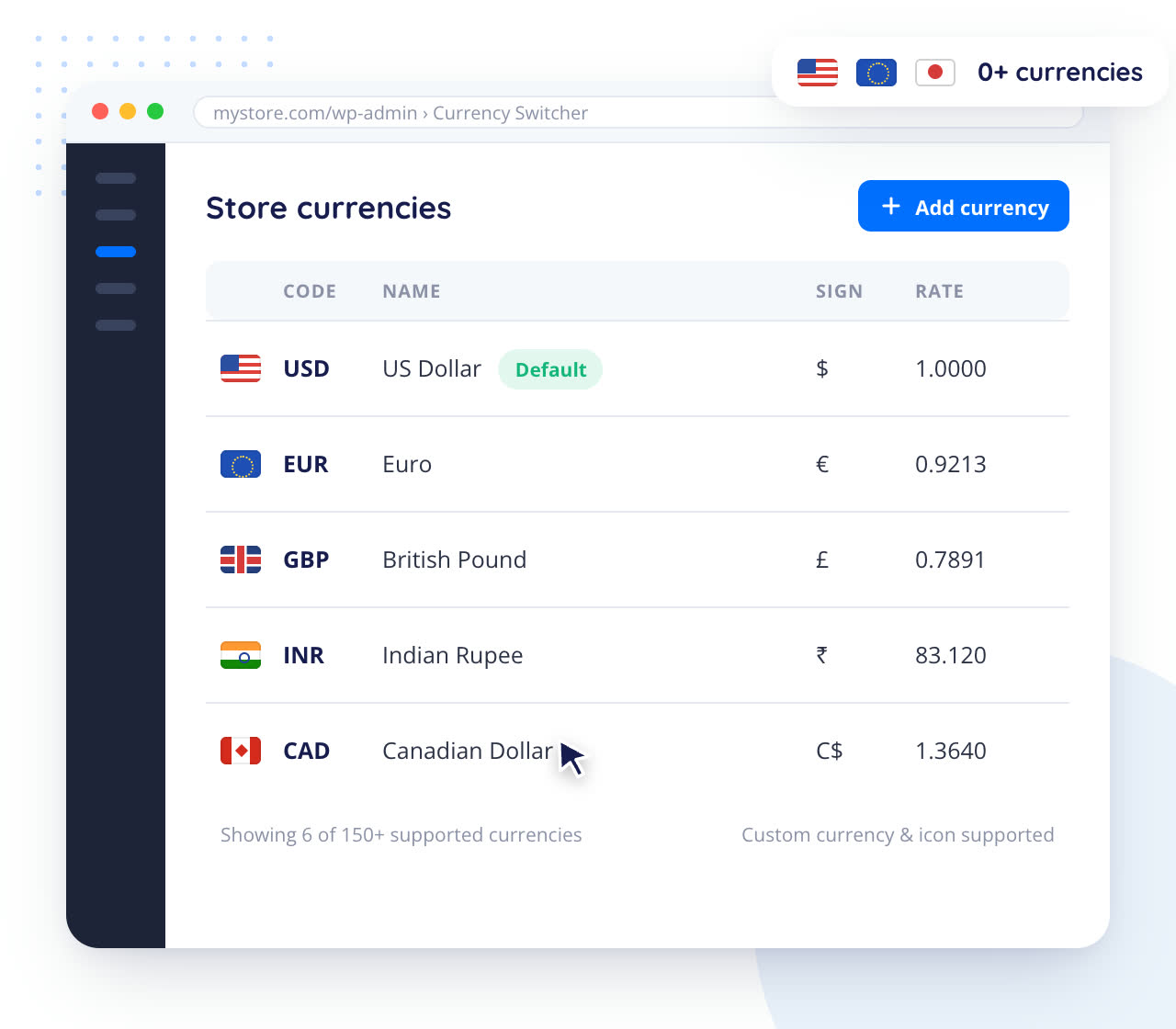
WooCommerce currency converter plugin enables you to manage more than 150 currencies, with options for the customers to add custom currencies and icons. With this multi-currency plugin, you can add any type of currency to your WooCommerce store and offer the best solution to customers worldwide to shop in their local currencies.

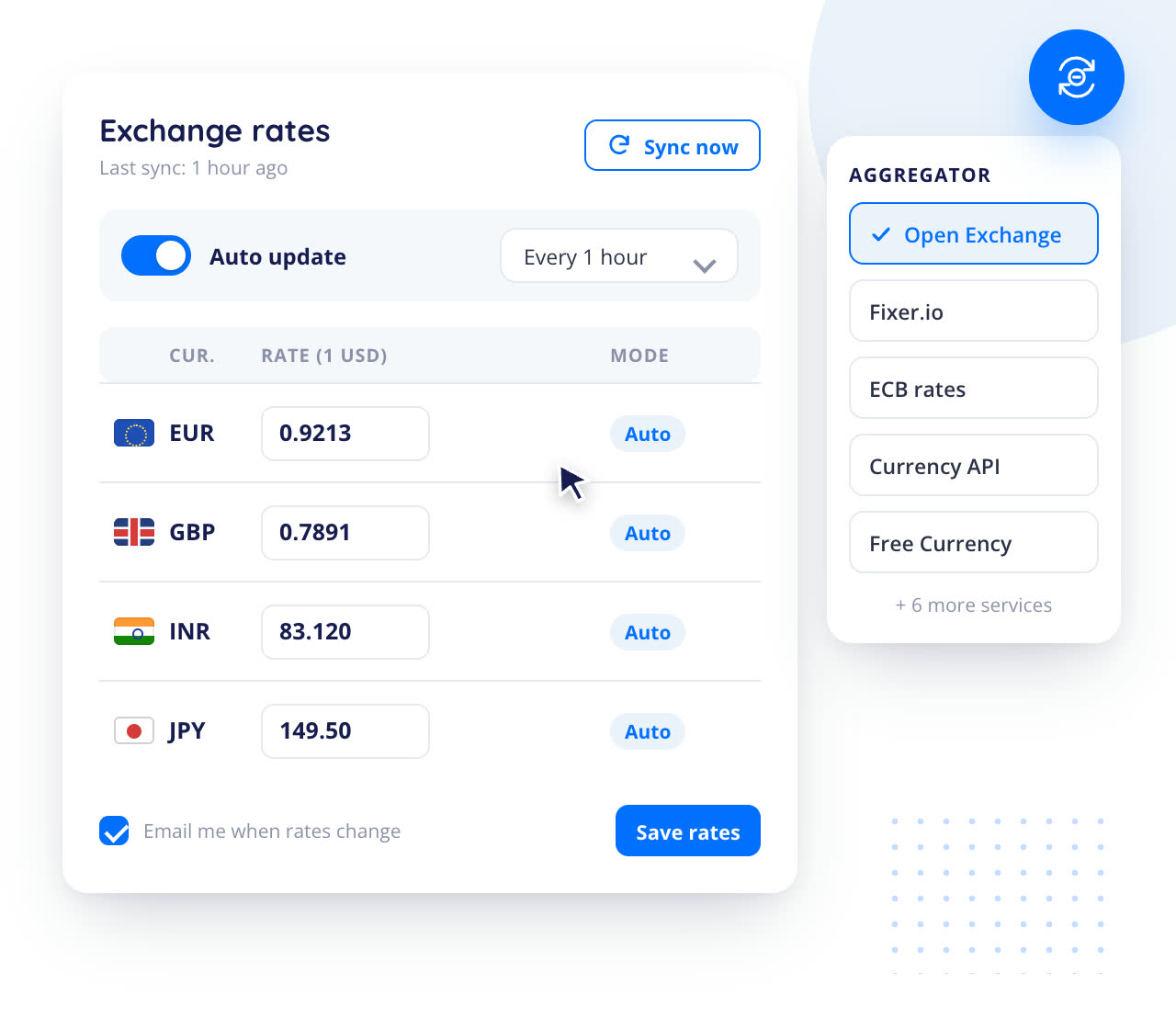
With the WooCommerce currency converter plugin, we offer 10+ WooCommerce currency aggregator services. Choose the best aggregator to enable automatic sync of your currency exchange rates. You can let the currency exchange rates update automatically, which gets updated in regular intervals. Also, you may manually set the exchange rates in terms of the default currency.

Acowebs WooCommerce Currency switcher has a feature that auto-detects user location based on the user’s IP to set the default currency. After the detection of the user’s geo-location IP and the country from which they browse the store, the extension displays the prices relevant to the home currency of the specific users.


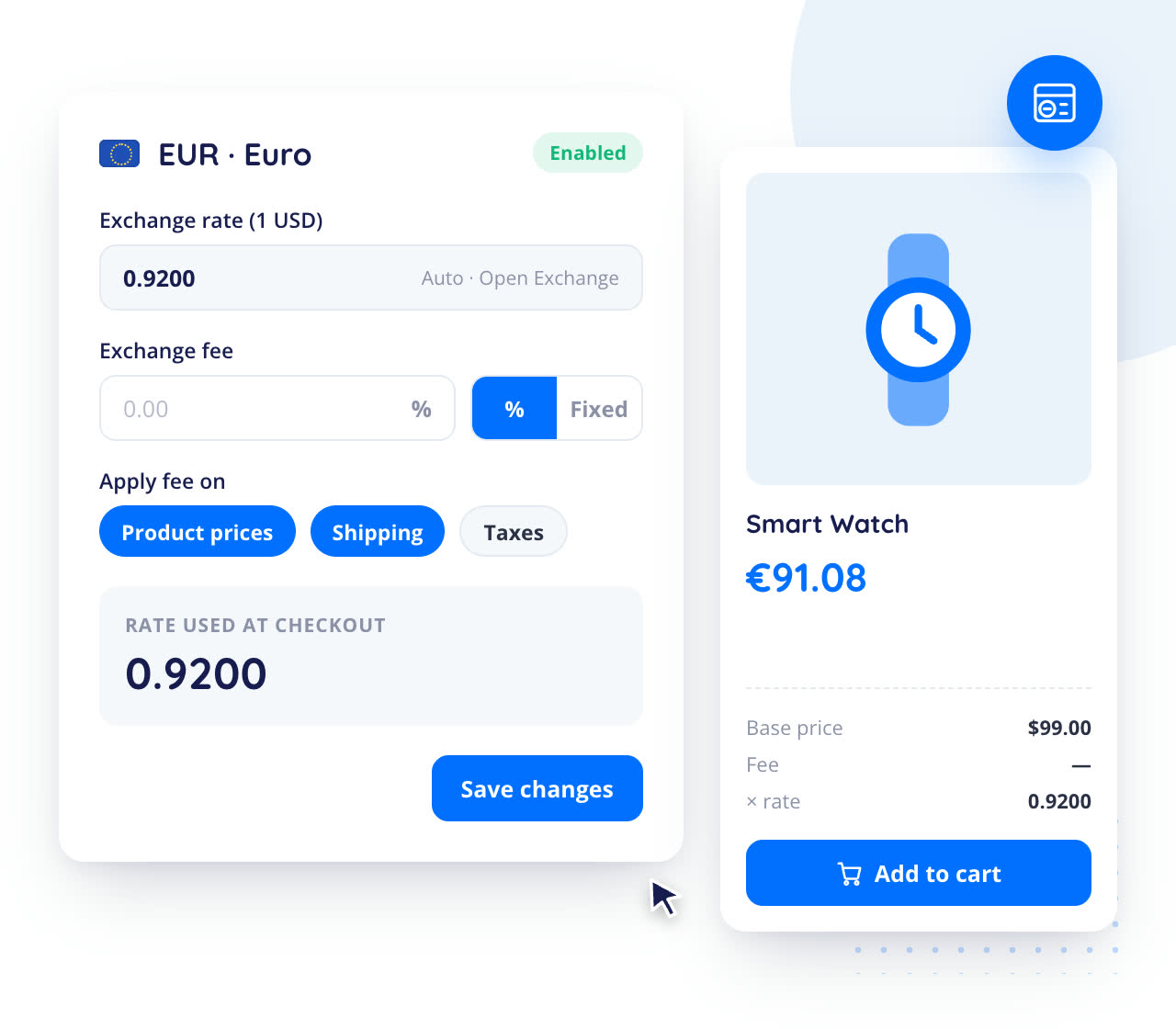
With the currency switcher for WooCommerce, you can set an extra fee for the currency exchange rate in addition to the usual rate. To enable this particular feature, you can set the currency exchange rates concerning the default currencies of your WooCommerce store.

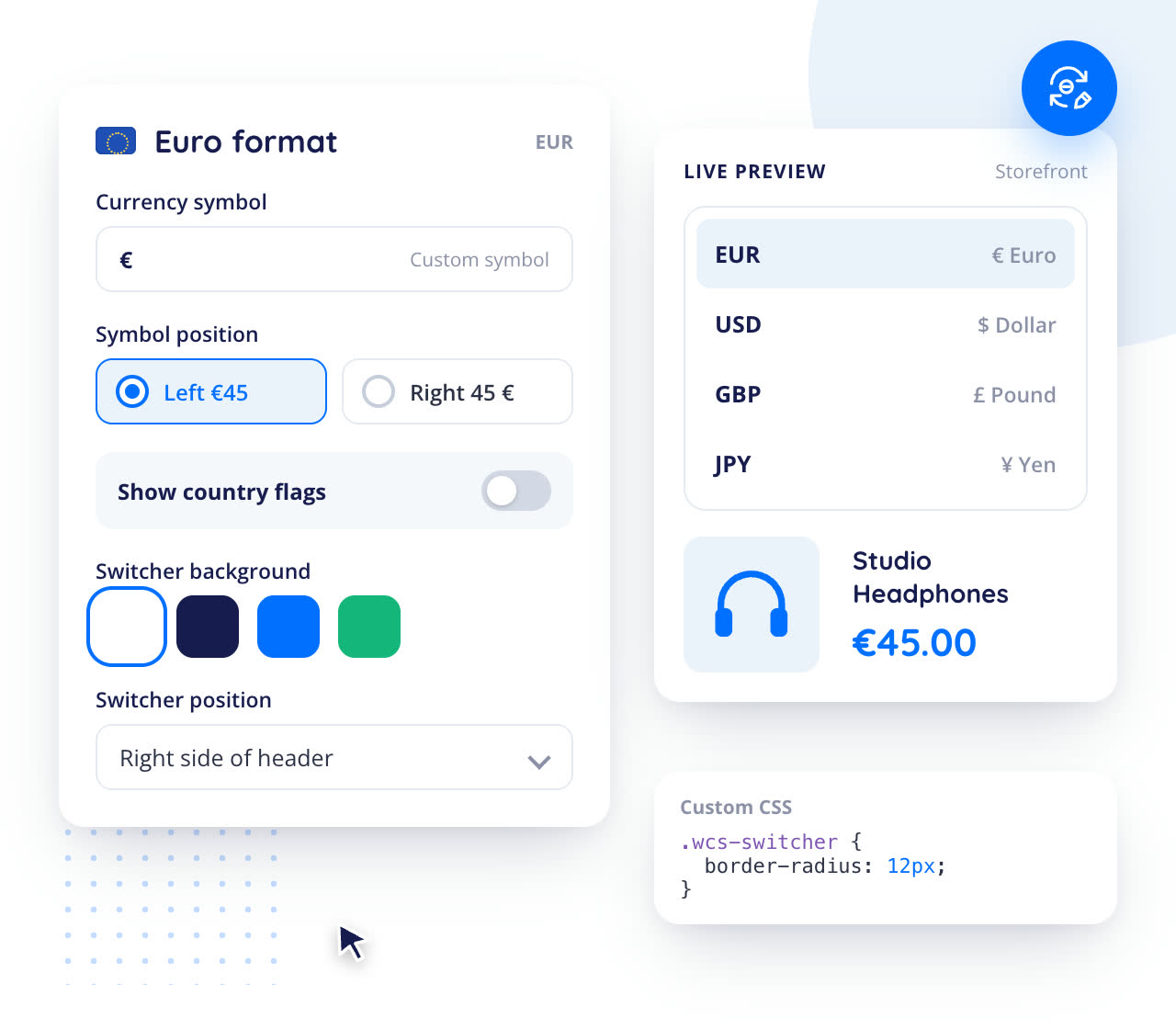
Every currency can take its own format in which you can set the price/money sign as you prefer. Use your custom money symbols to represent the WooCommerce currencies. You may also add and show the country flags in the currency selection box of your WooCommerce store as you need.
More features
 Control Currency switcher
Visibility
 Checkout Currency control
 Control Payment Gateways & Shipping Methods
 Show price in multiple
currencies
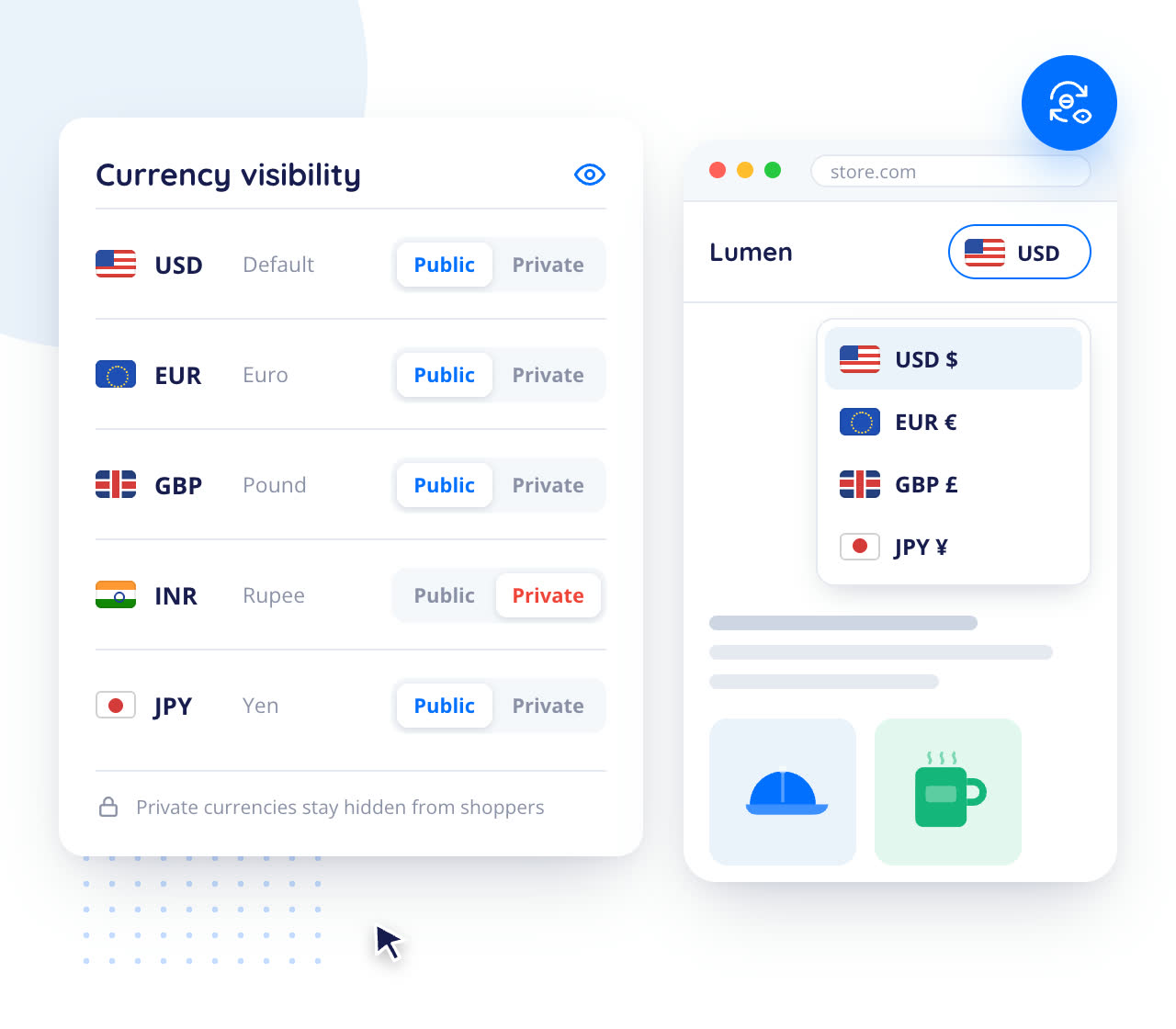
With the WooCommerce currency converter plugin, you can control the visibility of the currency. You can set the WooCommerce currencies as Private or Public. Also depending upon the current currency, you can set the rules to show or hide the payment gates while on the store checkout page.
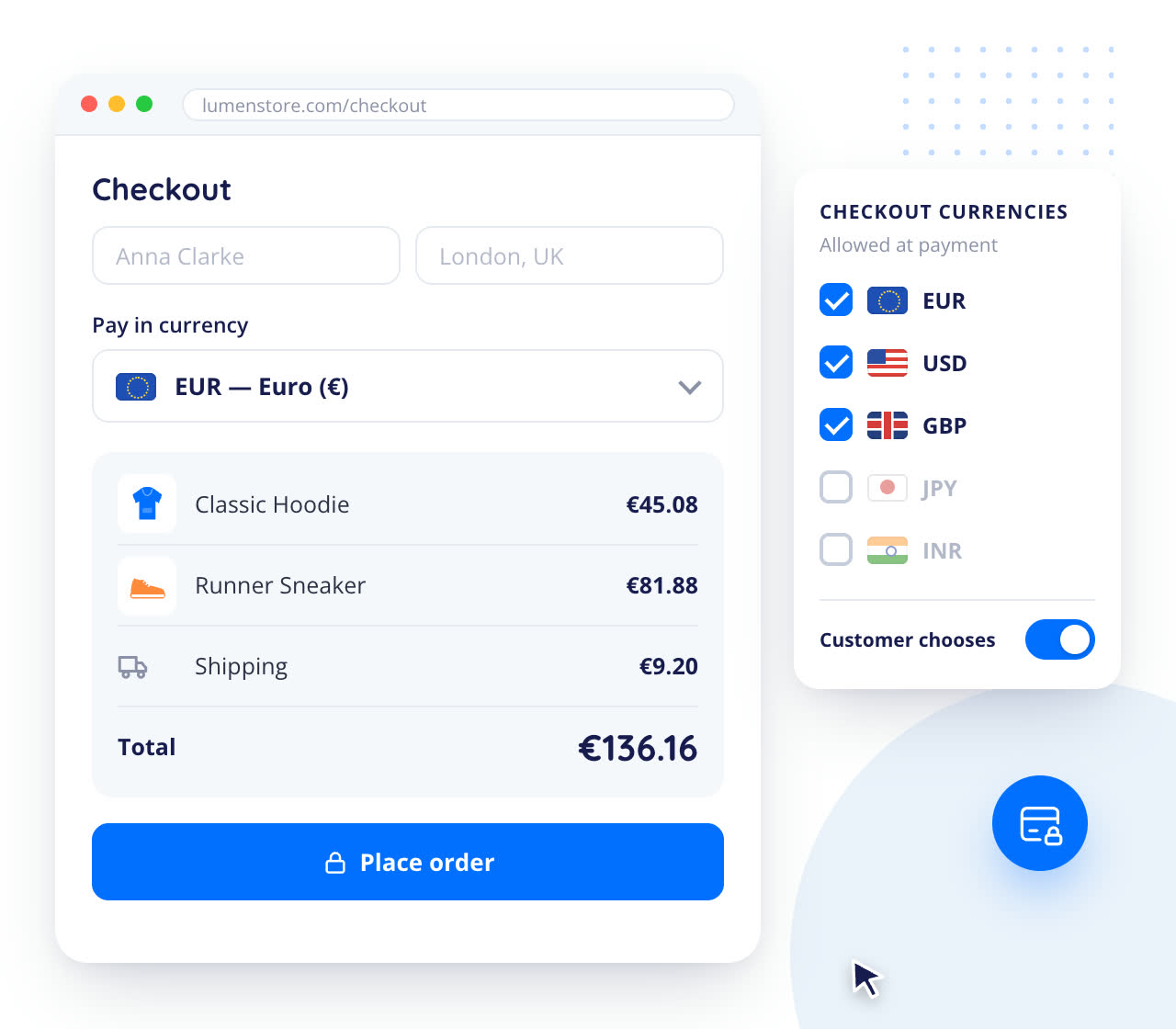
Being the best currency switcher for WooCommerce, our plugin provides an option to choose the checkout that depends on the currency the user selects. Customers can opt for a hassle-free method to select their preferred currency, to ensure they proceed to checkout without any confusion.
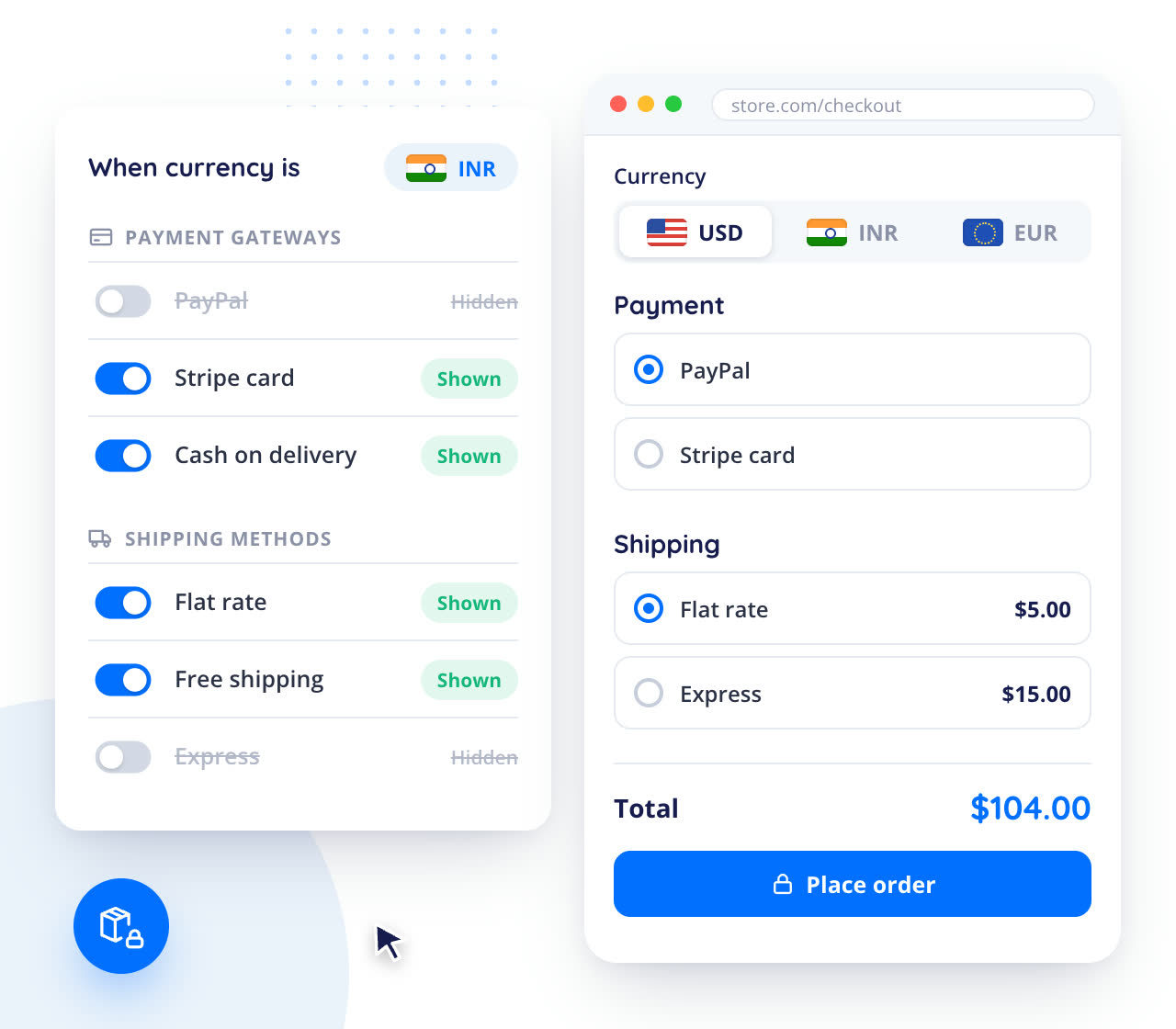
With the Currency Switcher for WooCommerce, you can disable the payment methods for any particular currency and have complete control over the payment methods you offer. Also, you can offer a default currency option at the checkout page for all your visitors, or use custom currency options whenever you need.
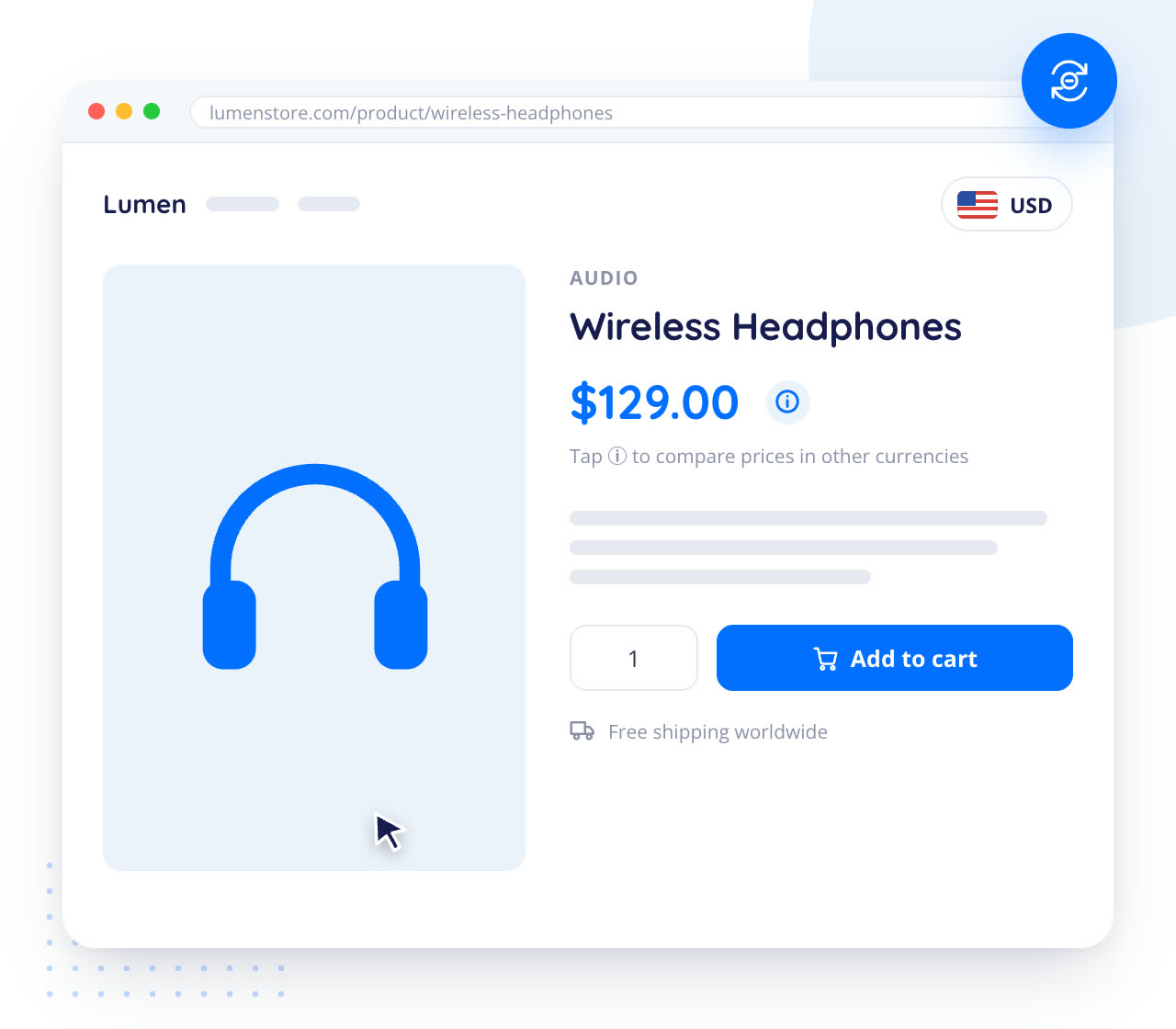
With the WooCommerce currency converter plugin, you can set a price info icon for each product in the front end to let the user view price info on the other currency. This enables the users to switch currencies and check the price variations when they select their preferred currencies.
| Features | Free | Premium |
|---|---|---|
Option to enable/disable currency switcher |

|
|
Option to allow fixed product price with multiple currency |
|
|
Option to allow fixed coupon discount with multiple currency |
|
|
Option to allow fixed shipping price with multiple currency |
|
|
Option to show flags by default in frontend currency switcher panel |
|
|
Option to show Currency sign in frontend currency switcher panel |
|
|
Option to hide switcher panel on checkout page |
|
|
Option to show/hide currency convert calculator on product page |
|
|
Option to show/hide currency convert calculator on cart |
|
|
Optioin to allow default currency based on user location |
|
|
Option to checkout based on pre selected currency |
|
|
Option to show/hide price info icon in shop page |
|
|
Option to show/hide price info icon in single product page |
|
|
Shortcode support |
|
|
| Features | Free | Premium |
|---|---|---|
Option to add more than 2 currencies |

|
|
Option to set default currency |
|
|
Option to set currency symbol |
|
|
Option to set country flag for frontend switcher panel item |
|
|
Option to set price format |
|
|
Option to set decimal for price format |
|
|
Option to set currency rate based on shop default currency |
|
|
Option to set additional fee for currency conversion |
|
|
Button for update currency rate based on default currency |
|
|
Option to hide / show cent from front-end price |
|
|
Option to show/hide currency item from front-end currency switcher panel |
|
|
Option to delete currency item |
|
|
Option to import/export currencies and settings as/from json |
|
|
| Features | Free | Premium |
|---|---|---|
Option for disable or enable woocommerce payment method for specific currency |
|
|
Option for disable or enable woocommerce shipping methods for specific currency. |
|
|
Option to set minimum and maximum shipping cost for selected currencies for specific shipping method |
|
|
Option to set additional custom currency symbol in symbol dropwdown list |
|
|
| Features | Free | Premium |
|---|---|---|
Option to enable / disable specific currency based on country |
|
|
| Features | Free | Premium |
|---|---|---|
Option to enable/disable email notification while update currency rate based on default currency |
|
|
Option to set email subject, message from backend |
|
|
| Features | Free | Premium |
|---|---|---|
Option to enable/disable currencies bar in frontend |
|
|
Option to set currency panel title in frontend |
|
|
Option to set currency panel position as left or right |
|
|
Option to set currency panel style from dropdown list |
|
|
Option to set color and background color for main currency switcher panel and widget panel |
|
|
Option to write own css code |
|
|
| Features | Free | Premium |
|---|---|---|
Option to set currency aggregator from dropdown list for get latest currency rate |
|
|
Option to set currency aggregator API Key if needed |
|
|
Option to set currency storage from dropdown list for user selected currency |
|
|
Option to set rate auto update from dropdown lists as hourly, daily, weekly or monthly |
|
|
Option to show/hide switcher in selected page |
|
|
Option to show / hide switcher for selected user role |
|
|







It is a multi-currency converter plugin that shows prices in the user’s local currency. It supports more than 150 currencies, lets you add custom currencies and icons, and sets up multi-currency in your WooCommerce store with an easy-to-use interface.
You can choose from 10+ currency aggregator services to sync your exchange rates automatically at regular intervals (hourly, daily, weekly or monthly), or set the rates manually in terms of your store’s default currency. You can receive an email notification when the rates change, and you can add an extra exchange fee to each currency’s rate.
Yes. The plugin detects the visitor’s location from their IP address and sets the default currency, so prices are shown in their home currency. You can also enable or disable specific currencies based on the country.
Yes. Customers can check out in the currency they select, and you can show or hide payment gateways and shipping methods for any specific currency. You can also set a currency as Private or Public to control whether it appears in the currency switcher.
Yes. The free version is available on WordPress.org and includes most features, such as auto-detecting the currency, exchange rate updates, payment and shipping rules per currency, flags and custom styling. Adding more than 2 currencies is a premium option; the PRO version is coming soon.
Licences, refunds and upgrades work the same for every plugin: see the answers
























 Login

 Cart


 Back-end Demo
 Front-end Demo