- Woocommerce
- Shopify Apps
- WordPress


With the help of our plugin Email Customizer for WooCommerce, you can easily build and customize WooCommerce emails with a drag-and-drop user interface.
 Back-end Demo

if you are not 100% satisfied with our products, you will receive a 100% refund for any reason.


 Rated 4.9/5.0

5.01 review
 50+
Active installations

We are providing you with the best experience with the drag and drop feature for customizing the email templates.
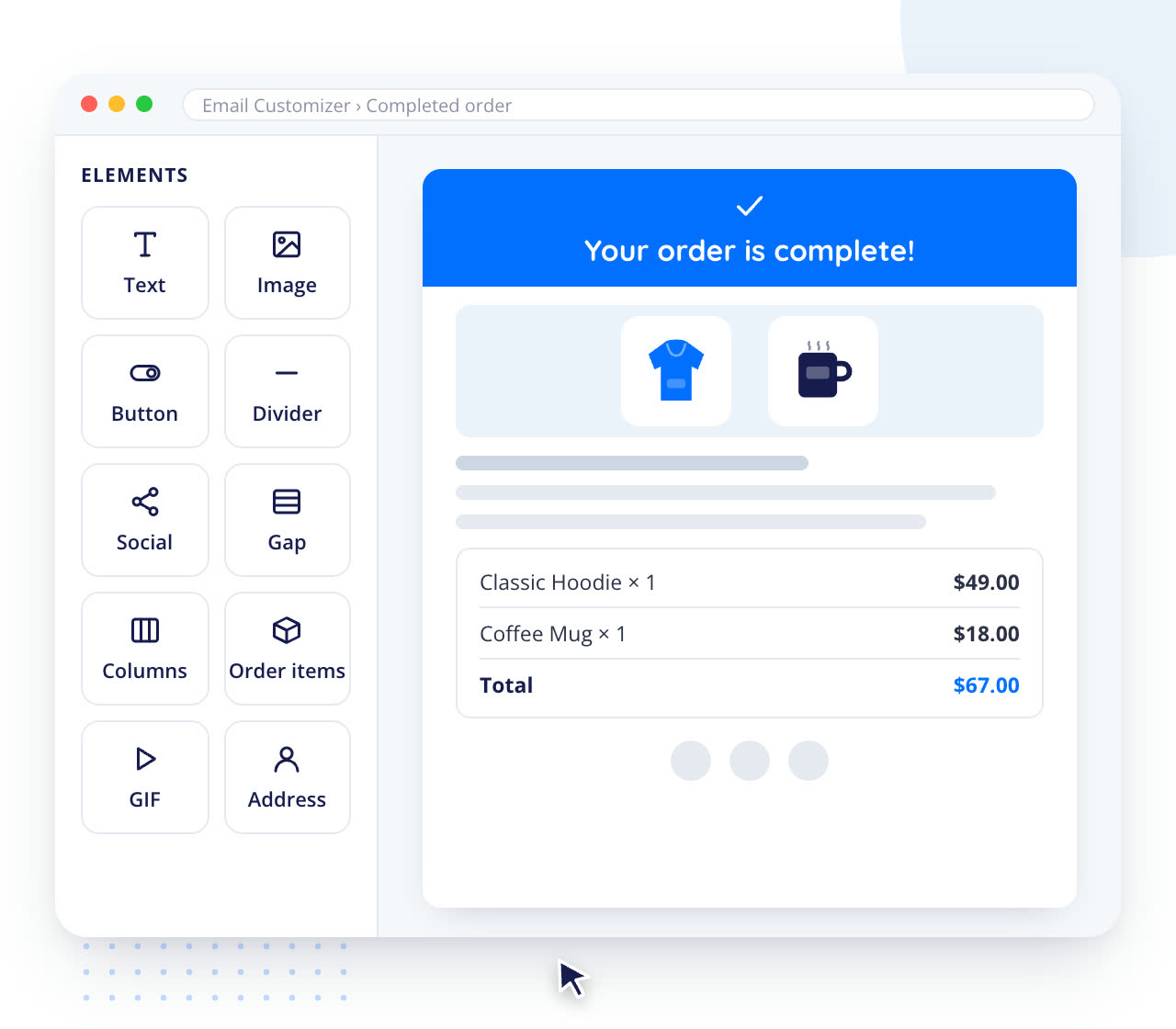

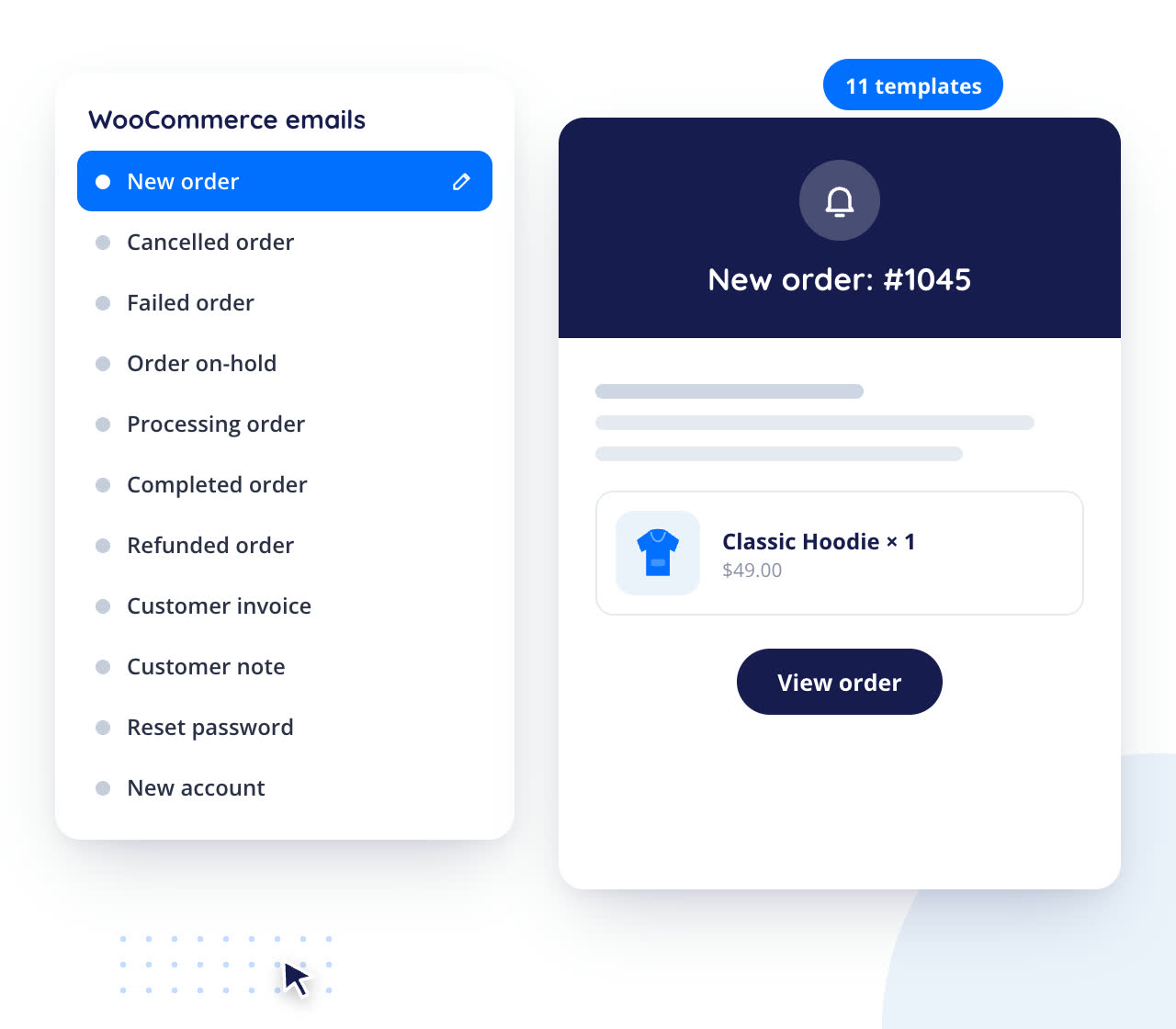
You can customize WooCommerce’s 11 default email templates with our plugin Email customizer and designer without any hassle.

You can increase the size of the email template as per your wish. You can add new sections/rows without the help of any developer. This plugin makes you a PRO email designer.
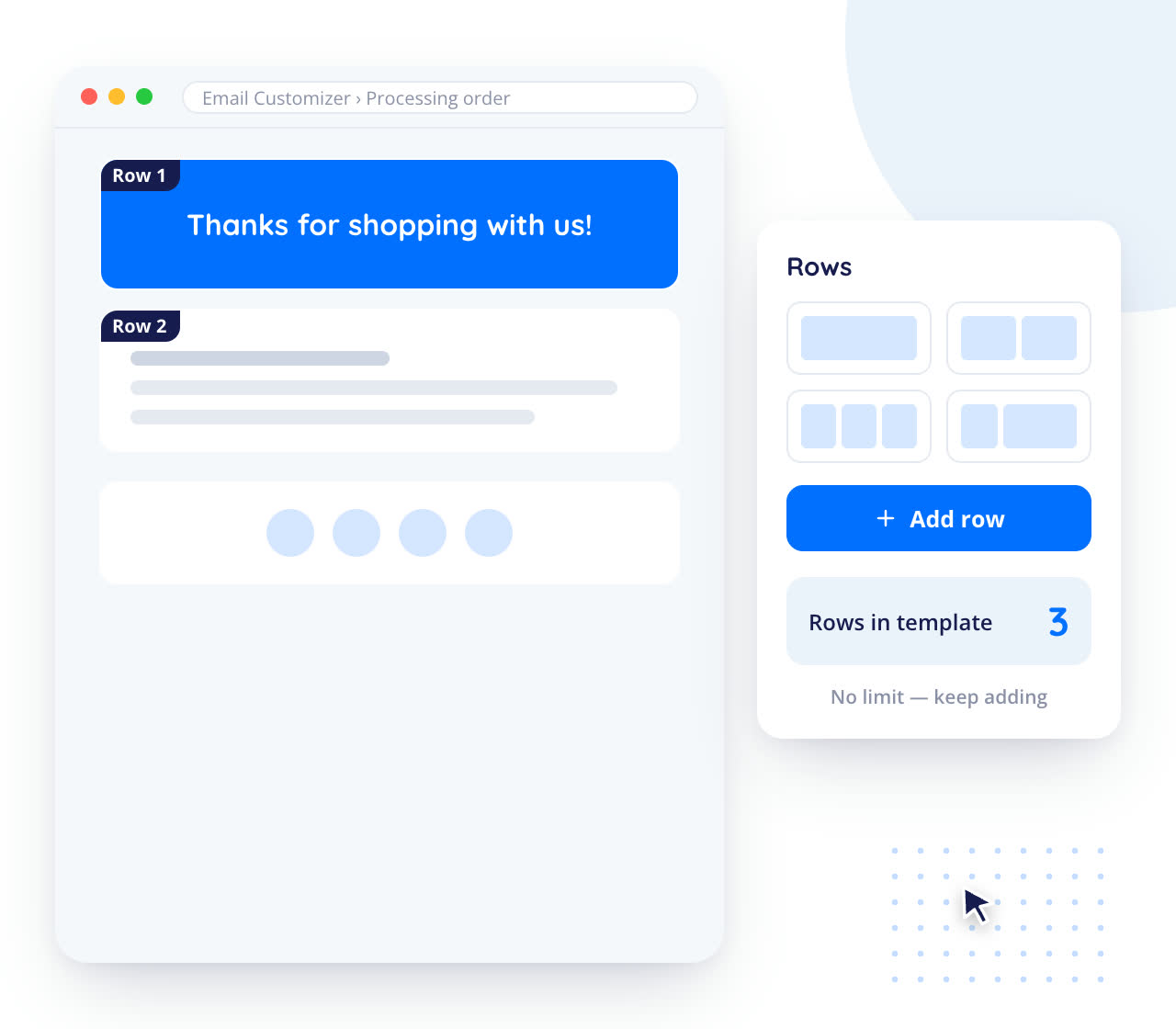

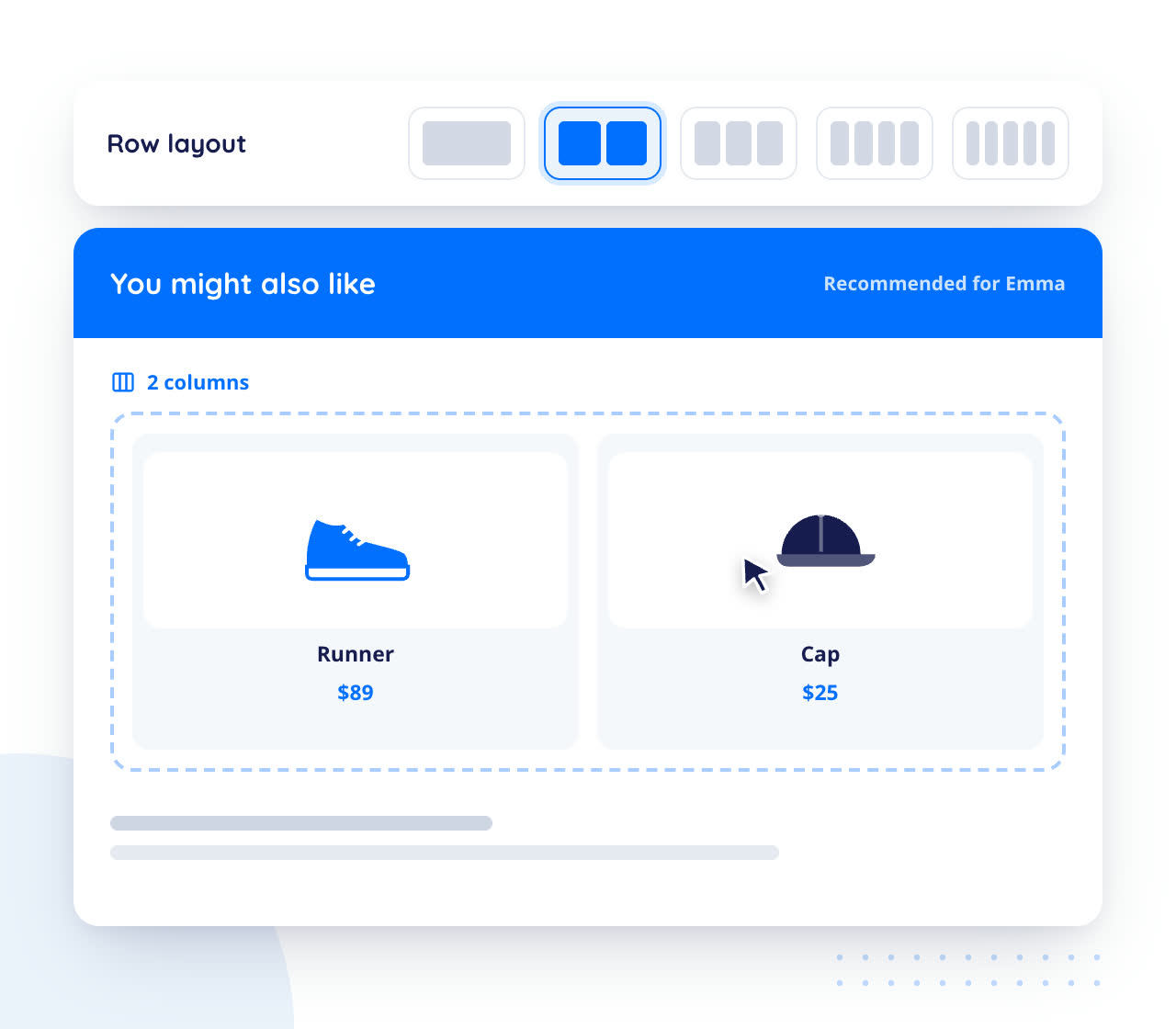
Based on your creativity, you can add multiple columns and put the elements you wish.

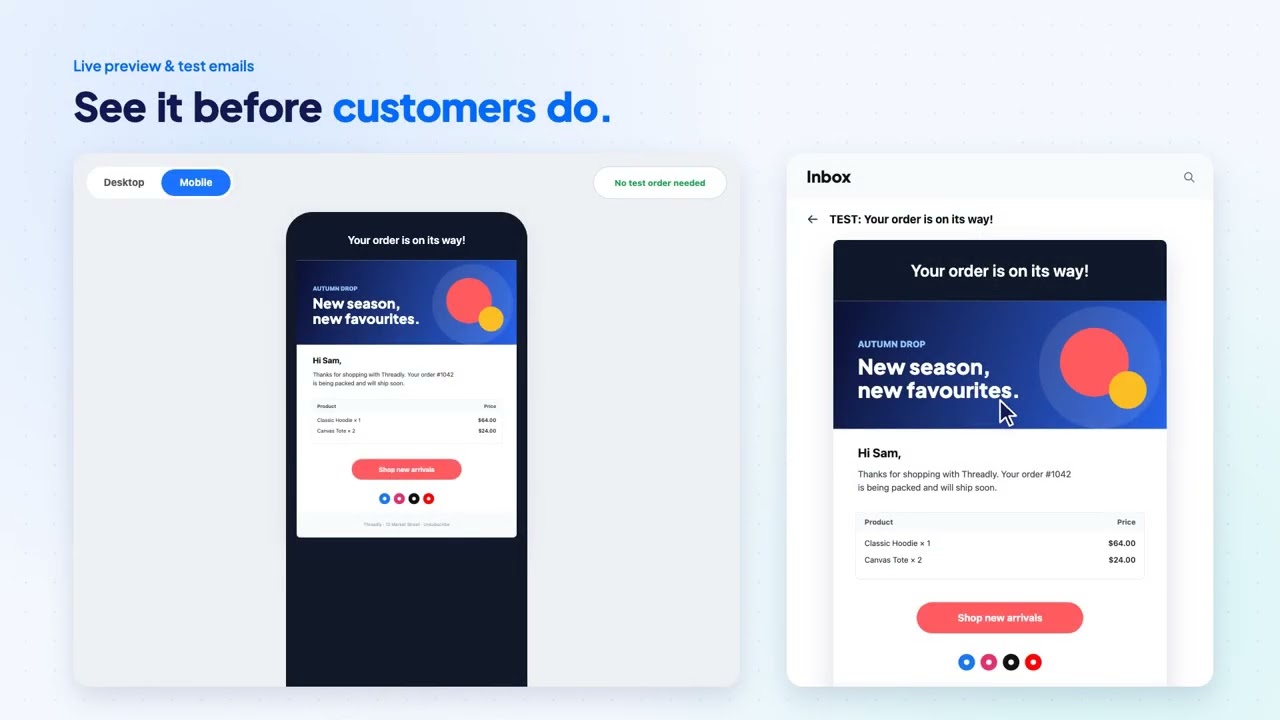
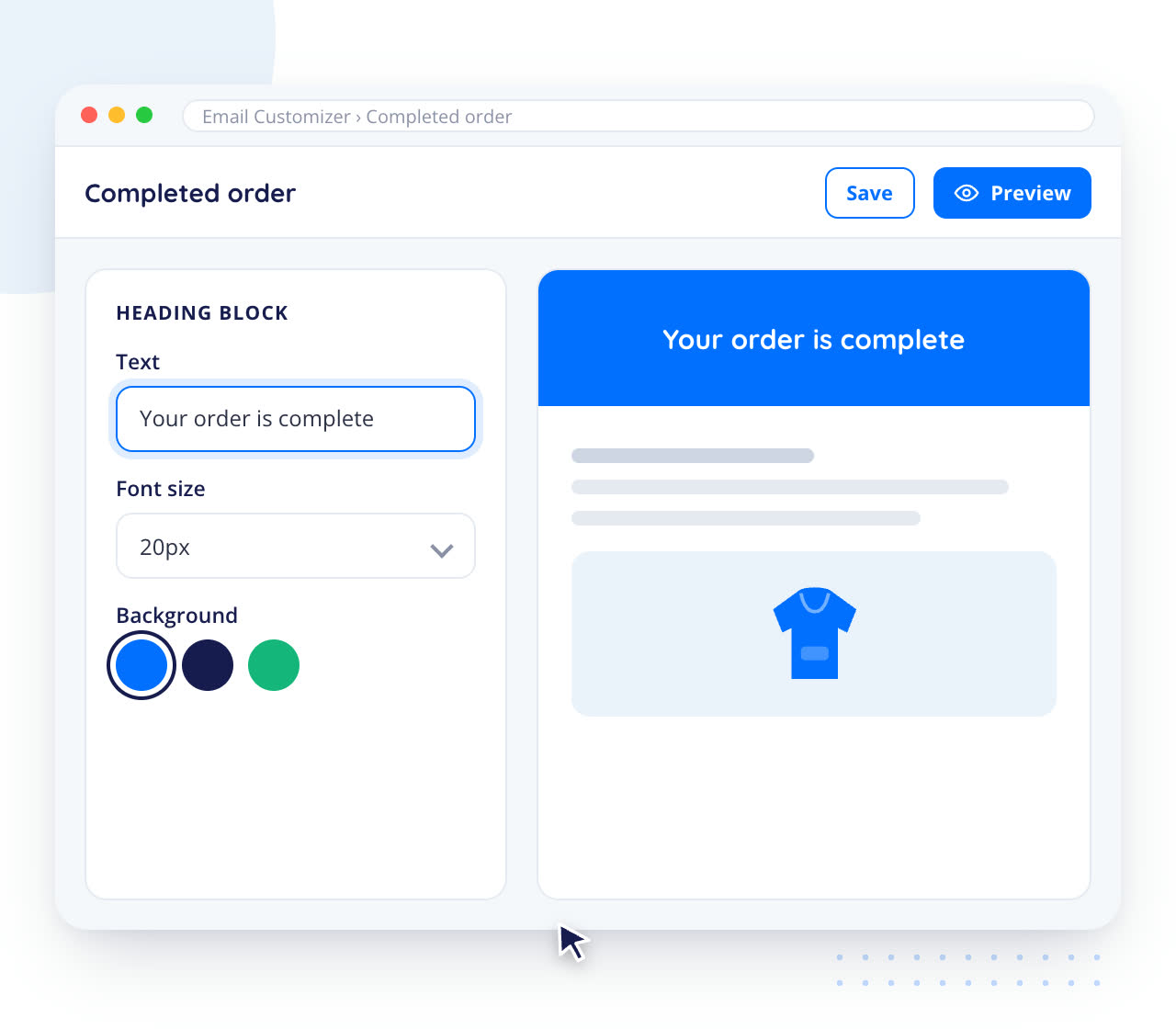
In order to view the updates, do not wait to do a test order/registration. You can view the preview with just a single button click.
More features
 Supports test mails
 Dynamic placeholders for a better experience
 Compatibility with advanced woocommerce plugins
 Supports woocommerce hooks
 Supports LTR as well as RTL
 Availability of almost all basic and woocommerce elements
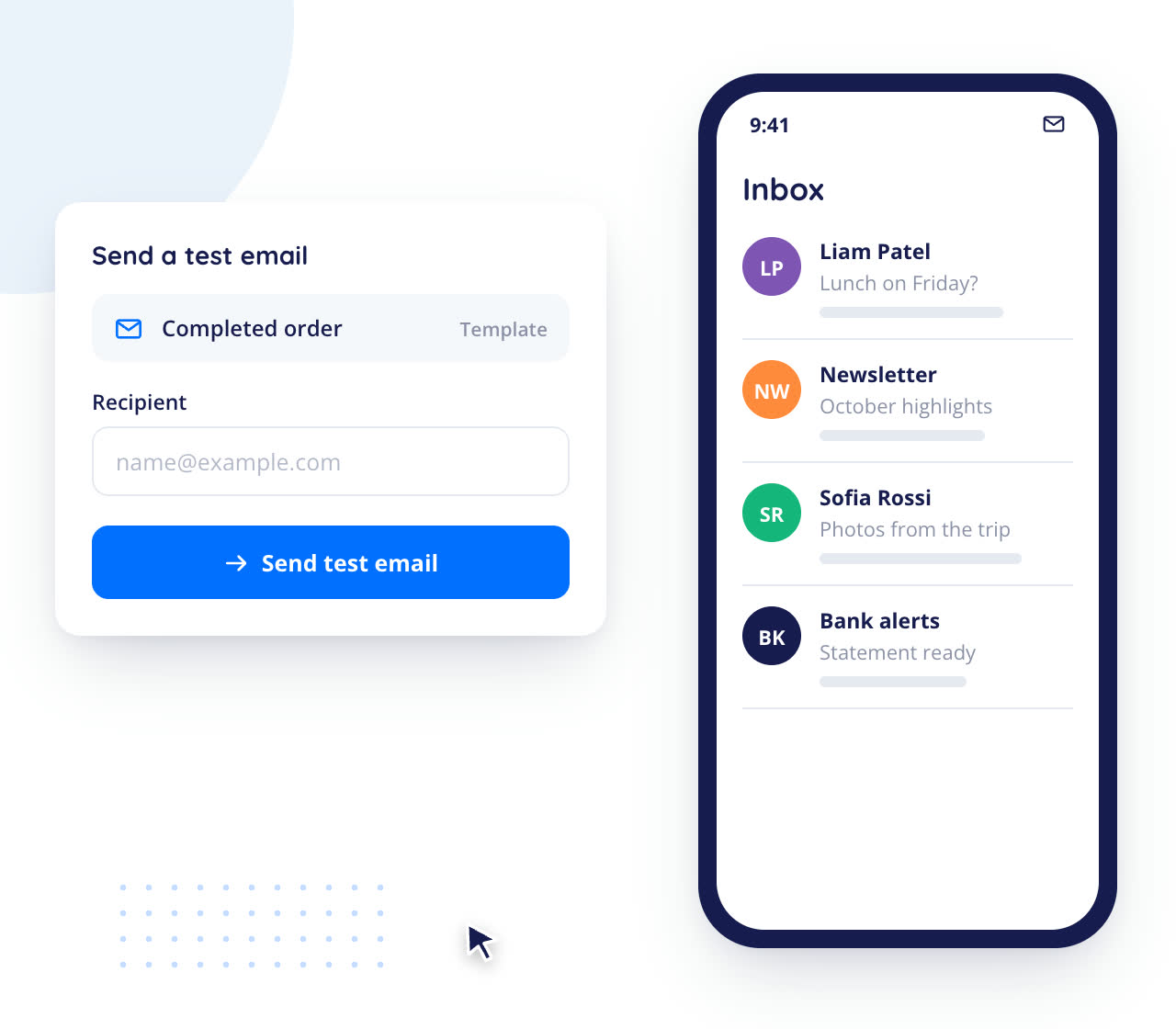
This plugin supports test mails as well. This makes you ensure that your email is working smoothly on all devices without any issues.
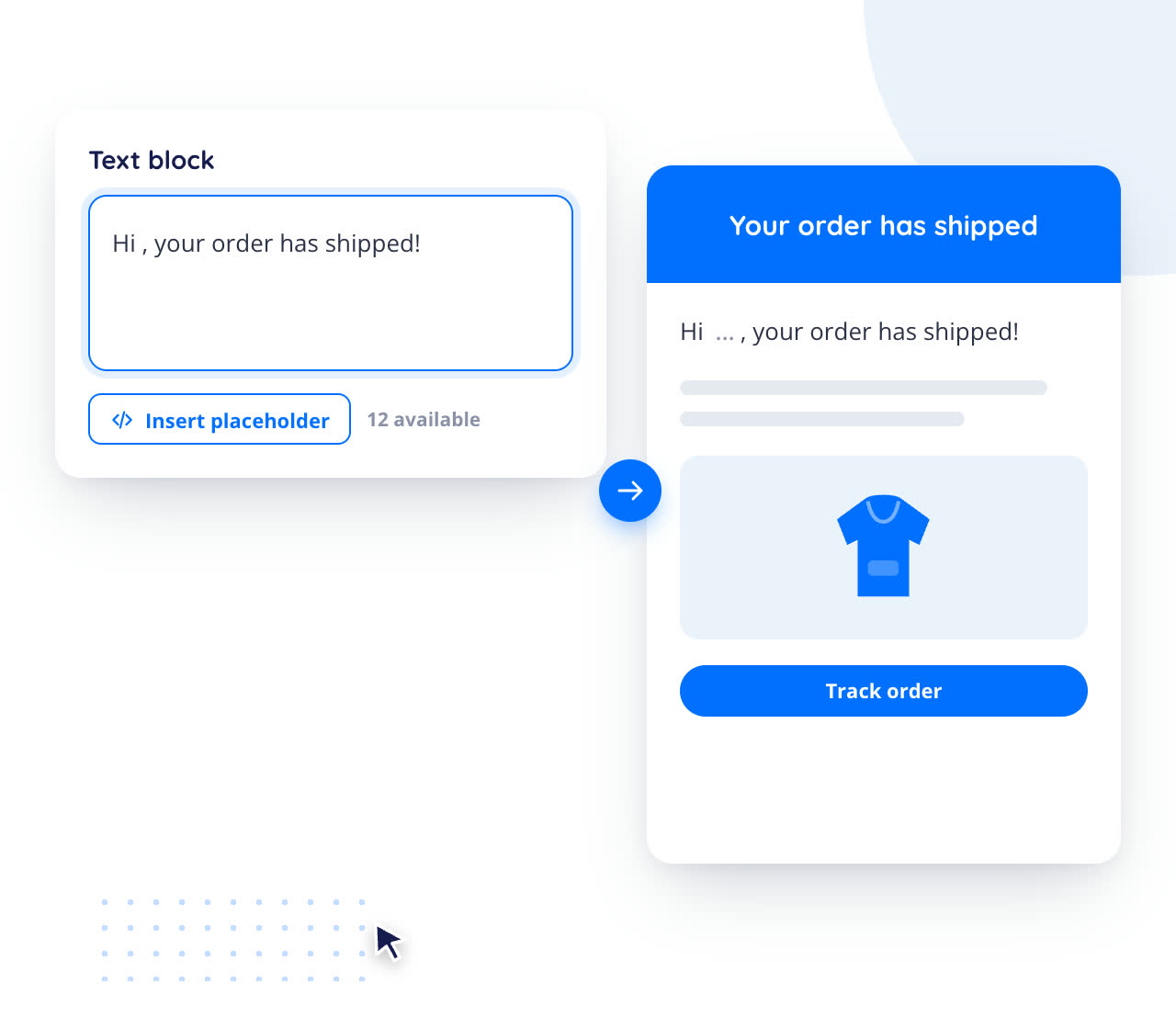
All emails require some dynamic content such as username, address, etc. Do not worry about this in our plugin. You can use dynamic shortcodes/variables for these contents as placeholders.
Our plugin is compatible with many premium plugins such as product add-ons, Checkout field editor, etc. And more plugins are going to this list in our future updates.
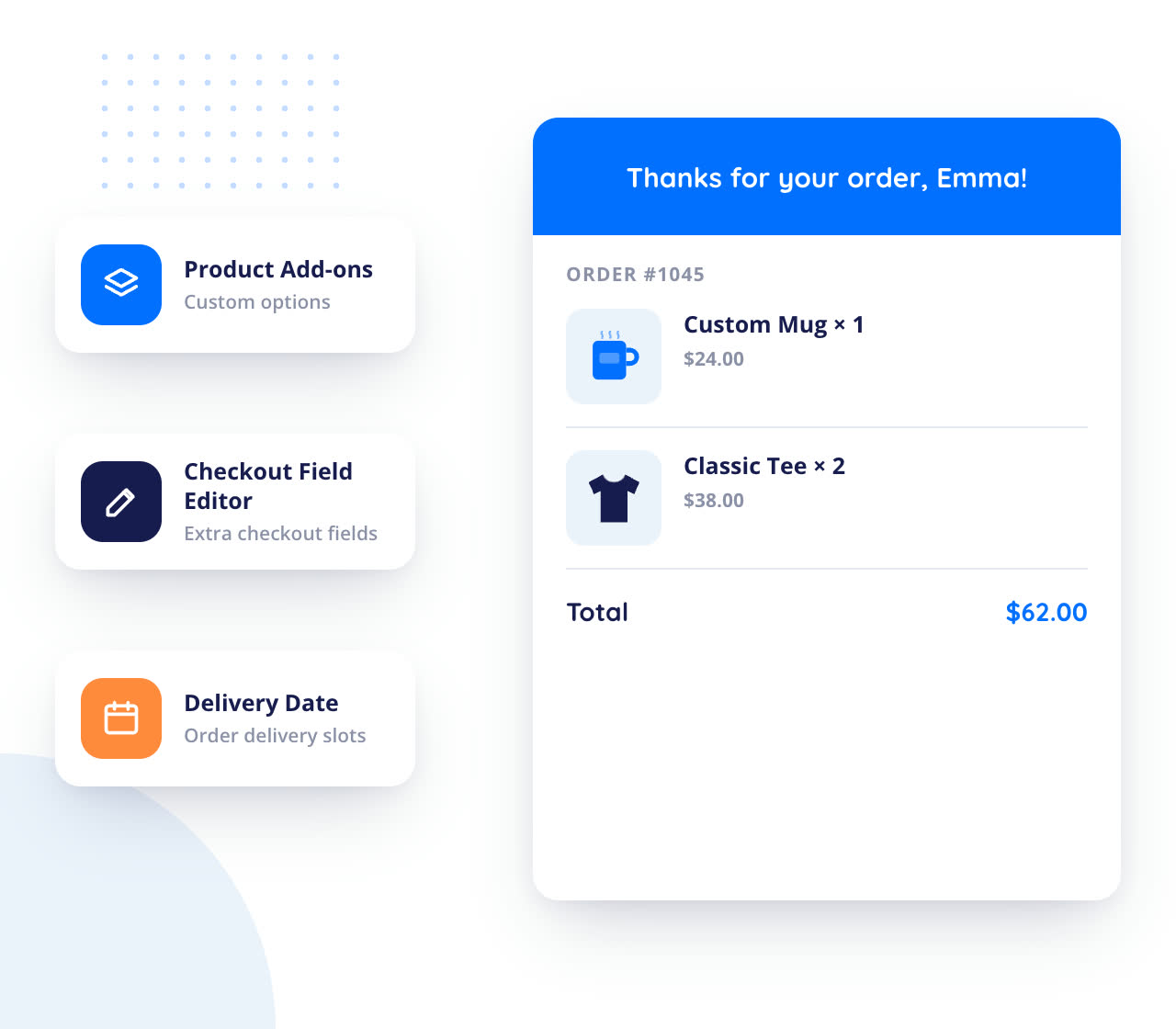
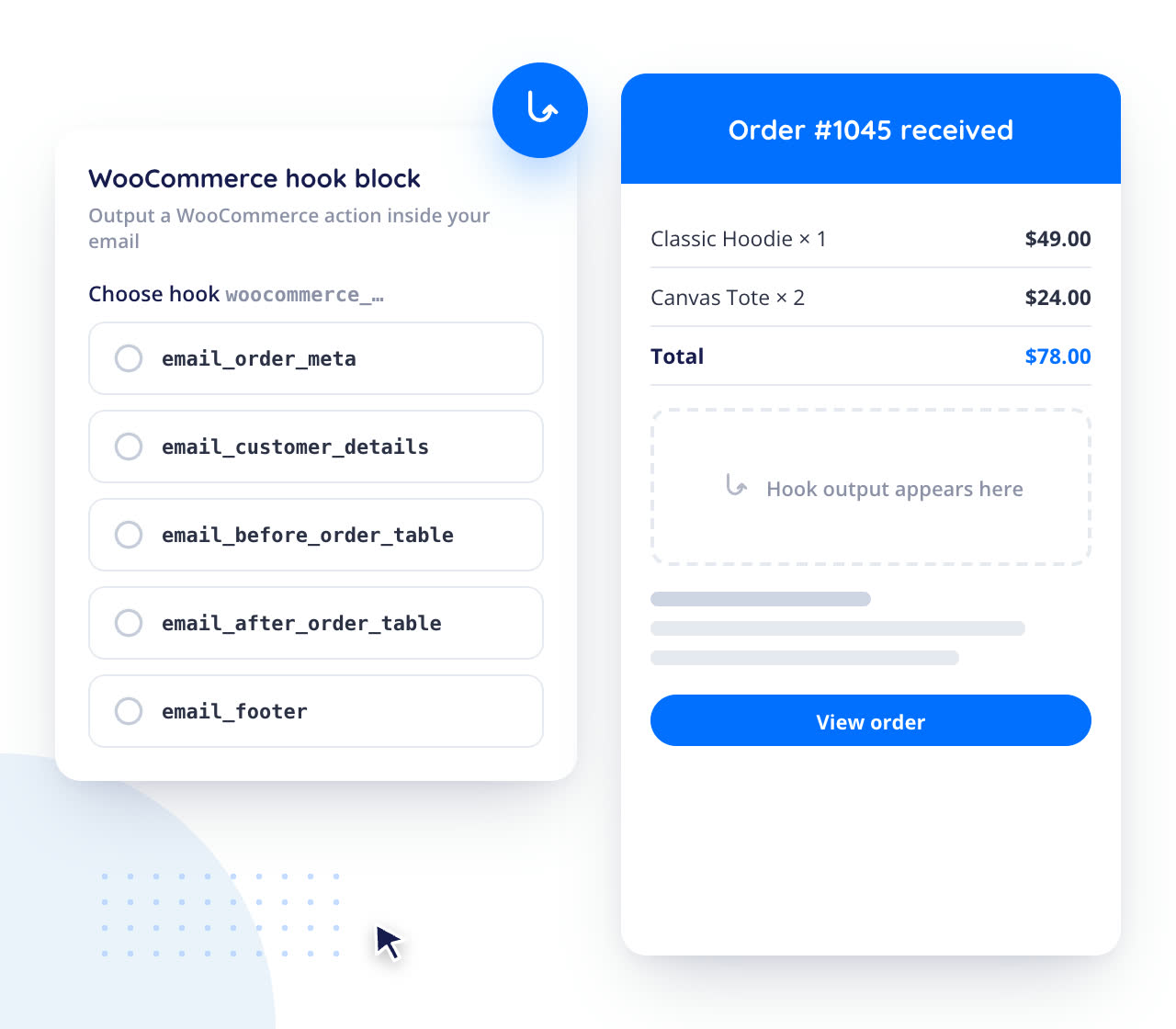
Our plugin Email customizer and designer supports woocommerce hooks. You can add the woocommerce hooks like order meta, customer details, etc to your email template based on your needs.
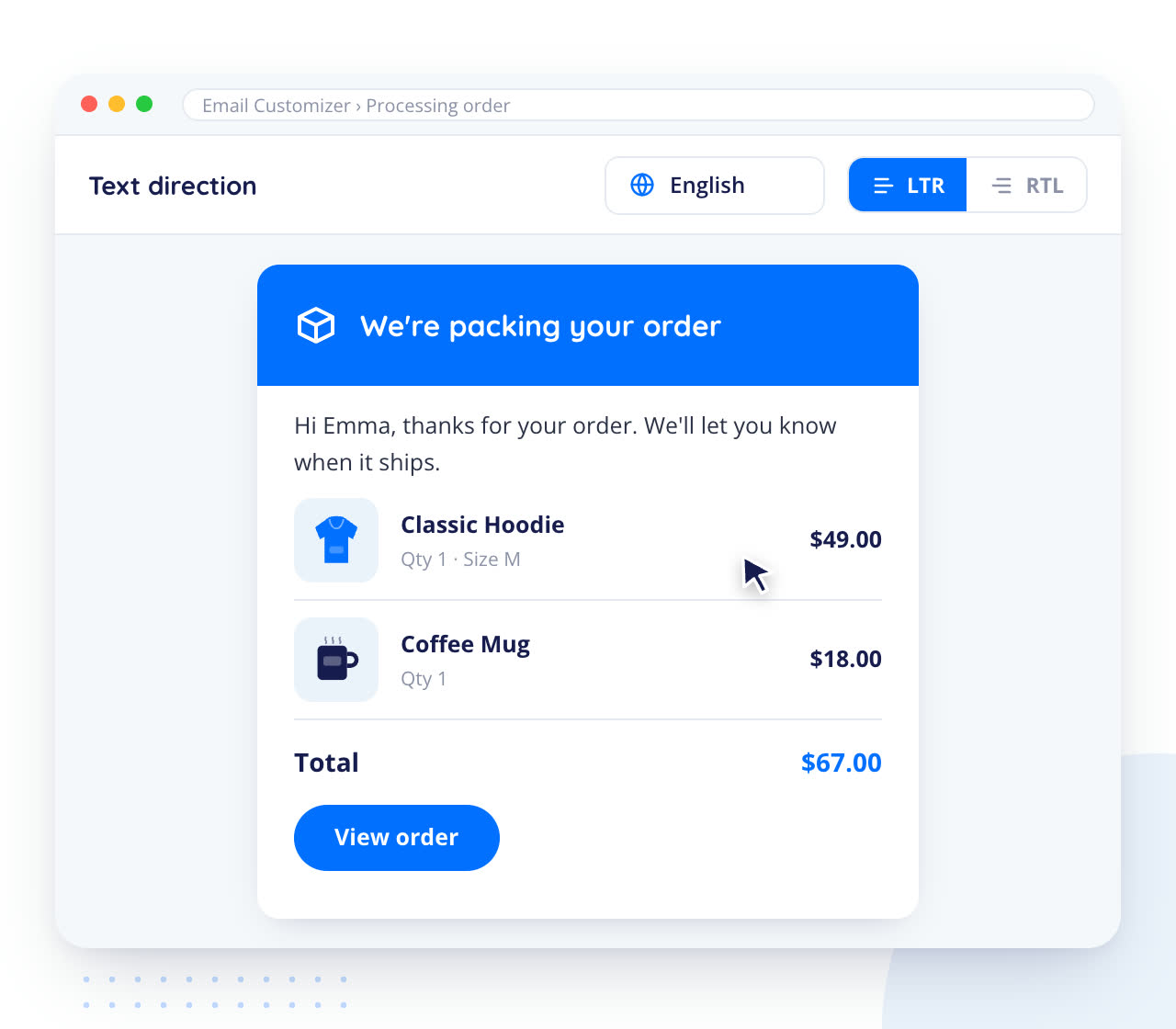
You can switch between languages with directions from LTR or RTL.
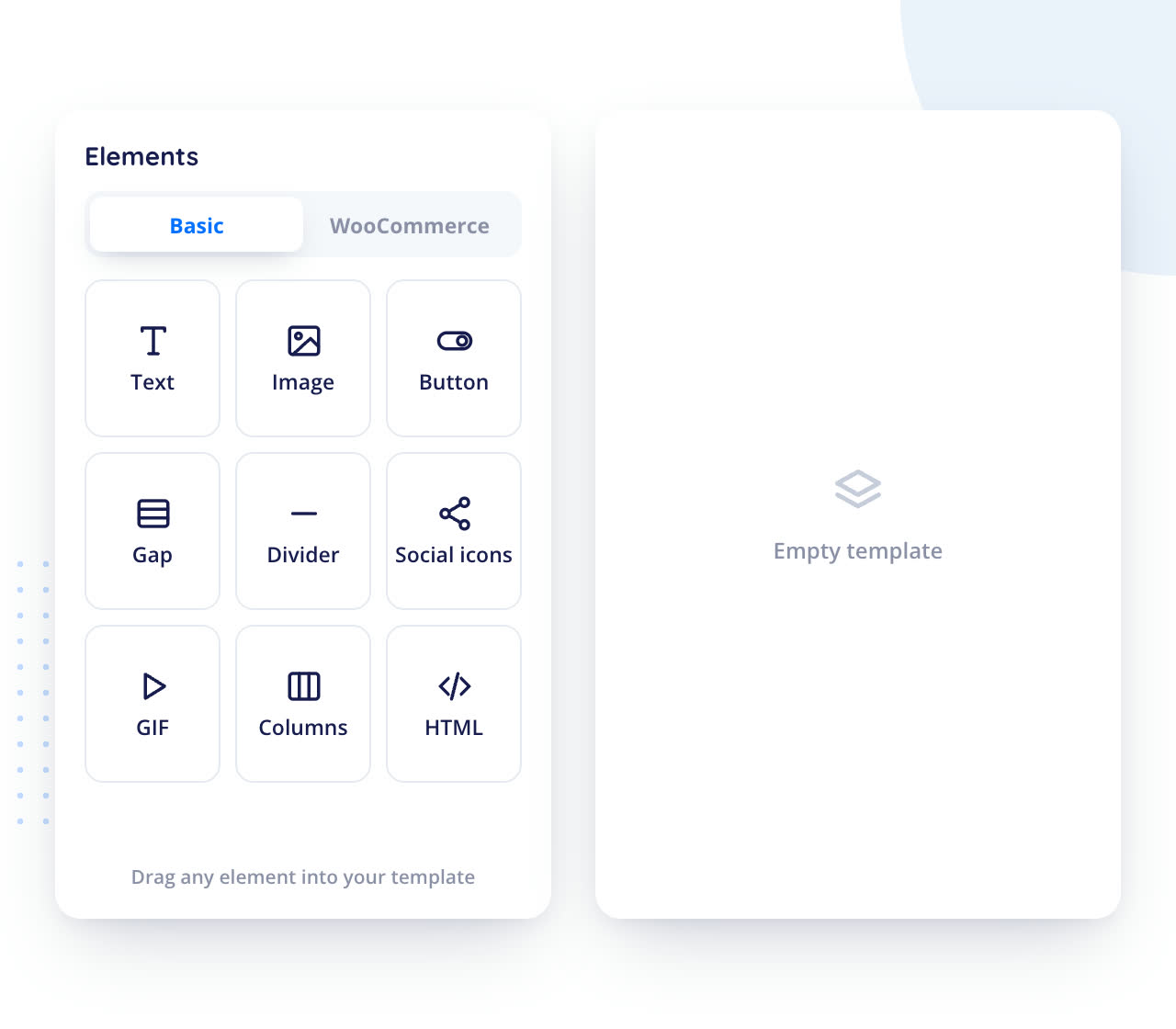
We support many basic elements such as text, image, gap, divider, social icons, buttons, Gifs, and Woocommerce elements such as header, order, customer details, billing/shipping address, and downloadable items, shipping/payment methods, order total, etc.
| Features | Free | Premium |
|---|---|---|
Global style settings for email templates. |

|
|
Drag and drop template customizer. |
|
|
You can customize 11 WooCommerce default email templates for various status. |
|
|
Supports unlimited rows in the template. |
|
|
Supports multiple column layouts upto 5 columns. |
|
|
Real-time preview for seeing changes made to the template. |
|
|
Supports test mails to understand the appearance of the created email template. |
|
|
Dynamic placeholders like customer name, site name, user name, and much more are available. |
|
|
Supports woocommerce hooks like order meta, customer details etc in email template. |
|
|
Supports LTR or RTL. |
|
|
| Features | Free | Premium |
|---|---|---|
Order Custom Fields Support |

|
|
Option to show woocommerce coupon |
|
|
Option to show products & post elements in email templates |
|
|
More dynamic placeholders |
|
|
Advanced customization options. |
|
|
| Features | Free | Premium |
|---|---|---|
Compatible with Checkout Field editor and Product Addons for WooCommerce. |
|
|
Support Order Status Manager by SkyVerge Emails |
|
|
Support YITH WooCommerce Custom Order Status Emails |
|
|
Support for WooCommerce Subscriptions Emails |
|
|
WPML compatibility |
|
|
Acowebs Deposits & Partial Payments for WooCommerce Support |
|
|







It lets you build and customize your WooCommerce emails with a drag-and-drop editor. Almost all basic and WooCommerce elements are available, so you can build a complete email yourself, without the help of a developer.
You can customize the 11 default WooCommerce email templates that are sent for the various order statuses. Each template can have unlimited rows and layouts of up to 5 columns, and global style settings apply to your email templates.
Yes. The real-time preview shows your changes with a single click, so you don’t need to place a test order or register a test account. You can also send a test email to any address to see how the template looks in an inbox.
Yes. It is compatible with advanced WooCommerce plugins, so their order data can appear in your emails, and it supports WooCommerce hooks such as order meta and customer details. Dynamic placeholders like customer name and site name are available, emails can be built left-to-right or right-to-left, and translation with WPML is covered in the documentation. It needs WordPress 4.4 or later.
Yes, a free version is available. The premium version costs $49 for a single site with 1 year of updates, $119 for a single site with lifetime updates, $119 for up to 5 sites with 1 year of updates, and $249 for up to 5 sites with lifetime updates. It comes with a 30-day money-back guarantee.
Licences, refunds and upgrades work the same for every plugin: see the answers



















 Login

 Cart