Login
Login
 Cart
Cart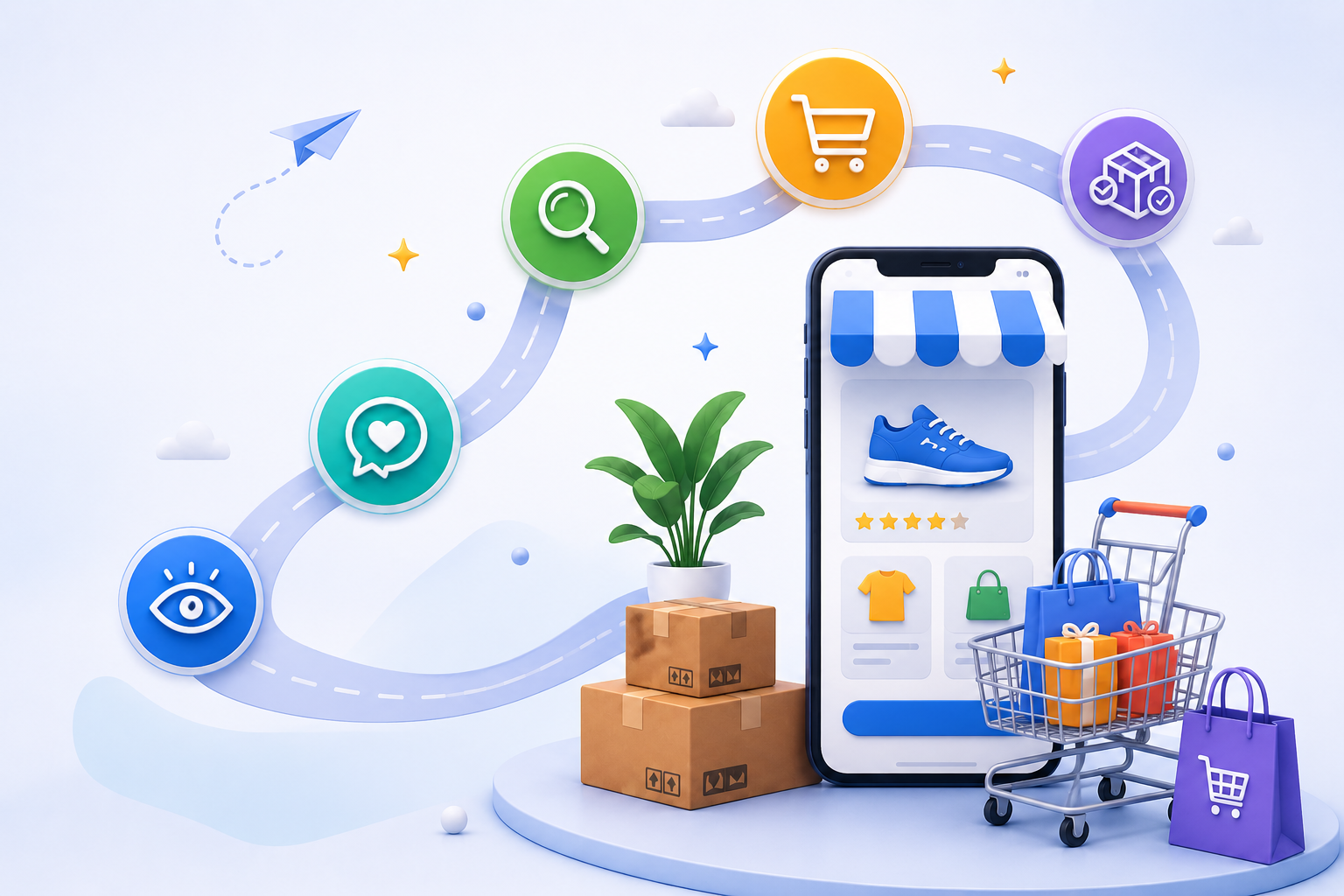
The ecommerce customer journey is the complete sequence of interactions a shopper has with your brand – from the first ad, search result, or social post all the way through checkout and long after the order is delivered. Every step matters. A shopper who finds your store but cannot quickly see a colour option, or who abandons a checkout that asks for too much, is a sale you worked hard to earn and then lost to friction.
Improving this journey is not a one-time project. It is a continuous loop of mapping how real buyers move through your store, finding the exact moments where they stall or leave, and removing those obstacles. When you get it right, the payoff shows up in three places at once: more first-time conversions, more repeat purchases, and a higher lifetime value from every customer.
This guide walks through the stages of the journey, how buyer personas shape it, a copyable journey-map template, the B2B differences that most stores overlook, and the precise UX fixes that move the needle for WooCommerce and Shopify stores.
What Is the Ecommerce Customer Journey?
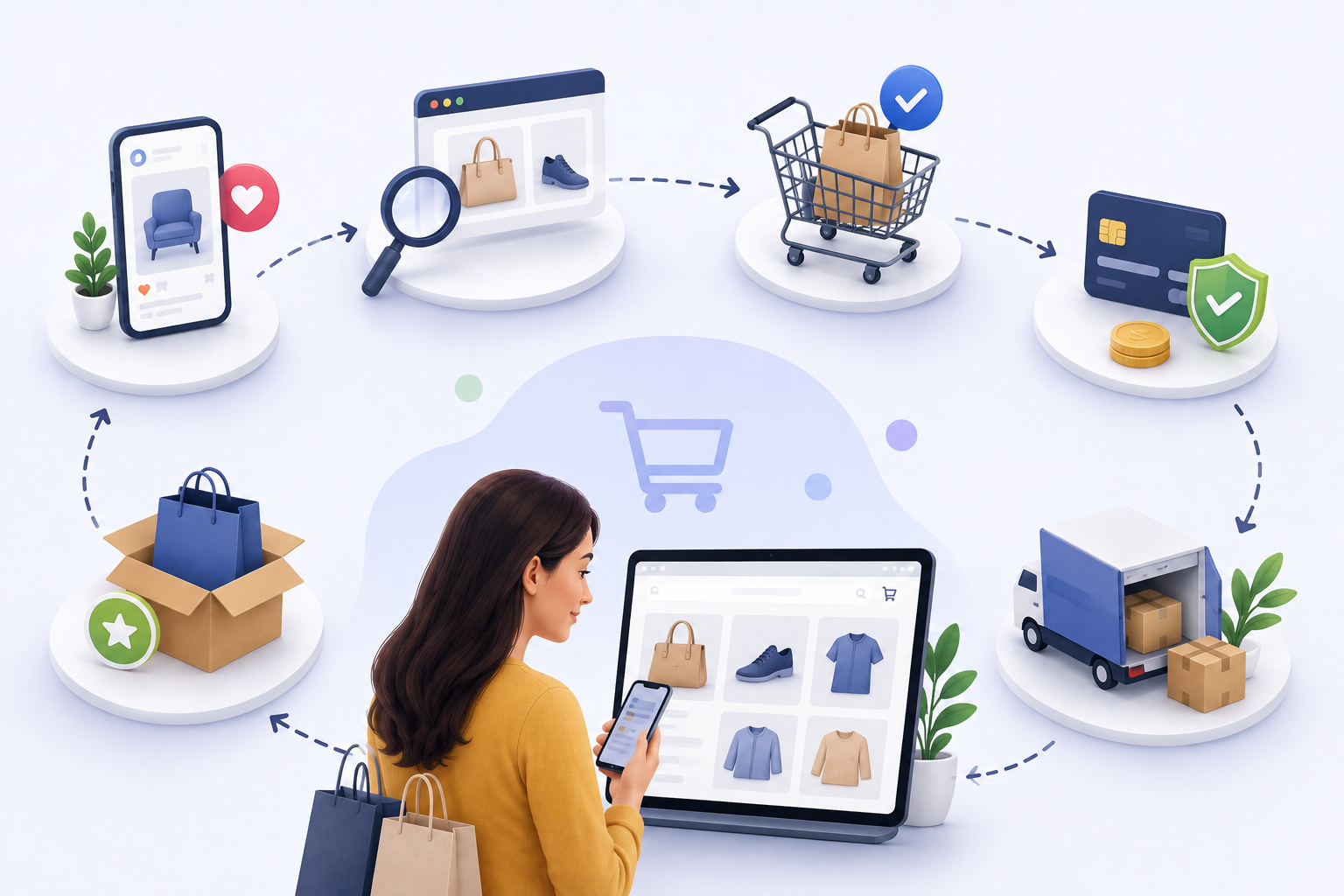
The ecommerce customer journey covers every touchpoint before, during, and after a purchase: pre-purchase research, the decision, checkout, and post-purchase service. To optimize it properly, it helps to separate two terms people often use interchangeably.
The buyer journey is the generic path every shopper walks regardless of which store they buy from. They notice a problem, research possible solutions, compare options, and choose one. The customer journey is the specific path through your store — the touchpoints you actually control, from your product pages and checkout form to your order emails and support chat. HubSpot’s customer journey map guide puts the distinction plainly: the buyer journey is universal, while the customer journey is unique to your brand.
A buyer journey typically ends at the transaction. A customer journey keeps going into delivery, support, returns, and repeat buying. That difference is why stores that only optimize the checkout page leave money on the table. The customers who would have come back for a second or third order never see a reason to.
Mapping the journey matters because it shows exactly where shoppers leave. Baymard Institute puts the average cart abandonment rate near 70%. When roughly seven out of ten carts are abandoned, the problem is rarely the product itself. It is friction in the journey: a vague product page, a long checkout form, a surprise shipping fee revealed only at the final step, or a store that goes silent the moment the order is placed.
Stages of the Ecommerce Customer Journey
Most frameworks describe the ecommerce customer journey in four stages. Each one has a different shopper mindset, a different set of pain points, and a different set of fixes.
Awareness Stage
At this stage, shoppers discover your brand through an ad, a search result, a social post, or a recommendation. They decide in seconds whether your offer fits what they came for. The biggest pain point is a mismatch between the promise and the page. A shopper who searched for “waterproof hiking boots under $100” should land on those boots at that price – not on a generic hero banner that makes them hunt.
The fix is alignment. Make your ad copy, search snippet, and landing page all carry the same clear benefit, and pair it with a single call to action. If a shopper arrives from a search for a specific product, send them straight to that product page rather than the homepage. Every extra click between arrival and relevance is a chance to lose them.
Consideration Stage
Shoppers now browse categories, read reviews, compare options, and save items for later. The central pain point is that they cannot evaluate what they cannot see. Dropdown menus hide color and size choices. Inspecting a product often means leaving the page and losing your place. Static images do not communicate scale, texture, or fit.
Show options visually with Variation Swatches for WooCommerce, which replaces plain dropdowns with clickable colour and image swatches. Let shoppers inspect a product without leaving the grid using WooCommerce Quick View, and flag bestsellers, new arrivals, or limited stock with WooCommerce Product Labels. These small visual cues compress the decision time and keep shoppers moving forward instead of bouncing.
Decision-Purchase Stage
Shoppers check trust signals, review your policies, and complete payment. This is where most abandonment happens. Too many required fields, forced account creation, unclear shipping costs, and limited payment options all push a ready buyer back out the door. A shopper who is ready to pay and is then asked for a fax number on a personal order will often simply walk away.
Strip checkout to what is genuinely needed: email, shipping address, and payment. Enable guest checkout, show total costs upfront, and offer the payment methods your audience actually uses. The Checkout Field Editor and Manager removes optional fields and keeps the form focused on conversion. Every field you remove is a reason to abandon that you have eliminated.
Retention and Advocacy Stage
Shoppers receive confirmations, use the product, and — if the experience holds — return or recommend you. Many stores stop optimizing after the order, leaving no email sequence, no loyalty incentive, and no clear tracking. That silence forfeits the cheapest sales you will ever make: the second purchase from someone who already trusts you.
Automate confirmations, shipping updates, and a follow-up survey. Add wishlist and loyalty features so a shopper who is not ready today can come back easily later. The WooCommerce Wishlist plugin saves items for later, and CartEasy, the AI store assistant for Shopify, answers order and policy questions automatically so customers are never left waiting.
Ecommerce Buyer Persona and Customer Journey
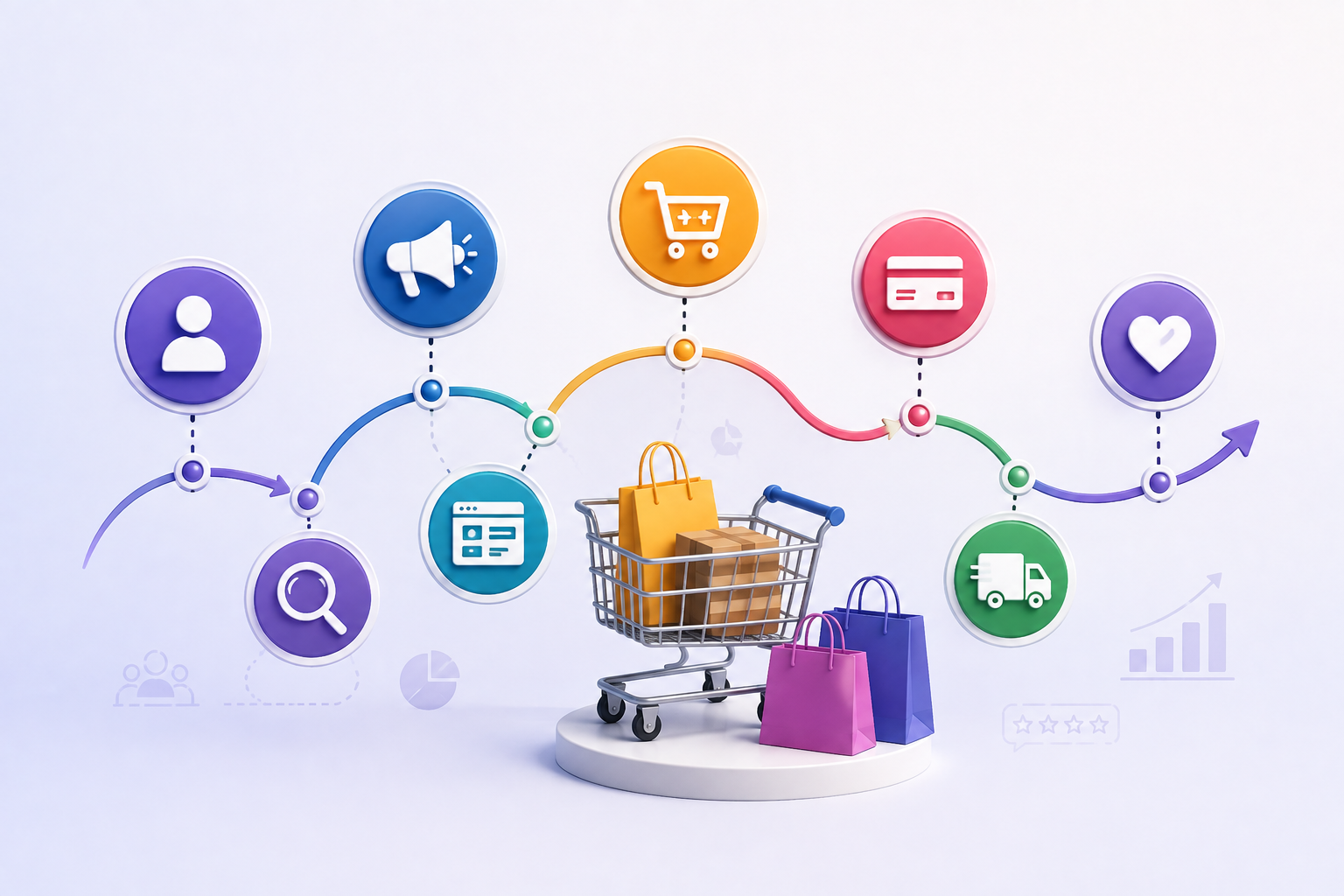
Personas tell you who your buyers are; the journey tells you what they do. You need both, and in that order. Build personas before mapping the journey, or you will optimise for an imaginary average customer that does not exist. A price-conscious first-time buyer wants deals and a fast checkout. A procurement manager wants accurate product data, bulk ordering, and tiered pricing. The same store serves both, but each needs different things at different moments.
Persona data shapes every stage. It tells you which channels drive awareness, which product attributes matter at consideration, what proof is persuasive at decision, and what support or incentives bring customers back at retention. Without that grounding, “improvements” become guesses.
Simple persona template:
| Field | Example |
| Demographics | Age, location, industry, company size |
| Goals | Fast purchase, cost savings, compliance |
| Behaviors | Deep research, bulk ordering, price comparison |
| Pain points | Complex checkout, inaccurate stock, slow replies |
Start with two or three personas pulled from real data — order history, support tickets, surveys, and analytics — not assumptions. The more specific each persona is, the more useful your map becomes.
How to Create an Ecommerce Customer Journey Map
A journey map is a living document, not a deliverable you finish and file away. Follow these steps to build a practical ecommerce customer journey map:
- Define your goal — pick one metric to improve, such as checkout conversion or repeat purchase rate. A map built for everything improves nothing.
- Build personas — document two or three profiles from real data and feedback, as above.
- List stages and touchpoints — awareness, search, category browsing, product views, cart, checkout, and post-purchase support.
- Note pain points and emotions — record the questions and frustrations that appear in analytics, support tickets, and reviews.
- Identify gaps — compare the current experience with the ideal one at each touchpoint.
- Prioritize fixes — find the high-impact, low-effort wins first, then schedule the larger projects.
- Monitor and adjust — measure after each change and iterate. The journey is never “done”; it shifts as your catalog, audience, and tools change.
Example mapping table:
| Stage | Touchpoint | Pain Point | Ideal Fix |
| Awareness | Ad landing page | Generic headline | Benefit-led headline tied to search intent |
| Consideration | Product page | Dense, unreadable specs | Specs in a collapsible accordion |
| Decision | Checkout | Too many required fields | Field editor plus guest checkout |
| Retention | Email follow-up | Late shipping notice | Proactive delivery updates |
Use this table as the backbone of your map. Each row connects a stage to a specific touchpoint, a real pain point, and a concrete fix — which keeps the map actionable rather than theoretical.
B2B Ecommerce Customer Journey vs B2C
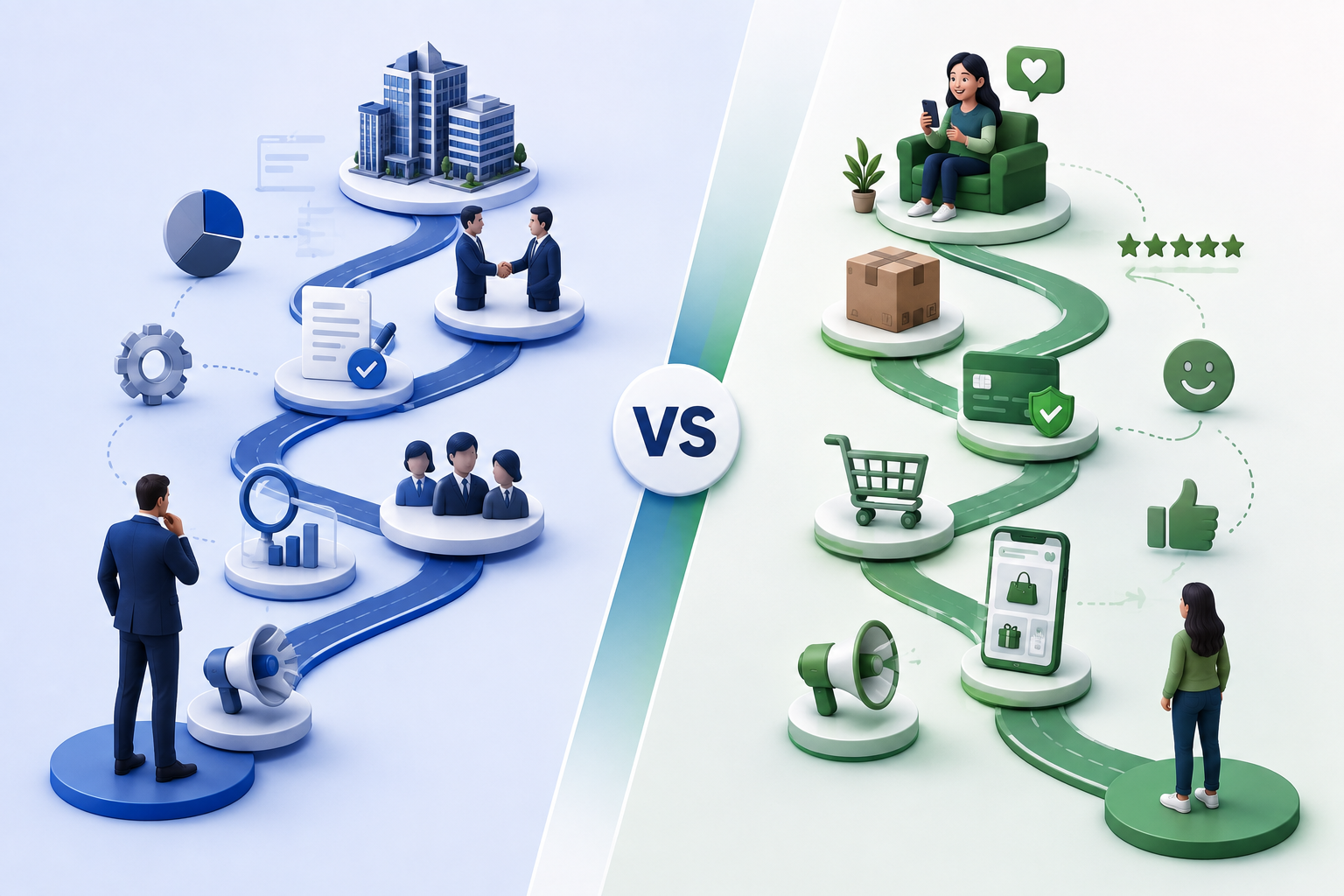
The b2b ecommerce customer journey is longer, involves more people, and is far more research-heavy than a consumer purchase.
| Factor | B2B | B2C |
| Purchase cycle | Weeks to months, often 28+ days | Days to weeks |
| Decision-makers | Multiple stakeholders | One individual |
| Orders | Bulk, customized, tiered | Single units |
| Relationship | Partnership, reliability | Brand, convenience |
The data shows what is at stake. The average B2B buying process takes about 28.2 days, yet 73% of B2B buyers still prefer to place complex orders online. At the same time, 85% report frustrations with online ordering, and 75% would switch suppliers for a better experience. In short, B2B buyers want self-service — they just will not tolerate a clunky one.
Three B2B-specific fixes make the difference. First, offer rich content like case studies, spec sheets, and comparison guides, because a committee needs material to justify a decision. Second, support tiered pricing and self-service accounts so bulk buyers can place repeat orders without emailing an account manager. Third, simplify reordering with saved line items and order history. The Dynamic Pricing with Discount Rules plugin enables quantity-based pricing, while Table Rate Shipping handles the complex freight rules that B2B orders require.
How to Improve Customer Experience in Ecommerce
Improving customer experience in ecommerce means removing friction at every stage, not just polishing the homepage. Here is where to focus.
Product discovery. Add visual variation swatches, quick view, and filters so shoppers find the right item fast. Predictive search and related-product suggestions reduce dead ends, and clear category navigation prevents the “I know it exists but I cannot find it” frustration that drives shoppers away.
Decision stage. Use product labels for urgency, show ratings and reviews for social proof, and apply personalized or quantity-based pricing with the Dynamic Pricing plugin. Clear security badges and an accessible FAQ reduce the last-second doubt that stalls a purchase.
Checkout. Limit forms to essentials, enable guest checkout, support multiple payment methods, and show shipping costs upfront. The Checkout Field Editor keeps the form focused, and the result is fewer abandoned carts and fewer support calls about “why did my total change.”
Post-purchase. Automate order and shipping emails, offer proactive tracking, re-engage inactive customers, and run loyalty rewards. Wishlist and CartEasy support retention on WooCommerce and Shopify respectively, so the relationship continues well beyond the first order.
Common Mistakes That Hurt the Ecommerce Customer Journey
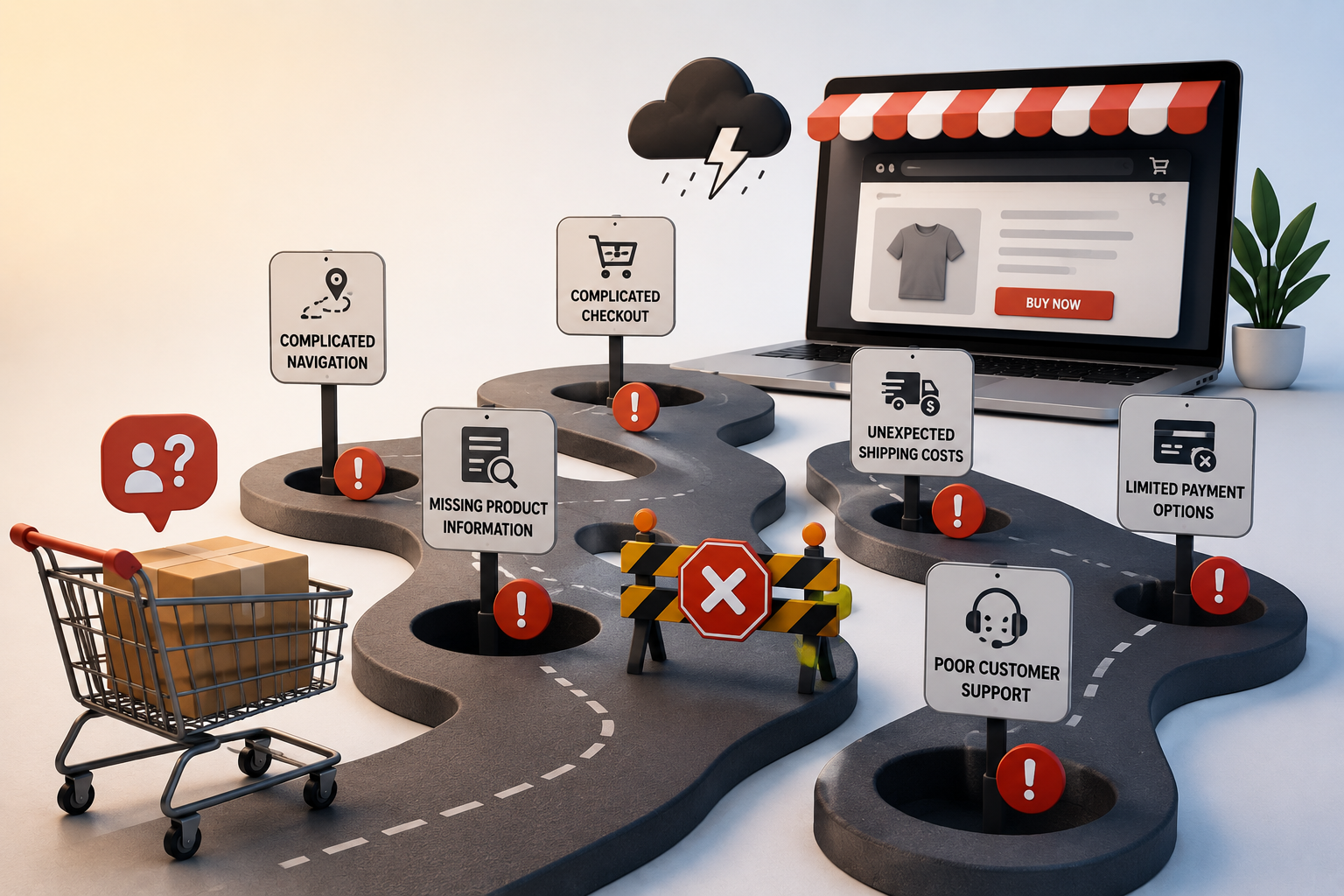
- One-size-fits-all messaging ignores the difference between a B2B buyer and a price-conscious consumer. A single hero banner cannot serve both.
- Ignoring mobile. A large share of traffic now comes from phones, and navigation or checkout that is not touch-friendly causes silent abandonment. Test every stage on a real device.
- Over-capturing form data. Every extra field adds friction, so be strict about what is truly required and collect the rest later or never.
- No persona backing. Optimizing from assumptions wastes development time and produces changes nobody asked for. Ground every fix in a documented persona.
- B2B misfires. Incomplete product data forces manual calls, and a lack of self-service or bulk-ordering flows slows ordering and pushes buyers to competitors.
Conclusion
Improving your ecommerce customer journey is not about a single big redesign. It is about consistently removing the small frictions that add up to lost sales: a dropdown where a swatch should be, a checkout field nobody needs, a follow-up email that never arrives. Start with a documented persona, map the real journey your customers walk, and fix the highest-friction moments first. The Acowebs plugin suite from variation swatches and quick view to checkout field editing, dynamic pricing, wishlists, and the CartEasy AI assistant gives WooCommerce and Shopify stores a fast path to each of those fixes, so you can improve the journey today and keep improving it as your store grows
Acowebs are the developers of the WooCommerce Product Labels which let customers include custom product labels or product badges for WooCommerce products. WooCommerce sales badges plugin provides you with different label styles and customizations for labels. It offers a easy-to-use UI to add labels to the selected products or categories and woocommerce email customizer using which you can easily build and customize WooCommerce emails with a drag-and-drop user interface.
FAQs
Awareness, consideration, decision-purchase, and retention with advocacy. Each stage has a distinct shopper mindset and its own set of friction points to remove.
Define a goal, build personas, list stages and touchpoints, note pain points, identify gaps, prioritize fixes, then monitor and adjust. Treat the map as a living document that changes as your store evolves.
A buyer journey ends at purchase and is universal. A customer journey continues into service, support, loyalty, and advocacy, and is unique to your specific store and its touchpoints.
B2B is longer, involves multiple stakeholders, needs detailed content and account features, and supports bulk and tiered ordering. B2C is shorter, single-decision-maker, and driven by brand and convenience.
Journey-mapping templates, analytics, survey and feedback tools, email automation, and store plugins for swatches, quick view, checkout field editing, dynamic pricing, wishlists, and AI support assistants.