Login
Login
 Cart
Cart
Looking for Halloween sale ideas for WooCommerce stores that actually move products before October 31? Halloween is the first big shopping event of Q4, and the backdrop is strong: US e-commerce hit $340.2 billion in Q2 2026, or 17.1% of total retail sales, according to the US Census Bureau. The stores that win the holiday are not the ones with the biggest budget. They are the ones with a plan, a timeline, and the right setup for their platform: WooCommerce or Shopify.
Below you get all three: a launch timeline, 15 ready-to-run sale ideas with setup steps, and a launch checklist you can finish in an afternoon.
TL;DR: Start three weeks before Saturday, October 31: apply sale badges, build bundles, create coupon codes, and publish a landing page first, then run daily countdown deals in the final week and launch the main flash sale on Oct 30–31. The 15 ideas that follow include flash sales, tiered discounts, BOGO and mystery offers, bundles, free shipping, coupon codes, and more, and every one comes with setup steps for both WooCommerce and Shopify that take under an hour. The Acowebs plugins Dynamic Pricing, Product Labels, Wishlist, and Checkout Field Editor cover most of the setups, and everything you build can be rescheduled for Black Friday a month later.
Why Halloween Is Special for Online Stores
Halloween is the opening act of the Q4 shopping season, and it matters more for online stores than its calendar position suggests.
It kick-starts the busiest quarter of the year. Halloween is the first big shopping event of Q4. The shoppers who buy from you on October 31 are the same ones you will sell to in November and December, and the sale infrastructure you build for Halloween (discount rules, badges, coupon codes, landing page) can be rescheduled for Black Friday a month later with almost no extra work.
The short window suits online stores perfectly. A 24-48 hour flash sale works brilliantly online because there are no queues, no crowds and no store hours. Shoppers browse from the sofa, and the countdown timer does the persuading. Halloween 2026 lands on a Saturday, so weekend shoppers get the most relaxed browsing day of the week to discover your offer.
The mood is already there. By late October, customers are in a festive, treat-yourself mindset. They are buying for parties, costumes, home decor and gifts, and they expect stores to join in. A store that runs a themed sale feels part of the season rather than just another discount.

Halloween Deals Are Here!
Save 25% on Premium WooCommerce Plugins. Use ACOWEEN and upgrade your store for less.
Shop Halloween DealsBenefits of Using Halloween-Themed Products on Your Store
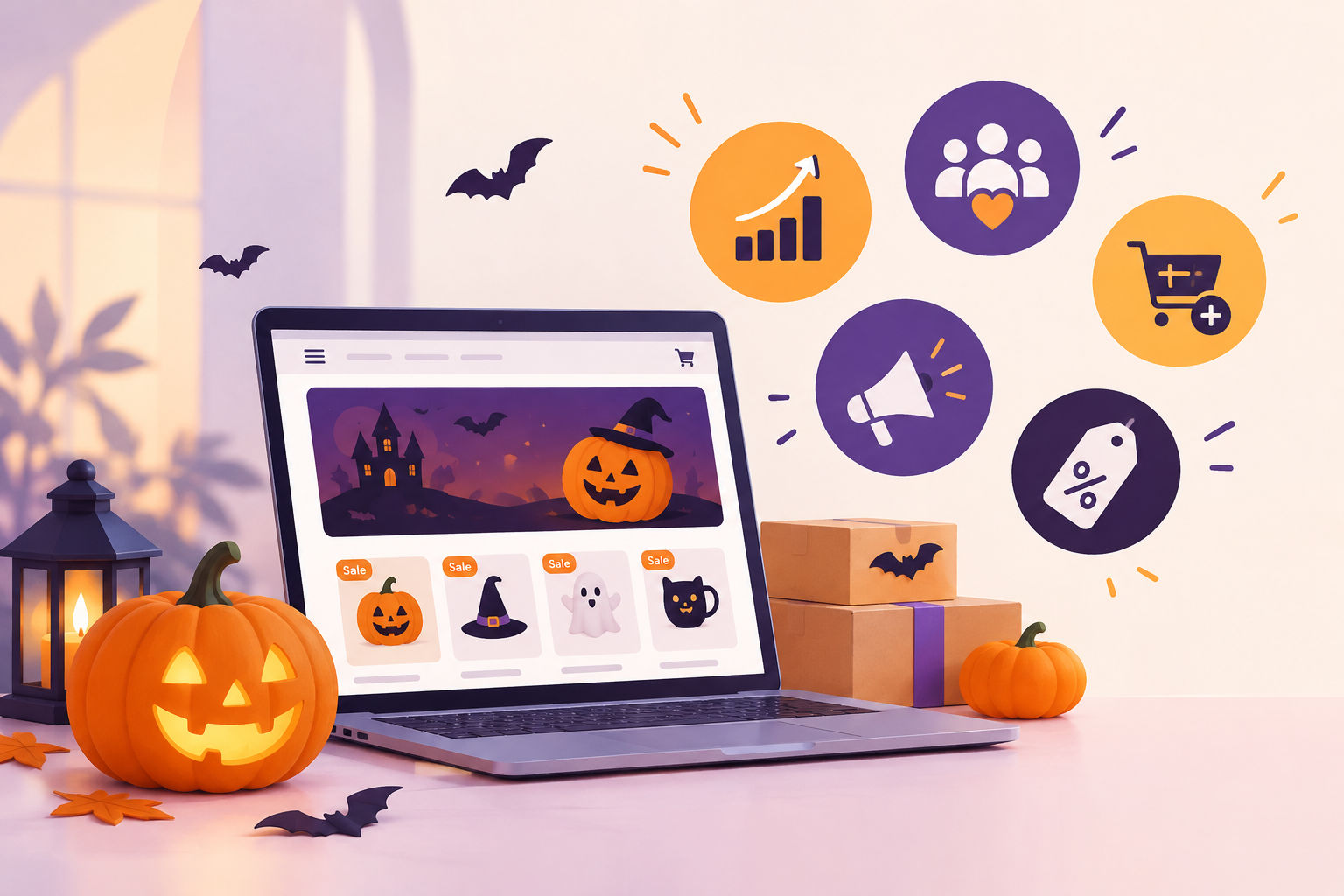
You do not need to sell costumes to benefit from Halloween theming. The theme itself does the work.
- A theme turns a discount into an event. “Spooky Sale” and “Trick or Treat: 20% Off” are more memorable than plain “Sale.” Themed names and badges make the offer feel playful and time-bound, which lifts click-through and urgency.
- Badges and labels sell at a glance. Halloween sale badges (“Spooky Sale”, “BOGO”, “Last Chance”) make discounts visible on product pages without a word of copy. The WooCommerce Product Labels plugin ships 150+ predefined badges including seasonal styles, and you can schedule them to appear automatically for the sale window.
- Theming encourages bundles and bigger baskets. A “Spooky Movie Night” pack or a trick-or-treat mystery discount nudges shoppers to add more, raising average order value without discounting the whole catalog.
- Limited-edition items sell faster. Halloween-theme a product, such as a numbered print, a special colorway, or a seasonal scent, and it carries its own urgency. Shoppers know the item will not be restocked after November 1.
- It works for any niche. Electronics, fashion, beauty and digital products all run successful Halloween sales. The theme carries the message; your normal catalog supplies the products.
- It makes your store shareable. Themed banners, contests and puns are what customers screenshot, tag and post, which is free promotion during your busiest week.
Halloween Sale Timeline: What to Launch and When
Halloween lands on Saturday, October 31, 2026, which is a gift for online stores. Weekend shoppers browse more, and a Saturday sale feels like an event. Work backwards from that date.
| When | What to launch |
| 3 weeks out (early October) | Apply sale badges to products, build your bundles, create coupon codes, publish the landing page, and send the first “get ready” email to subscribers. |
| 1 week out (Oct 24–30) | Announce the flash sale, start daily countdown deals, put the homepage banner live, open the wishlist reminder emails, and tease the contest on social media. |
| On the day (Oct 30–31) | Run the 24–48 hour flash sale, switch on mystery discounts, activate checkout upsells, and send last-chance emails as the timer runs down. |
Acowebs runs its own Halloween deals on October 30–31 each year, and the pattern works for stores of any size. For a fuller calendar, see our guide to holiday discount scheduling for WooCommerce.
The 15 Halloween Sale Ideas for WooCommerce Stores and Shopify
Each idea below includes a short description, an example offer, and setup steps for WooCommerce and Shopify. Most can live in under an hour.
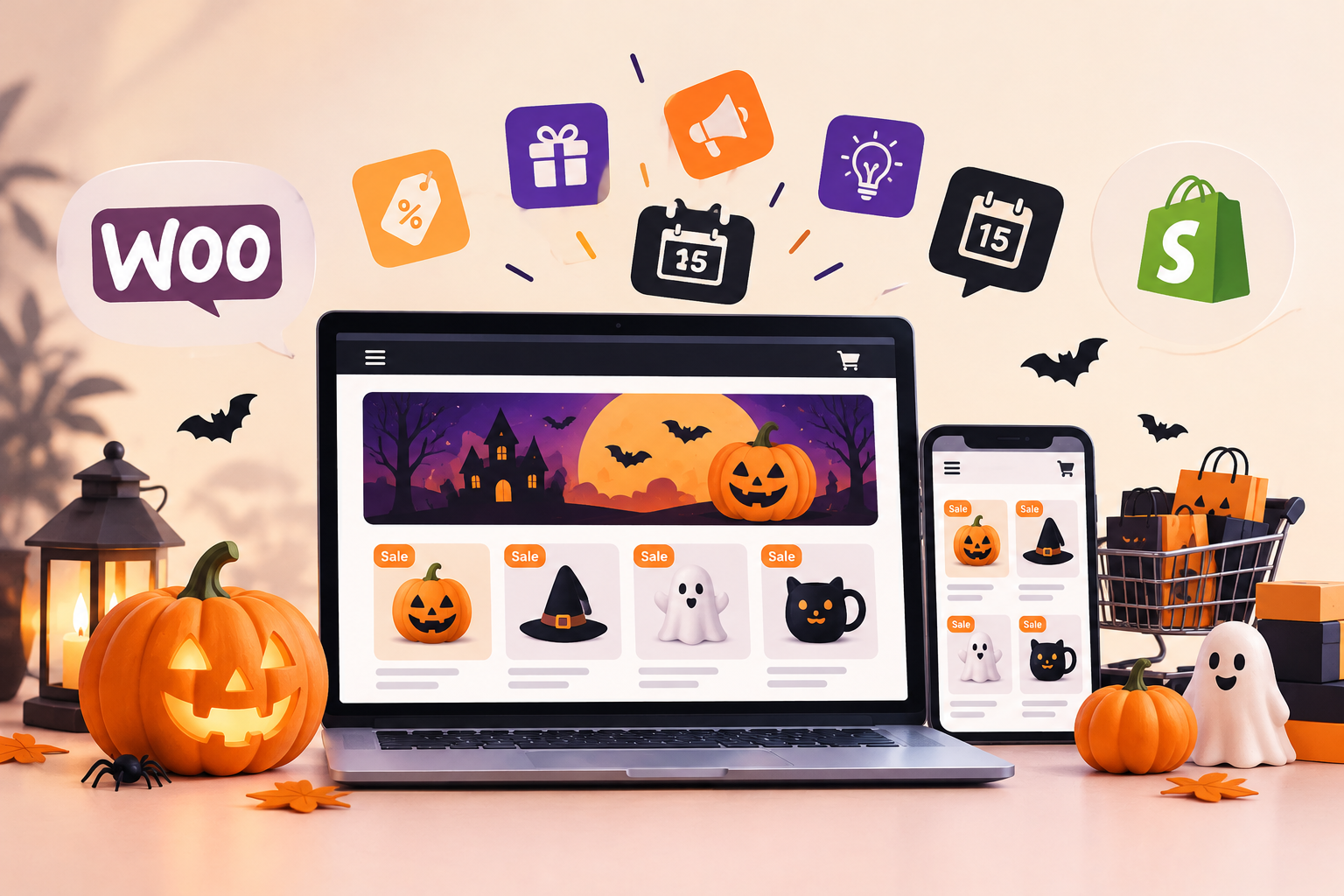
1. Halloween Flash Sale (24–48 Hours)
A short, loud discount with a hard end time. Urgency is the engine: shoppers who hesitate miss the deal. Example offer: 20% off everything for 48 hours, ending at midnight on November 1. Setup: create the discount rule, schedule it for Oct 30–31, and add a sale timer. Our Dynamic Pricing plugin schedules discounts for specific dates and shows timers on the products themselves. Pair it with Quick View so buyers add to cart without reloading the page. Every second counts in a flash sale. On Shopify, create the same offer as an automatic discount (Discounts → Create discount → Amount off), set 20% off, and add start and end dates so it switches off by itself.
2. Daily Countdown Deals Leading Up to Oct 31
One product, one deal, one day, for the ten days before Halloween. It gives returning visitors a reason to come back daily. Example offer: Monday candles, Tuesday costumes, Wednesday decor, each 30% off for 24 hours. Setup: create ten scheduled rules with Dynamic Pricing, one per day. On Shopify, create ten automatic discounts, each with its own start and end time, so one deal expires exactly as the next begins. Announce each morning’s deal in an email or story.
3. Tiered Discounts: Spend More, Save More
Reward bigger baskets instead of discounting everything. Example offer: spend $50, save 10%; spend $100, save 15%; spend $150, save 20%. Setup: add a tiered cart-total rule in Dynamic Pricing. The plugin shows a pricing table on the cart page, so shoppers can see the next tier they are close to reaching. Shopify’s built-in discounts don’t do tiers. For spend-more-save-more, use a discount app from the Shopify App Store (Shopify Plus stores can also use Checkout Blocks).
4. BOGO and Trick-or-Treat Mystery Discounts
Buy-one-get-one offers are proven, but the Halloween twist is the mystery discount: customers “trick or treat” at checkout and reveal 5%, 10%, or 25% off. Example offer: buy one Halloween item, get the second at 30% off; or a mystery wheel that lands on a random discount. Setup: Dynamic Pricing has built-in BOGO rules (buy X, get Y free or discounted, applied to the cheapest item in cart) and can gift products on qualifying orders. On Shopify, buy X get Y is built in (the Buy X Get Y discount type); for the trick-or-treat mystery wheel you will need a third-party discount app. For BOGO strategy depth, see our discount pricing strategies guide.
5. Themed Product Bundles and Gift Packs
Bundle related items into a single “Halloween pack” at a bundle price. Example offer: a Spooky Movie Night pack (projector light, blanket, and popcorn) for $39 instead of $51. Setup: create a bundled product (WooCommerce Product Bundles or a manual variant) and give it its own badge. On Shopify, create the pack with a bundle app from the Shopify App Store so it sells as one product. Bundles raise average order value without discounting your whole catalog.
6. Free Shipping on Halloween Orders
Free shipping removes the most common checkout objection. Example offer: free shipping on orders over $40 from Oct 26–31. Setup: add a coupon or shipping rule in WooCommerce with a minimum order threshold. On Shopify, free shipping is a native discount type: create it with a minimum order value so it only applies above $40. Feature it in the banner so nobody misses it.
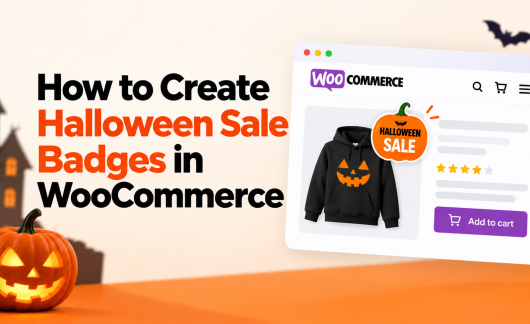
7. Halloween Sale Badges and Labels on Products
Badges make a sale visible at a glance (“Spooky Sale”, “BOGO”, “Last Chance”) and they work hardest during a short seasonal window. Setup: WooCommerce Product Labels gives you 150+ predefined badges including seasonal styles, schedule badges with start and end dates, add sale timers, and let you assign badges to products, categories, or tags with exclusions. It even reuses the product lists you already built in Dynamic Pricing. On Shopify, native discounts show the sale price automatically; for styled badges like “Spooky Sale”, add a badge app from the Shopify App Store. For more, read our post on custom product badges.
8. Limited-Edition and Limited-Stock Items
Scarcity sells when it is honest. Example offer: 100 numbered “Halloween 2026” prints or a single limited colorway, marked as such on the product page. Setup: set a low stock quantity in WooCommerce, add a stock alert badge, and count down in emails. On Shopify, set the available quantity in Admin → Products → Inventory and let the low-stock message do the counting. Combine with scarcity marketing tactics for the messaging.
9. Themed, Time-Bound Coupon Codes
Coupon codes turn your sale into a shared secret, and they are trackable. Example offer: code TRICK20 for 20% off, valid only Oct 30–31. Setup: create the coupon in WooCommerce with a usage limit and expiry date, then publish it in your email and social posts. Use distinct codes per channel (TRICK20 for email, TREAT20 for social) to see which channel converts. On Shopify, create a discount code (Discounts → Create discount → Discount code) with a usage limit and end date. The same per-channel codes work for tracking. See how to boost sales with discount coupons for the full playbook.
10. Early-Bird Sale for Subscribers and Wishlist Savers
Reward your most engaged shoppers before the public sale. Example offer: subscribers get the flash sale 24 hours early, plus a 5% extra code. Setup: send the early-access email from your email tool, and use WooCommerce Wishlist to remind customers about products they saved: its “Save for Later” and multiple-wishlist features make it easy to segment savers and nudge them when their wishlisted item goes on sale. On Shopify, schedule the automatic discount to start 24 hours early, and use a wishlist app from the Shopify App Store to nudge savers when their saved product goes on sale.
11. Checkout Upsells and Add-Ons
Small add-ons at checkout lift order value with zero extra marketing. Example offer: a $5 “spooky gift wrap” option or a $3 Halloween candy add-on during checkout. Setup: Checkout Field Editor and Manager adds custom fields, including optional fee fields, so you can charge for gift wrap or a message card right on the checkout page. On Shopify, add the gift wrap as a priced product option with our Aco Shopify Product Options and Addons, which charges per field. A $5 wrap is one checkbox with a $5 price. Keep the upsell optional and cheap.
12. Halloween Landing Page or Collection Page
A dedicated page keeps the sale focused and makes tracking simple. Example offer: a /halloween-sale page listing every discounted product with the badge and timer. Setup: create a WooCommerce product category or collection, apply the sale rules to it, and link it from the homepage banner and every email. On Shopify, create a collection (Online Store → Collections), add every discounted product, and link it the same way. Acowebs keeps a live Halloween deals hub in this style.
13. Halloween Homepage Banner and Pop-Up
Your homepage is prime real estate during a short sale. Example offer: a full-width banner reading “Trick or Treat: 20% Off, Oct 30–31” plus a one-time pop-up capturing email addresses. Setup: use your theme’s banner block and a pop-up plugin. On Shopify, add the banner in the theme editor and use a pop-up app with a once-per-visitor setting. Set the pop-up to show once per visitor so it helps, not annoys.
14. Spooky Email and SMS Campaigns
Email does the heavy lifting for a weekend sale. Example offer: three emails, sent as announce (Oct 24), reminder with the coupon (Oct 29), and last-chance with a countdown (Oct 31). Setup: build the sequence in your email tool (on Shopify, Shopify Email is included with paid plans), segment by past buyers, and add a mobile SMS blast on the morning of the 31st. Short, playful subject lines with the offer in the first sentence work best.
15. Social Media Contests and Giveaways
A contest grows your list and spreads the sale. Example offer: “Post your best costume with our product, tag us, and win a $50 gift card.” Setup: pick a prize, define the entry rule, and feature the contest in a pinned post and story. Contests pair naturally with gamification in marketing: countdowns, points, and challenges all lift engagement. On Shopify, turn the winning posts into shoppable videos with our Shopeo app, which tags products right inside the video so viewers can buy from the clip. See Shopify’s 25 Halloween marketing ideas for more retail-tested contest formats.
Halloween Deals Are Here!
Save 25% on Premium WooCommerce Plugins. Use ACOWEEN and upgrade your store for less.
Shop Halloween DealsHalloween Sale Ideas for Non-Halloween Niches
Halloween is a shopping event, not a product category. Stores that sell nothing spooky can still run the sale:
- Electronics: “Ghostly Gadget Sale” with 15% off accessories for 48 hours and a countdown timer.
- Fashion: “Midnight Markdown” with mystery discounts from 10–30% revealed at checkout.
- Beauty: “Trick-or-Treat Beauty Bag”, a bundle of trial sizes at a bundle price.
- Digital products: “Halloween Flash Sale” with 30% off templates or courses on Oct 30–31 and a themed coupon code.
The trick is the theme, not the product. Any store can use badges, countdowns, and a coupon code. For the broader Q4 picture, see our Black Friday and Cyber Monday strategies to plan the full season.
Halloween Sale Launch Checklist
- Pick 2–3 sale ideas (flash sale + one bundle or coupon is a strong start).
- Create and schedule discount rules for the exact dates and times (WooCommerce plugin or Shopify automatic discount).
- Add Halloween sale badges and timers to all discounted products (WooCommerce Product Labels or a Shopify badge app).
- Set up the landing page and link it from the banner and emails.
- Create coupon codes or discount codes with usage limits and expiry dates.
- Enable wishlist reminders and early-bird emails for subscribers.
- Add the checkout gift-wrap or add-on field (WooCommerce Checkout Field Editor or a Shopify product-options app).
- Schedule the email sequence and SMS blast.
- Announce the contest and pin it on social media.
- Test checkout on mobile and desktop before launch day.
Conclusion
Halloween is a short, high-energy sale that rewards preparation. Start with the timeline, pick two or three ideas that fit your store, and set them up with the right tools: Dynamic Pricing or Shopify’s native automatic discounts for the offers, Product Labels or a Shopify badge app for the badges, and Wishlist or a Shopify wishlist app to bring shoppers back. Most setups take under an hour, and the same rules and badges can be rescheduled for Black Friday a month later. Browse all our WooCommerce plugins, plus our Shopify apps Aco Shopify Product Options, Shopeo and Elegant Reports, and get your store Halloween-ready this week.
Acowebs are the developers of WooCommerce Dynamic Pricing the best way to add discounts based on a range of unconditional and considerable criterias to set with a simple user interface which makes your efforts much easier. discount rules for woocommerce also comes with Percentage / Fixed price discounts.
FAQs
Combine four things: a themed banner and badges so the sale is visible at a glance, a short flash sale with a countdown timer, a three-email sequence (announce, remind, last chance), and a coupon code you can track by channel.
Flash sales, tiered discounts, BOGO offers, themed bundles, and time-bound coupon codes consistently perform best. Start with a 24–48 hour flash sale plus one bundle offer.
Launch your first sale activity three weeks before October 31: badges and announcements in early October, daily deals in the final week, and the main flash sale on Oct 30–31. Retail marketing guides recommend starting campaigns in August or September for the full season, but even two weeks is enough for a focused sale.
A 15–20% sitewide discount or a tiered spend-more-save-more structure works for most stores. BOGO and mystery discounts feel more “Halloween” and often lift average order value more than a flat percentage.
On WooCommerce, create a discount rule with a scheduling plugin, set its start and end dates, and apply it to the products or categories you want on sale. On Shopify, create an automatic discount with the same start and end dates. Either way, add sale badges and timers, then create a coupon or discount code with an expiry date for extra tracking.
On WooCommerce, use a product labels plugin: choose a predefined seasonal badge or upload your own image, then assign it to products, categories, or tags and schedule its start and end dates. On Shopify, native discounts show the sale price; for styled badges, add a badge app from the Shopify App Store.