




















 Login

 Cart


Finding the best WooCommerce PDF invoice plugin starts with a surprise: Having a PDF invoice created is a huge advantage for retail online store owners. A customer asks for a receipt, an accountant wants a record, or a warehouse needs a printed list, and the default order email does not do the job. StoreLeads counted about 4.05 million live WooCommerce stores in September 2026, and Cloudways puts its share of ecommerce sites at 33.4%. Trackers disagree on exact numbers, but the scale is clear; having an invoice plugin for the existing store eliminates the hassle. This guide compares five tools that add WooCommerce PDF invoices and packing slips to your store, so you can pick one without testing them all yourself.
TLTR: WooCommerce has no built-in PDF invoices, so you need a plugin. We compared Acowebs, WebToffee, WP Overnight, WowInvoice and YITH. Acowebs is affordable ($49/year), WP Overnight is the most proven, WebToffee has the widest document set, and YITH adds cloud backup (premium only). Pick by budget, tax needs and the documents you print, and test a free version first. Prices checked November 18, 2026.
Quick comparison table
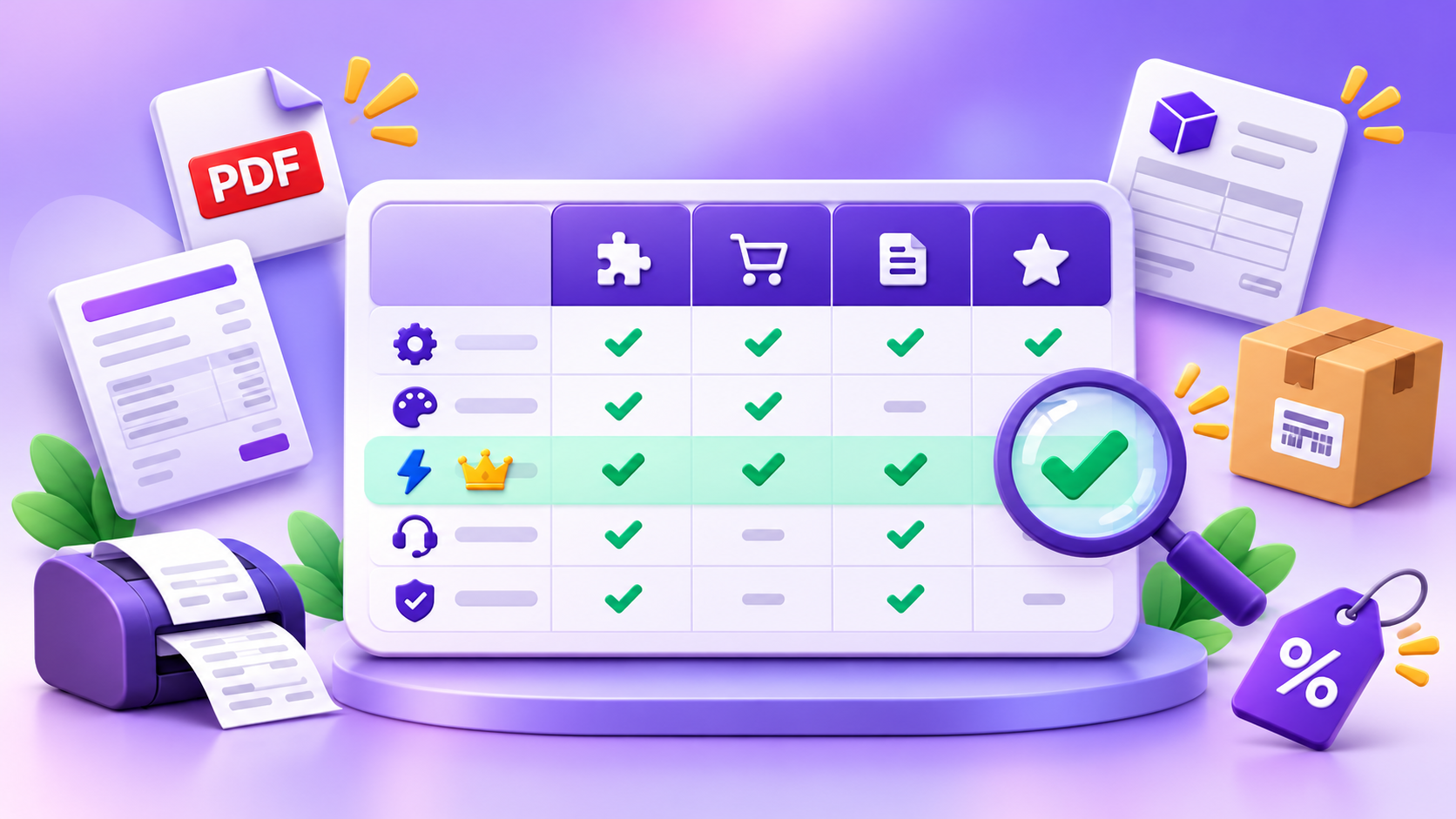
The table shows the single-site price for each plugin, whether a free version exists and who each one suits. The sections after it explain the reasoning behind every row.
| Plugin | Price (per year, single site) | Free version | Unique features | Best for you |
| Acowebs WooCommerce PDF Invoices | From $49 (lifetime from $119) | Yes | Invoice download on the Thank You page; drag-and-drop label editor (Pro) | Small and mid-size stores that want low cost and many document types |
| WebToffee | From $69 | Yes | “Pay Now” link on invoices; PrintNode remote printing (Pro) | Stores that want invoices, labels and delivery notes from one vendor |
| WP Overnight (Professional) | From €69 (shown in euros) | Yes (core plugin) | Free e-invoices in UBL, Peppol and Factur-X formats; bulk ZIP export by date range (Pro) | Stores that want the most proven option and strong support |
| WowInvoice (WPXPO) | $69 list; $38 Black Friday price | Yes | Barcodes and QR codes on invoices; “Paid” watermark | Budget shoppers who want a newer, all-in-one tool |
| YITH WooCommerce PDF Invoice | $79.99 | No | Gutenberg block builder with 9 templates; SSN field at checkout | Stores that want cloud backup and a template builder |
Acowebs WooCommerce PDF Invoices
Most small stores need three things from an invoice tool: a clean PDF that goes out with the order email, a packing slip for the warehouse, and a price that does not eat into thin margins. The Acowebs WooCommerce PDF Invoices plugin is built around that need. It creates PDF invoices and attaches them to your order emails automatically, and it also covers packing slips, delivery notes, credit notes and shipping labels from the WooCommerce order screen. In other words, one plugin handles the paperwork for the whole order, from the bill to the label on the box.
What sets the Acowebs plugin apart is how many document types it handles at its price. Packing slips and shipping labels each get their own drag-and-drop template editor, so you can lay out a label without touching code. It also supports UBL, a standard file layout for electronic invoices, and it adds credit notes and a picklist document for warehouse staff. The strongest point is cost. Acowebs lists the lowest entry price in this comparison, and customers can download their invoices from the My Account page and the Thank You page, which cuts down on “can you resend my receipt?” emails. Lifetime plans are also available if you dislike yearly renewals. Here are the plans, as listed by the vendor and checked on November 18, 2026:
| Plan | 1 year of updates | Lifetime updates |
| 1 site | $49 | $119 |
| Up to 5 sites | $119 | $249 |
| Up to 10 sites | $198 | Not listed |
There are honest drawbacks too. The review base is small: WordPress.org shows 21 reviews and 1000+ active installs, far fewer than WP Overnight or WebToffee. That is a thin track record, so test the free version on a staging copy of your store before you commit. The product page also lists English as the plugin language. WPML and Polylang are supported for translations, but test your language first if you sell outside English-speaking markets.
| Pros | Cons |
| The lowest entry price in this comparison | Small review base: 21 reviews, 1000+ active installs |
| Invoices downloadable from My Account and the Thank You page | Page lists English only; test translations with WPML or Polylang |
| Lifetime plans for those who dislike renewals |
Best for: small and growing US stores that want a low-cost WooCommerce invoice plugin that also covers packing slips and labels.
See the Acowebs plugin. For a longer walkthrough, read our guide on customizing WooCommerce PDF invoices and packing slips.
WebToffee WooCommerce PDF Invoices
If you want one vendor to cover every shipping document, WebToffee is the obvious candidate. Its plugin generates PDF invoices, packing slips, delivery notes, dispatch labels and shipping labels. The free version handles the basics, and the premium plugins add credit notes and code-level editing for people who want full control over the layout.
Bulk work is where it earns its place. You can print invoices and labels in bulk from the Orders page, which saves real time on a busy day. It also supports UBL and XML invoices for electronic invoicing, and it adds a “Pay Now” link to invoices so a customer can settle an unpaid order later (WordPress.org lists this as new). Premium also supports PrintNode, a service that sends print jobs to a printer in another location, which suits stores with a separate warehouse.
WebToffee has the broader user base of the two smaller names, with 50,000+ active installs on WordPress.org. Premium adds tax fields for VAT, GST and ABN, which matter if you also sell outside the US. The catch is how the premium is packaged. It comes as several separate plugins, and you install the one that matches the documents you need. That can confuse first-time buyers, so read the plan descriptions closely before you pay. The free version also offers only classic and standard templates, so branding options are limited until you upgrade.
Yearly plans are all in USD (vendor pricing):
| Plan | Price per year |
| 1 site | $69 |
| Up to 5 sites | $99 |
| Up to 25 sites | $199 |
When we checked, the vendor was advertising 40% off with a Black Friday coupon. The prices above are the list prices.
| Pros | Cons |
| One of the broadest document sets in the group | Premium is split across several plugins, which can confuse new buyers |
| 50,000+ active installs on WordPress.org | Free version offers only classic and standard templates |
| Tax fields for VAT, GST and ABN on premium |
WordPress.org shows 285 ratings, 271 of them five-star. The vendor’s own page shows 4.9 from 217 reviews.
Best for: stores that want invoices, labels and delivery notes from a well-known vendor with a big user base.
WP Overnight PDF Invoices & Packing Slips (Professional)
WP Overnight is the name most WooCommerce store owners meet first. Its free plugin is the most-installed invoice plugin for WooCommerce, with 300,000+ active installs. The Professional extension builds on it and adds the paid features, such as credit notes and proforma invoices. A proforma invoice is a preview bill sent before the customer pays.
The free plugin already covers a lot. It lets you choose between Letter and A4 paper size, which matters for US printers. Professional then adds document types, each with its own numbering, including credit notes, proforma invoices and receipts. Documents can upload automatically to Dropbox, Google Drive or an FTP server, so your accountant always has a copy. You can also export PDFs in bulk by date range, order status or customer and download them as a ZIP file, which makes month-end bookkeeping much easier. Email notifications can go to a warehouse or an accountant with the PDF attached if you want.
Support is the other reason people pick it. Almost every review praises the support team, and for a business tool that touches every order, that counts for a lot. The trade-offs are about packaging and price display. Credit notes, proforma invoices and cloud upload all need the paid extension, so the free plugin alone will not cover a store that issues refunds often. The Professional page also shows euros only, even for US visitors, so your card may add a currency fee.
Pricing below comes from the vendor (yearly billing, local taxes may apply):
| Plan | Price per year |
| 1 site | €69 |
| 3 sites | €139 |
| 25 sites | €279 |
A Plus Bundle with premium templates is sold separately. We did not find its price on the Professional page.
| Pros | Cons |
| Free core plugin with 300,000+ active installs | Credit notes, proforma invoices and cloud upload need the paid extension |
| Free Letter or A4 paper size choice | Prices appear in euros, so your card may add a currency fee |
| Support praised in almost every review |
The free plugin has 1,866 ratings on WordPress.org, 1,823 of them five-star, for about 4.95 on average. The Professional extension shows 5.00 from 33 reviews on the vendor’s site.
Best for: stores that want the most proven option and are happy to add paid extensions as they grow.
WowInvoice by WPXPO
WowInvoice is the newcomer in this group. It comes from WPXPO and aims to be an all-in-one tool for invoices, packing slips, delivery notes, picklists and credit notes. If you want a modern interface and a low price, it is worth a look, as long as you are comfortable with a young product.
The feature list leans toward warehouse and tax needs. A picklist document helps staff collect items for several orders at once. Invoices can carry barcodes and QR codes, and they show VAT and tax ID details, with support for several third-party VAT plugins. A “paid” watermark and a set of ready-made templates round things out. A handy extra is that it builds invoices for old orders with one click, so you do not lose your history when you install it. The vendor also offers a 14-day money-back guarantee, which lowers the risk of trying it.
The main drawback is age. WordPress.org shows it was added in June 2026, with 100+ active installs and only 12 reviews. There is little long-term proof of how it behaves across plugin updates or on large stores. Treat it as a promising option and test it before you rely on it for a busy shop.
The vendor lists a yearly plan and a lifetime plan. During its Black Friday sale both are discounted. The vendor says sale prices are introductory and renewals are at full price, so budget for the list price in year two.
| Plan | List price | Black Friday price |
| Yearly | $69 | $38 |
| Lifetime | $299 | $135 |
Black Friday prices were live when we checked on November 18, 2026. The vendor says they are introductory, and renewals are charged at the full list price.
| Pros | Cons |
| The lowest sale price in this comparison | Added to WordPress.org in June 2026, with 100+ active installs |
| Builds invoices for old orders with one click | Only 12 reviews on WordPress.org |
| 14-day money-back guarantee, per the vendor |
WordPress.org shows 5 out of 5 from 12 reviews. The vendor’s own page claims 4.9/5 from 450+ reviews. That figure is the vendor’s own and appears to cover the wider WPXPO catalog, so treat it with care.
Best for: budget shoppers who want a modern tool and are comfortable with a young product.
YITH WooCommerce PDF Invoice
YITH’s premium plugin takes a different angle: it treats your invoices as records worth protecting. It generates invoices, credit notes, proforma invoices and packing slips, and it stands out for cloud backup and a block-based template builder.
Every document can be backed up automatically to Dropbox or Google Drive, which gives you a safety copy if your server has a problem. The builder is based on Gutenberg, the WordPress block editor, and ships with 9 ready templates, so anyone who already uses blocks will feel at home. US store owners may like the optional SSN and VAT fields at checkout, which print on the invoice. An invoice table lets you regenerate documents in bulk, download PDFs and export a CSV file. Invoice numbering is flexible, including a yearly reset, and customers can download their documents from My Account.
The downsides are cost and access. There is no free version, because the old WordPress.org listing was closed in 2021, so you cannot try before you buy beyond the vendor’s guarantee. It also has the highest single-site price here, and the page does not say how many sites that price covers. Ask the vendor before you plan a multi-site rollout.
The vendor page shows one price: $79.99 per year, with one year of updates and support and a 30-day money-back guarantee.
| Pros | Cons |
| Cloud backup is built in | No free version; the WordPress.org listing closed in 2021 |
| Flexible invoice numbering, including a yearly reset | Highest single-site price here; site limits are unclear |
| Customers can download documents from My Account |
The vendor’s page shows 4.47 out of 5 from 93 ratings and says the plugin is used by 10,770 customers (the vendor’s own claim). There is no active WordPress.org listing to compare.
Best for: stores that want cloud backup and a drag-and-drop builder and don’t need a free tier.
How to Choose the Best WooCommerce PDF Invoice Plugin
The best WooCommerce PDF invoice plugin is the one that fits how your store actually runs, not the one with the longest feature list. Start with your budget, since the gap between a $38 sale price and a $79.99 annual fee adds up across several sites. If you spend under $50 a year, look at Acowebs or at WowInvoice’s sale price. If you would rather pay more for a proven product with strong support, look at WP Overnight.
Next, use the free versions. Acowebs, WebToffee, WP Overnight and WowInvoice all have one, so install a couple on a staging copy of your store and send a test order through each. This takes an hour and shows you what the invoice really looks like, which a feature table cannot.
Then check your tax and paper needs. For US stores, confirm that the plugin shows your sales tax lines and your tax ID. US printers use Letter paper. WP Overnight lists a Letter or A4 setting, and Acowebs lists paper size and orientation controls, but confirm this for any plugin you pick.
Finally, match the plugin to your documents. If you need labels, delivery notes or credit notes, compare the document lists above. If you want an automatic cloud copy of every invoice, look at YITH or WP Overnight.
Related reading: our list of the best WooCommerce plugins covers other add-ons for your store.
Conclusion
The best WooCommerce PDF invoice plugin depends on your budget and your documents. WP Overnight is the proven choice, WebToffee is the broad suite, YITH adds cloud backup, and WowInvoice is the cheap newcomer. If you want a low price, packing slips and labels in one tool, try the free Acowebs plugin first and upgrade only if you need more.
Acowebs are the developers of the WooCommerce PDF Invoices and Packing Slips which generate PDF invoices automatically and add them to the confirmation emails sent to your customers.WooCommerce invoice plugin allow you Create, edit, and modify your own templates and to download or print invoices and packing slips from the woocommerce email customizer using which you can easily build and customize WooCommerce emails with a drag-and-drop user interface.
FAQs
Does WooCommerce create PDF invoices by default?
No. WooCommerce sends order emails but has no built-in PDF invoice or packing slip feature. You need a plugin.
Is there a free WooCommerce invoice plugin?
Yes. Acowebs, WebToffee, WP Overnight and WowInvoice all have free versions. YITH is premium only.
What is the difference between an invoice and a packing slip?
An invoice is a bill showing prices, tax and totals. A packing slip lists the items in the box, usually without prices, so the customer can check the order.
Do these plugins support US tax details and Letter paper size?
Most let you add a tax ID and tax lines. WP Overnight offers Letter size in its free plugin, and Acowebs offers paper size controls in its Pro version. Confirm Letter size in a test order before you go live.
Can I print invoices and packing slips in bulk?
Yes. Each plugin lets you select several orders and print or download their documents together. Check the paid tiers for date-range exports.

