


















 Login

 Cart
1. If you are new to our plugin, please visit here to get started with Variation Swatches.
2. Then go to Dashboard-> Variation Swatches-> Settings-> Additional Settings.
You can see an option to Display swatches on product listing page.
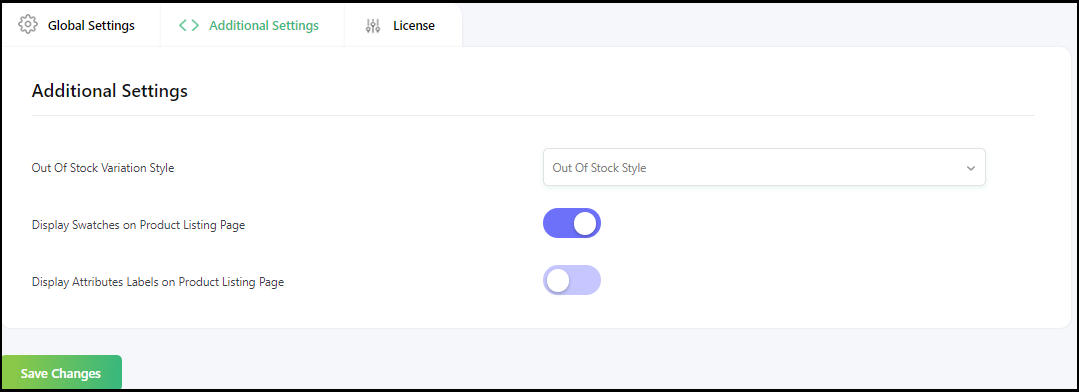
3. Enable the option and you are done.
4. Below is a variable product on the product detail page.
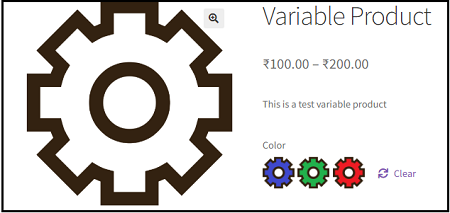
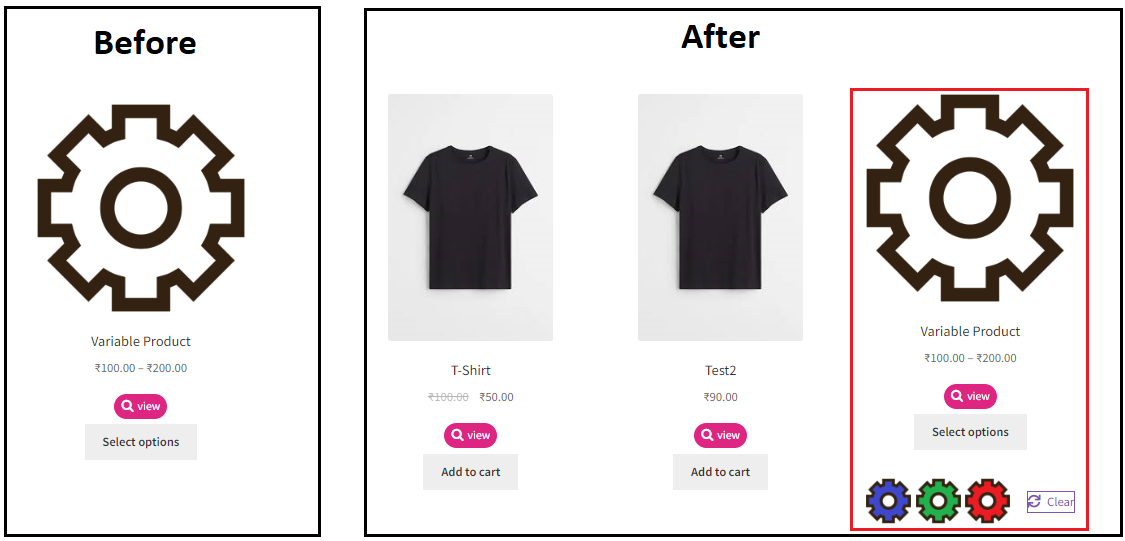
5. Here is how it shows on the product listing page, before and after enabling the Display swatches on product listing page option.
Was this article helpful?
Thanks for letting us know.
Sorry about that. Ask our support team and we will help you set it up.