- Woocommerce
- Shopify Apps
- WordPress


Offload your WordPress media to cloud storage and serve it directly from cloud storage or a CDN. Reduce server storage usage and improve media delivery while keeping your WordPress Media Library workflow

if you are not 100% satisfied with our products, you will receive a 100% refund for any reason.


 Rated 4.9/5.0

4.418 reviews
 1000
Active installations

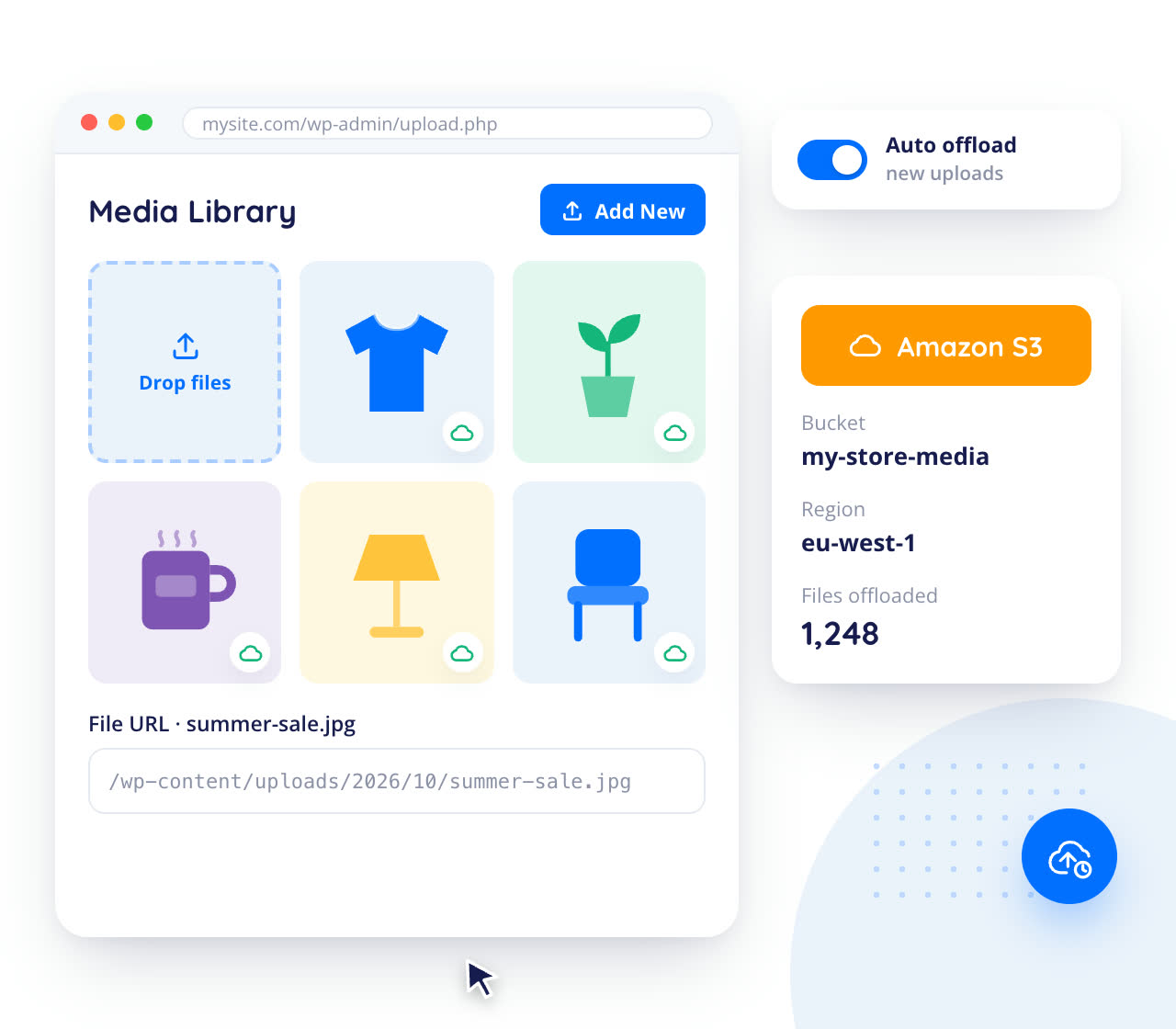
Sync newly uploaded WordPress media to your configured cloud storage while keeping it connected to the Media Library.

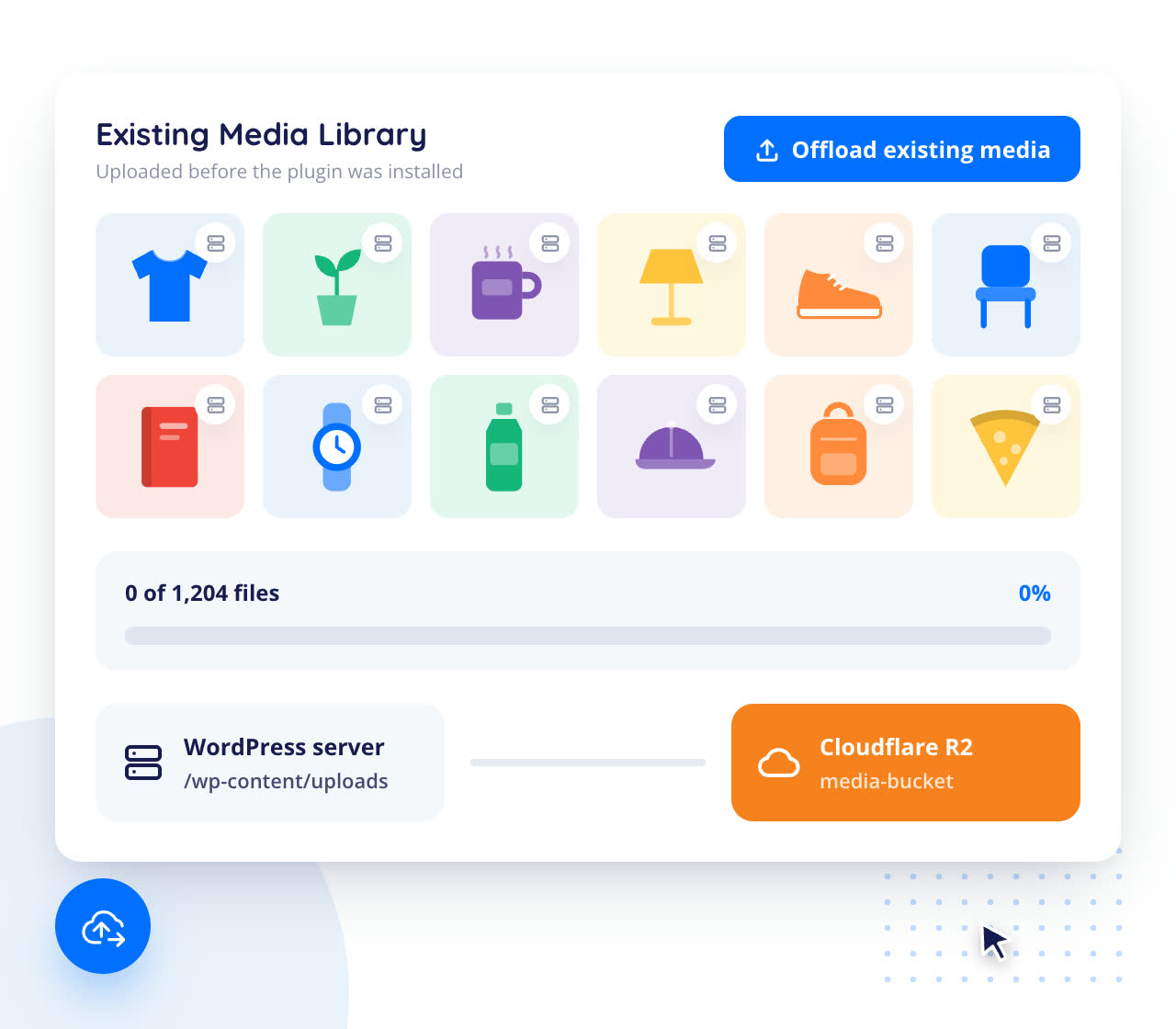
Move media already in your WordPress Media Library to cloud storage, even if it was uploaded before installing the plugin.

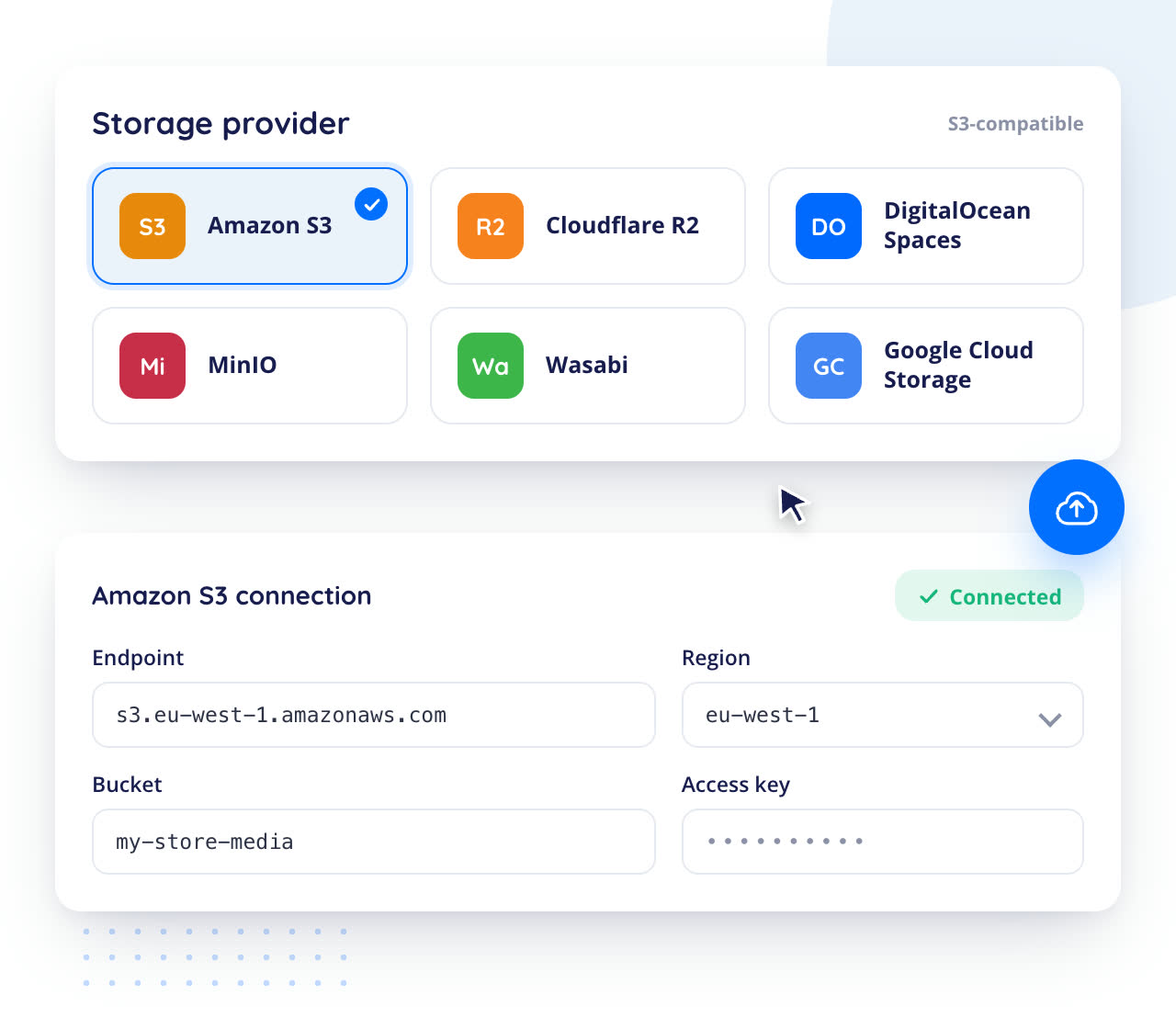
Connect your WordPress site to Amazon S3, Cloudflare R2, DigitalOcean Spaces, MinIO, Wasabi, or Google Cloud Storage.

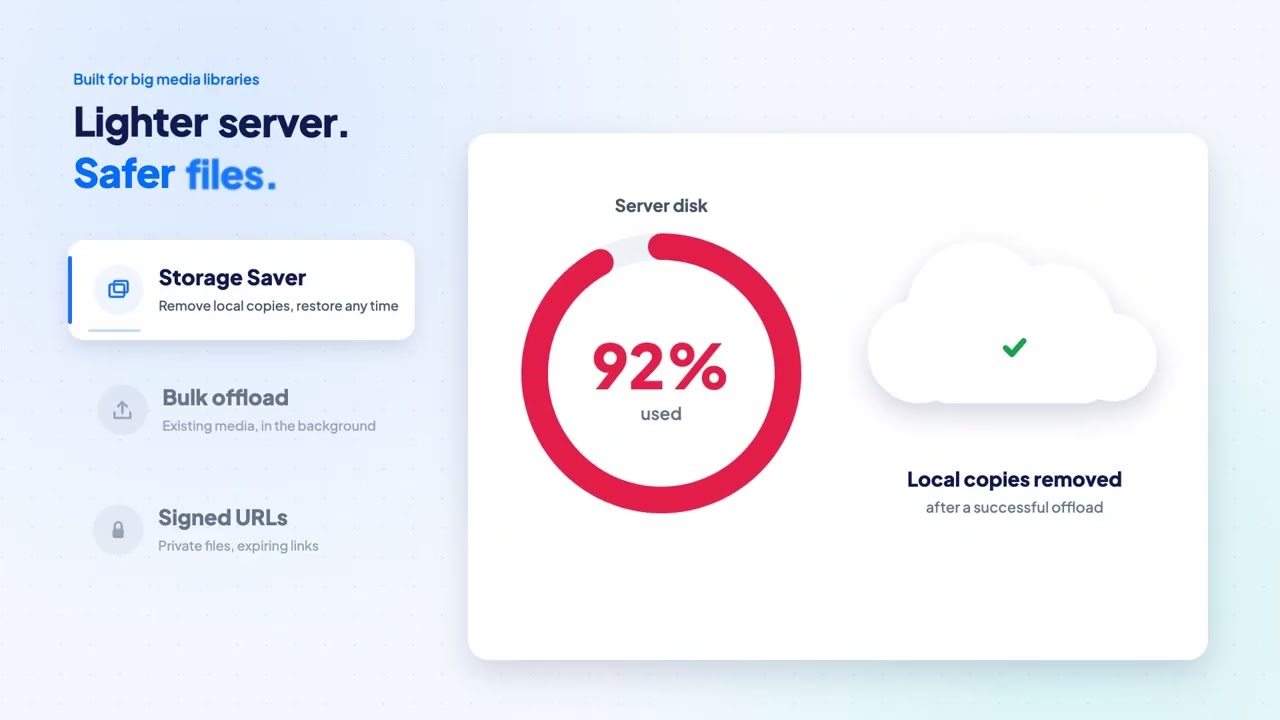
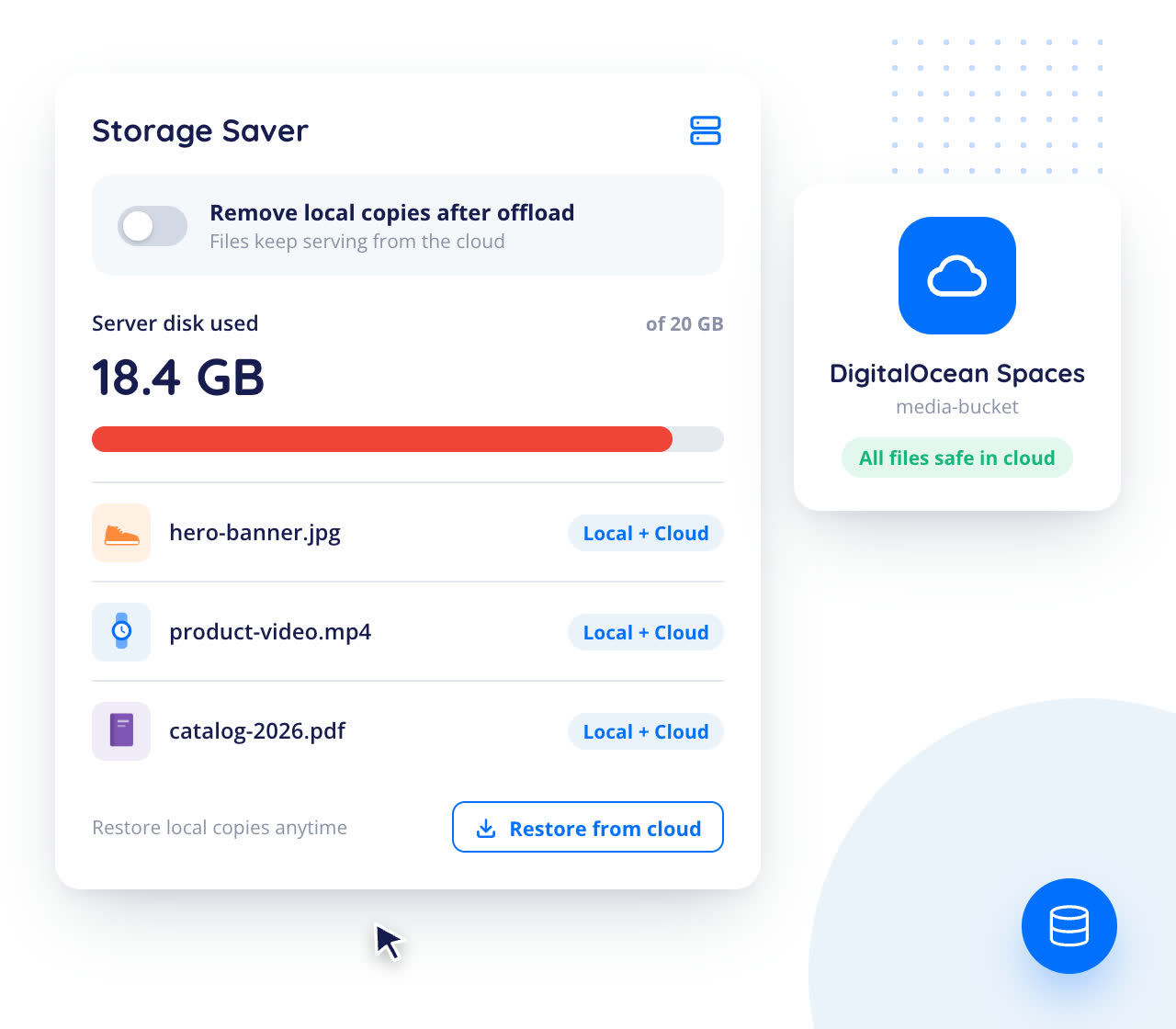
Remove local copies of successfully offloaded media to free up server storage, and restore them from cloud storage whenever needed.

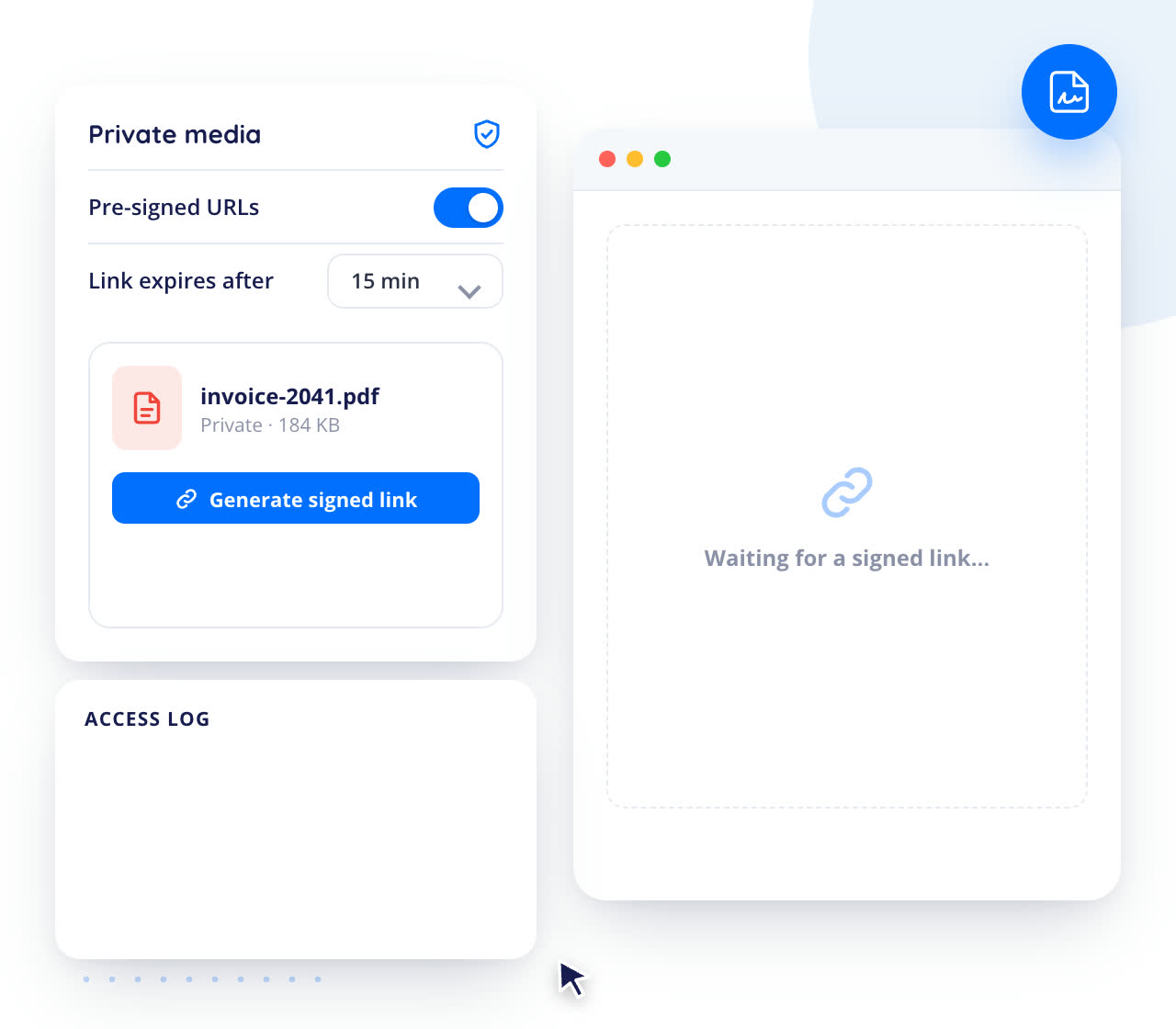
Secure your offloaded media with time-limited pre-signed URLs, allowing access to protected files only through authorized, temporary links.
More features

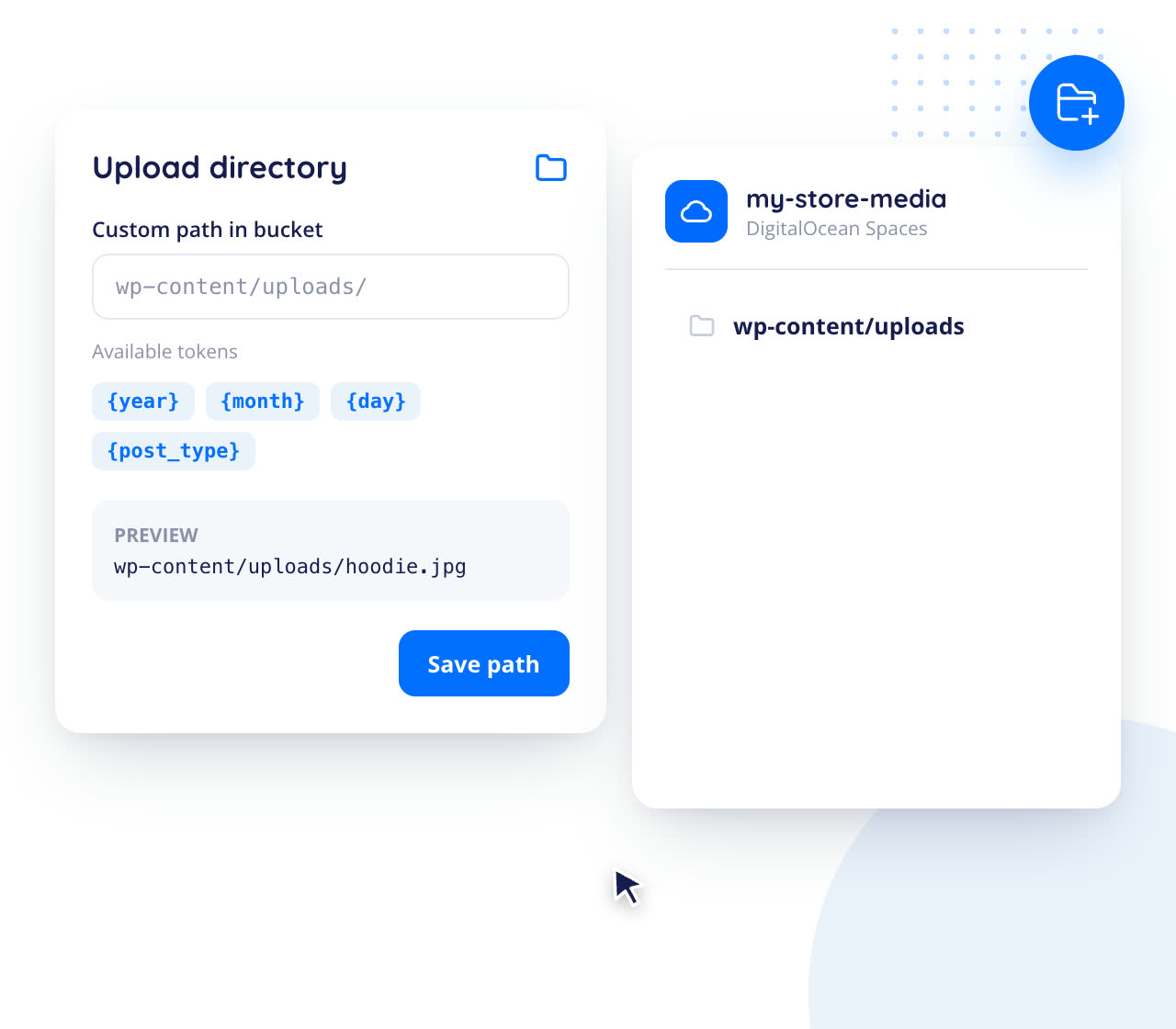
Choose a custom directory for your WordPress media uploads and control how your files are organized before they are offloaded to cloud storage.

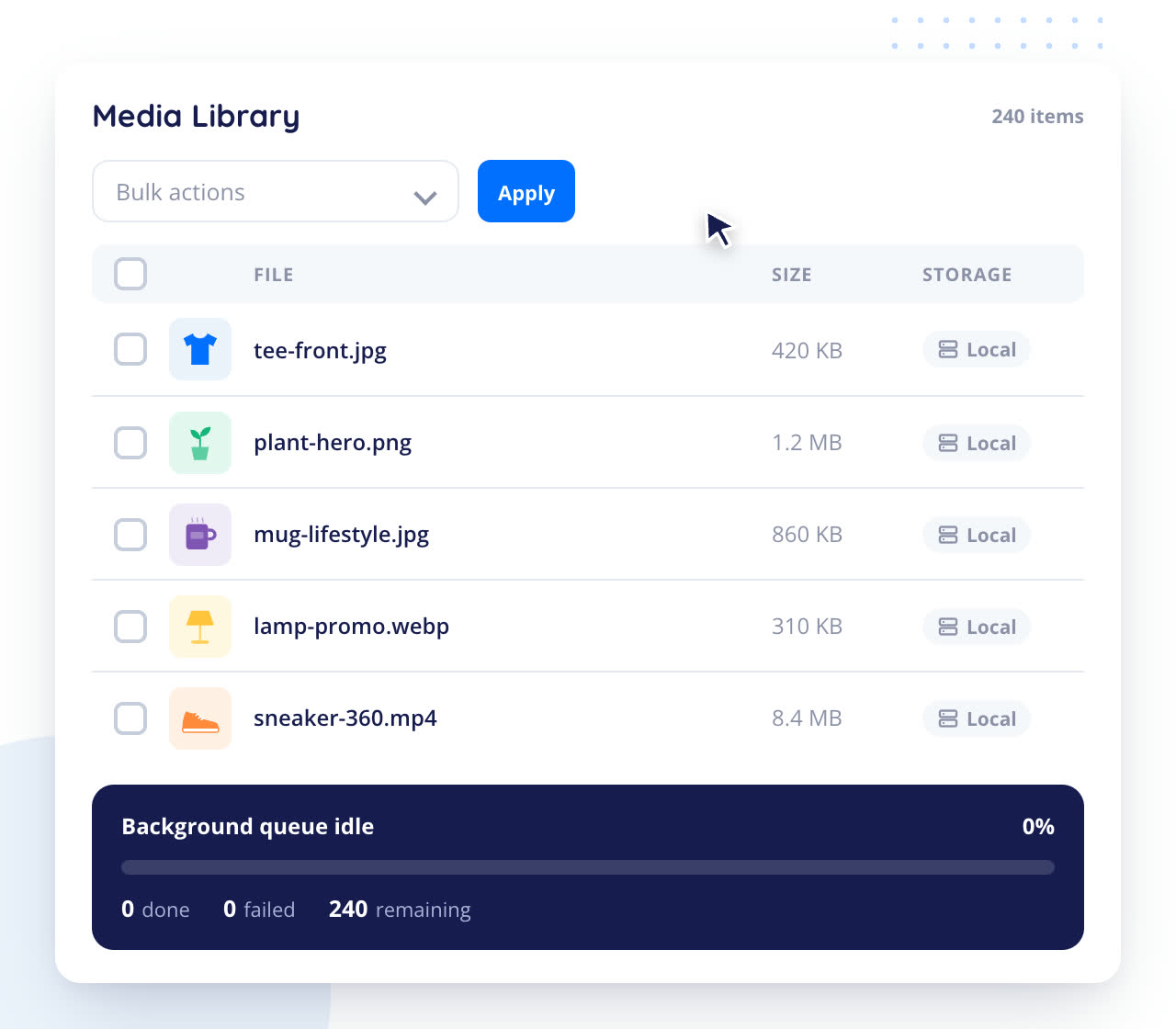
Offload, restore, delete, or synchronize large numbers of media files with background processing and detailed progress tracking.
| Features | Free | Premium |
|---|---|---|
Amazon S3, Google Cloud, Cloudflare R2, DigitalOcean Spaces |

|
|
Wasabi & MinIO (S3-compatible) |

|
|
CDN / custom endpoint + URL rewrite |
|
|
Pre-signed URLs |
|
|
| Features | Free | Premium |
|---|---|---|
Offload new media on upload |
|
|
Delete local files after offload |
|
|
Bulk sync existing media to cloud |
|
|
Remove media from cloud |
|
|
Restore / download media back to server |
|
|
Bulk delete from server |
|
|
Media Library status + inline actions |
|
|
Include / exclude file extensions |
|
|
Make media public or private in cloud |
|
|
Image optimisation + WebP + backups |
|
|
Troubleshoot / migrate previous data
|
|
|


I recently upgraded to the Pro version of Offload Media – Cloud Storage by Acowebs, and I couldn’t be happier with the experience. The plugin is incredibly user-friendly while still offering powerful features that make media management a breeze.
The team was kind, patient, and professional throughout the whole process. They solved my issue and made me feel well taken care of. Thank you so much!
The team was kind, patient, and professional throughout the whole process. They solved my issue and made me feel well taken care of. Thank you so much!
NIce, but I still prefer the OCI media offload from articla for dedicated offloading to Oracle coud infrastructure.
I’ve tested all the major media offloaders and this one is the best! Images upload swiftly, media management behaves as one would expect, and setup was a breeze on the plugin end. Support is swift, coming in with a custom solution to a feature I had wanted – image resize on upload. This allows uploads to be better sized to save storage space and bandwidth. I’m very thankful this solution exists!
Offload Media Cloud Storage comes highly recommended! 😊
excellent support thank you!





Yes. Offload Media includes built-in WebP generation and can offload the generated WebP files to cloud storage. WebP URL rewriting is also supported when enabled.
Yes. The plugin can offload the original image together with registered WordPress thumbnail sizes and custom image sizes. This ensures that responsive images and generated thumbnails can also be served from cloud storage.
Yes. Long-running background jobs can be paused and resumed. You can also cancel jobs and retry failed items without having to restart the entire operation.
Yes. Bulk operations are handled through the plugin’s background job engine. You can bulk offload media, remove cloud files, remove local copies, and restore files from cloud storage while tracking total, processed, successful, and failed items.
Deactivating the plugin does not itself perform a media migration or cleanup operation. Your files remain wherever they were stored. However, cloud URL rewriting and other plugin-managed functionality will no longer be active while the plugin is deactivated.
Before deactivating or uninstalling the plugin, make sure you understand whether your local copies have been removed and whether your site still needs the cloud-stored files.
Yes. Offload Media supports pre-signed URLs with configurable expiration times. These temporary URLs can be used to provide controlled access to files stored in private cloud storage.
Yes. You can configure a custom CDN endpoint and serve your offloaded media through your preferred CDN or delivery endpoint. The plugin can rewrite WordPress media URLs to use the configured CDN.
Yes. Offloaded files can be downloaded from cloud storage back to your WordPress server. You can restore individual files or perform bulk restore operations using the plugin’s background job system.
Yes. After your media has been offloaded to cloud storage, you can use Storage Saver to manually remove local copies and free up server storage. The cloud copies remain available and can be restored to your server when needed.
Yes. You can offload media that already exists in your WordPress Media Library, including files that were uploaded before installing the plugin. Bulk offload operations can process existing media in the background with progress tracking and retry support.
Offload Media currently supports Amazon S3, Google Cloud Storage, Cloudflare R2, DigitalOcean Spaces, Wasabi, MinIO, and generic S3-compatible storage endpoints. This allows you to use your preferred cloud storage provider while managing your media directly from WordPress.
Yes. Offload Media works with WooCommerce product images and automatically handles their cloud storage URLs. WooCommerce product images can be offloaded along with your WordPress Media Library files and served from your configured cloud storage or CDN.
Licences, refunds and upgrades work the same for every plugin: see the answers






















 Login

 Cart