Login
Login
 Cart
Cart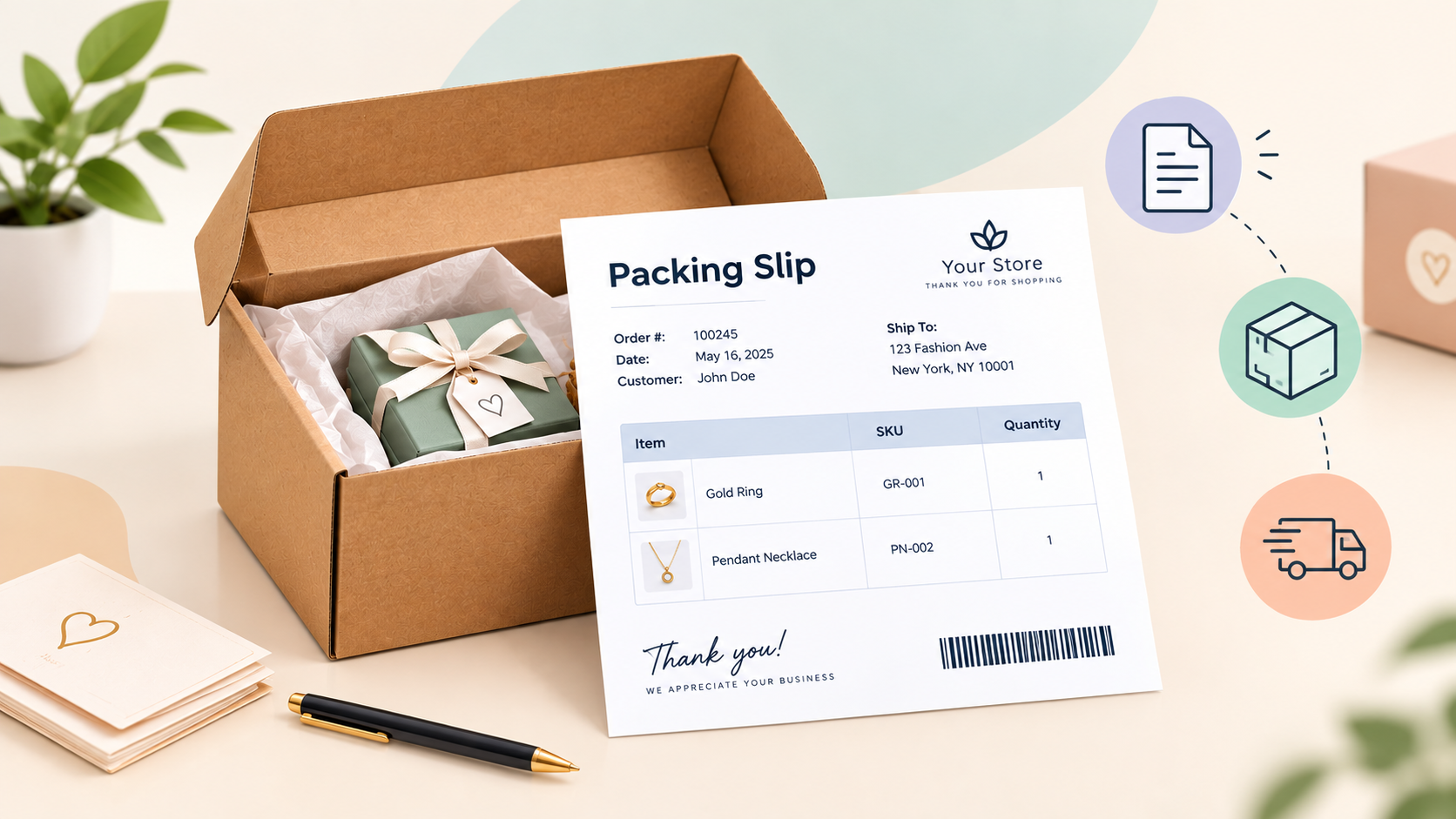
A packing slip is the item-by-item checklist that travels inside every shipped order. It tells the person packing the box exactly what belongs inside, and it lets the customer confirm the right items arrived. If your store ships physical products, this one sheet of paper , or PDF , is the accuracy workhorse of your fulfilment process.
It is also one of the most misunderstood documents in ecommerce. A packing slip is no t a receipt, not an invoice, and not a shipping label. In this guide, you will learn what a packing slip is, what belongs on it, how it differs from the other order documents, and how to generate packing slips automatically in WooCommerce so you stop creating them by hand.
What Is a Packing Slip?
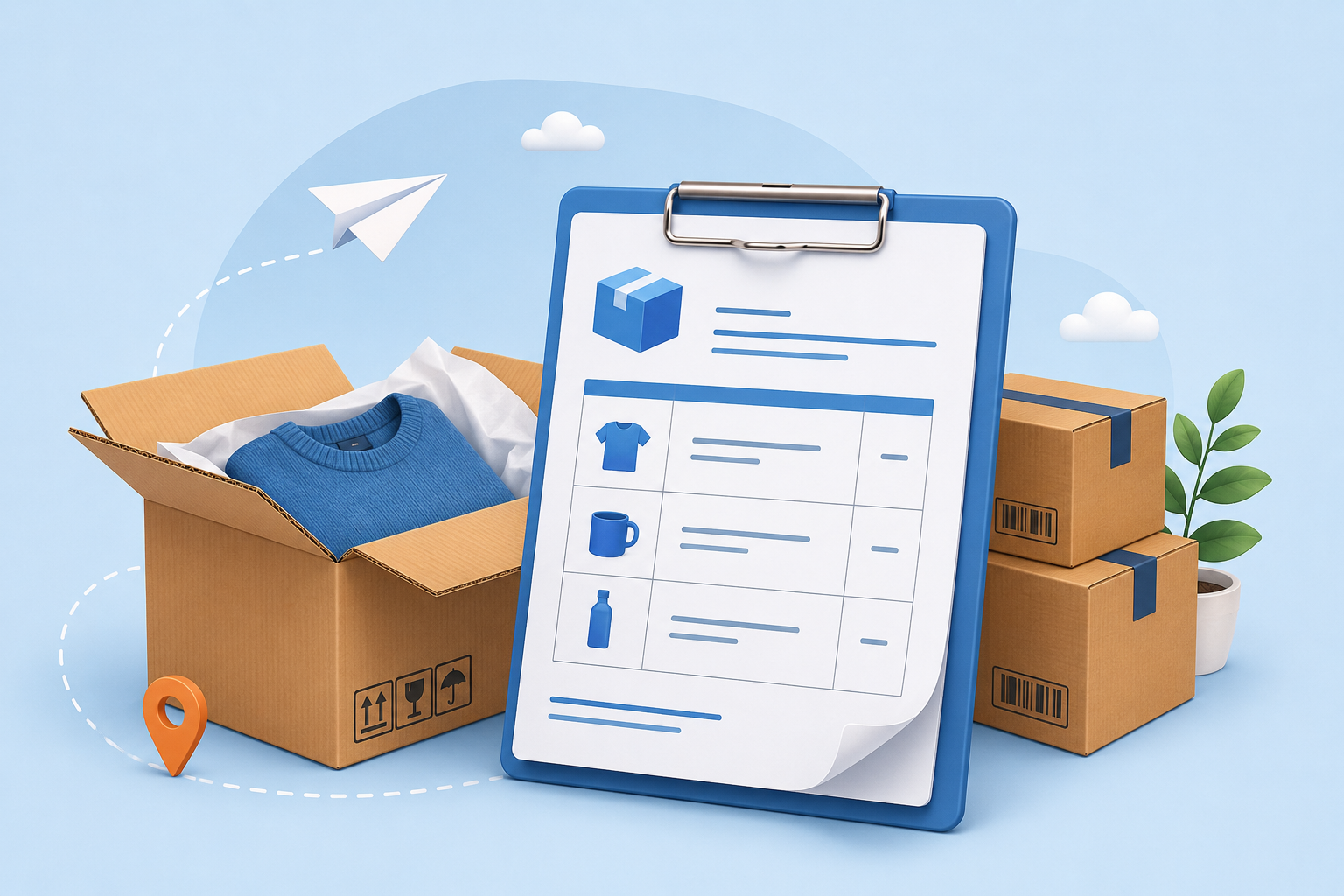
A packing slip is a document that lists the contents of a shipment. Shopify defines it as “a document containing details about the items included in a package,” and describes its two main functions: it works as a checklist for the person packing the order, and as a reference for the customer checking what arrived.
Think of the packing slip as the package’s table of contents. Before the box is sealed, the packer runs down the slip line by line to confirm every item is inside. After delivery, the customer does the same , they check the slip against the box to spot anything missing, and they use it if they need to start a return or exchange.
Here is what a typical packing slip example looks like in practice:
Packing slip example Order #1042 , placed 12 May 2026 Sold by: Acme Supplies, 123 Main Street, Kochi Ship to: Jane Doe, 456 Oak Avenue, Bengaluru Items:
- 2 × Ceramic Mug (SKU: MUG-01)
- 1 × Cotton Tote (SKU: TOTE-04) Shipping method: Standard (3–5 days)
Notice what that example does not show: no prices, no tax, and no “amount due.” Those belong on the invoice. The packing slip stays focused on what was shipped and where it is going.
Why Is a Packing Slip Necessary?
You are not legally required to include a packing slip, but for any store that ships physical products it is practically necessary. It plays four roles that keep fulfillment from coming apart:
- It is the packing checklist. Before the box is sealed, the slip is the only reliable way to confirm every ordered item is inside, no wrong quantity, no missed SKU, no skipped line.
- It is the customer’s verification. On delivery, the recipient checks the slip against the box to confirm the right order arrived. Without it, every “something is missing” case has to be investigated from scratch.
- It smooths returns and exchanges. Most returns begin with a question about what was shipped and in what quantity. The slip is the proof-of-contents reference both sides use to settle it quickly.
- It documents what you actually shipped. If a customer disputes an order or a parcel arrives damaged, the slip is your record of the contents at the moment of packing.
For larger orders, wholesale shipments, and marketplaces with their own rules, the packing slip moves from good practice to expected , some B2B buyers and fulfillment partners simply will not accept a shipment without one. The short version: you can ship without a packing slip, but you pay for it in packing errors, confused customers, and slower returns.
What Goes on a Packing Slip?
A packing slip only works if the right details are on it. Keep it simple and make it scannable , the person packing the order and the person receiving it are both working quickly.
A complete packing slip includes:
- Order number , the unique reference that ties the slip back to the order in your system.
- Order date , when the customer placed the order.
- Billing name and address , the buyer’s details, useful when billing and shipping differ.
- Shipping name and address , where the package is actually going.
- Itemized list of shipped items , the product name or description for each line.
- SKU numbers , the internal product codes that help both sides identify items precisely.
- Quantity of each item , how many units of each SKU are in the box.
- Shipping method , standard, express, or the specific carrier service.
- Special instructions , gift notes, fragile handling, or delivery instructions.
One practical detail worth repeating: the recipient checks the slip on delivery. That is the moment a packing slip earns its keep. When a customer compares the slip to what is in the box, a missing item becomes a quick catch instead of a delayed complaint.
If you also collect custom order data at checkout, make sure the fields you gather flow through to the slip. That is exactly where a tool like the WooCommerce Checkout Field Editor and Manager helps , the extra fields you capture can become part of the order details printed on the packing slip.
Packing Slip vs. Invoice vs. Shipping Label
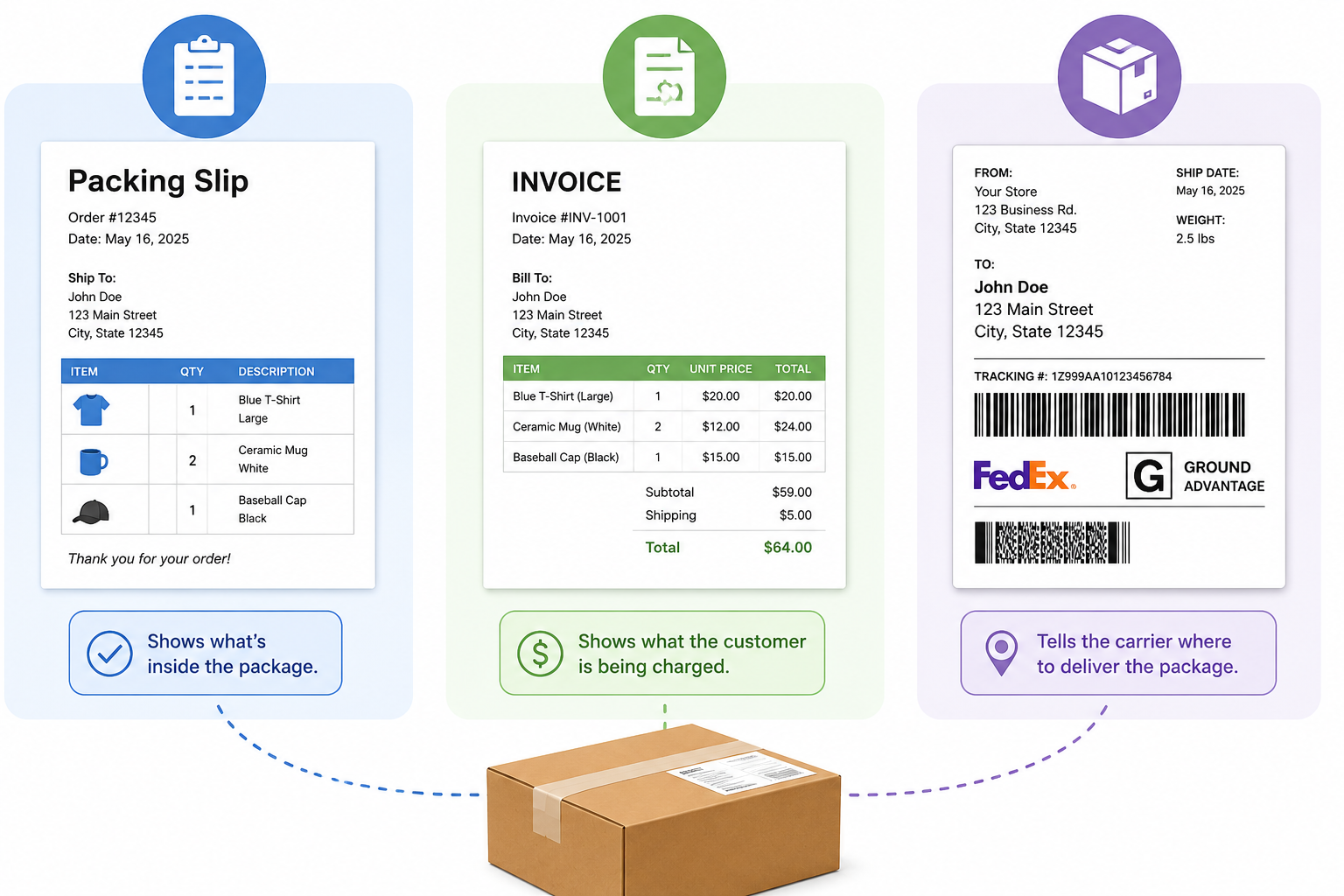
These three documents often ship together, which is why they get confused. They serve three different jobs, go to different places, and are read by different people.
| Document | Purpose | Where it goes | Who reads it |
| Packing slip | Lists the items shipped | Inside the package | The packer and the recipient |
| Invoice | Requests and records payment, with prices and tax | Sent separately or attached to the order email | The buyer (and their accounts team) |
| Shipping label | Tells the carrier where to deliver, with a tracking barcode | Outside the package | The shipping carrier |
| Receipt | Confirms the customer received goods or services in exchange for payment | Given to the customer after purchase | The buyer |
The key differences are worth spelling out:
Packing slip vs. invoice. The invoice is the financial document. It shows prices, taxes, discounts, and the amount due , it asks for payment and serves as a record of the sale. The packing slip lists the physical contents and usually omits prices entirely. An invoice is a legal financial record; a packing slip is an operational checklist.
Packing slip vs. shipping label. The shipping label is for the carrier. It carries the delivery address, the tracking number, and a barcode the carrier scans at every stage. It goes on the outside of the box. The packing slip goes on the inside and describes the contents , information a shipping label typically does not include.
Packing slip vs. receipt. A receipt confirms that a customer has received goods or services in exchange for payment. Since the seller creates the packing slip before the order is even shipped, a packing slip can never confirm receipt. If a customer asks “is a packing slip a receipt?”, the honest answer is no.
Benefits of a Packing Slip
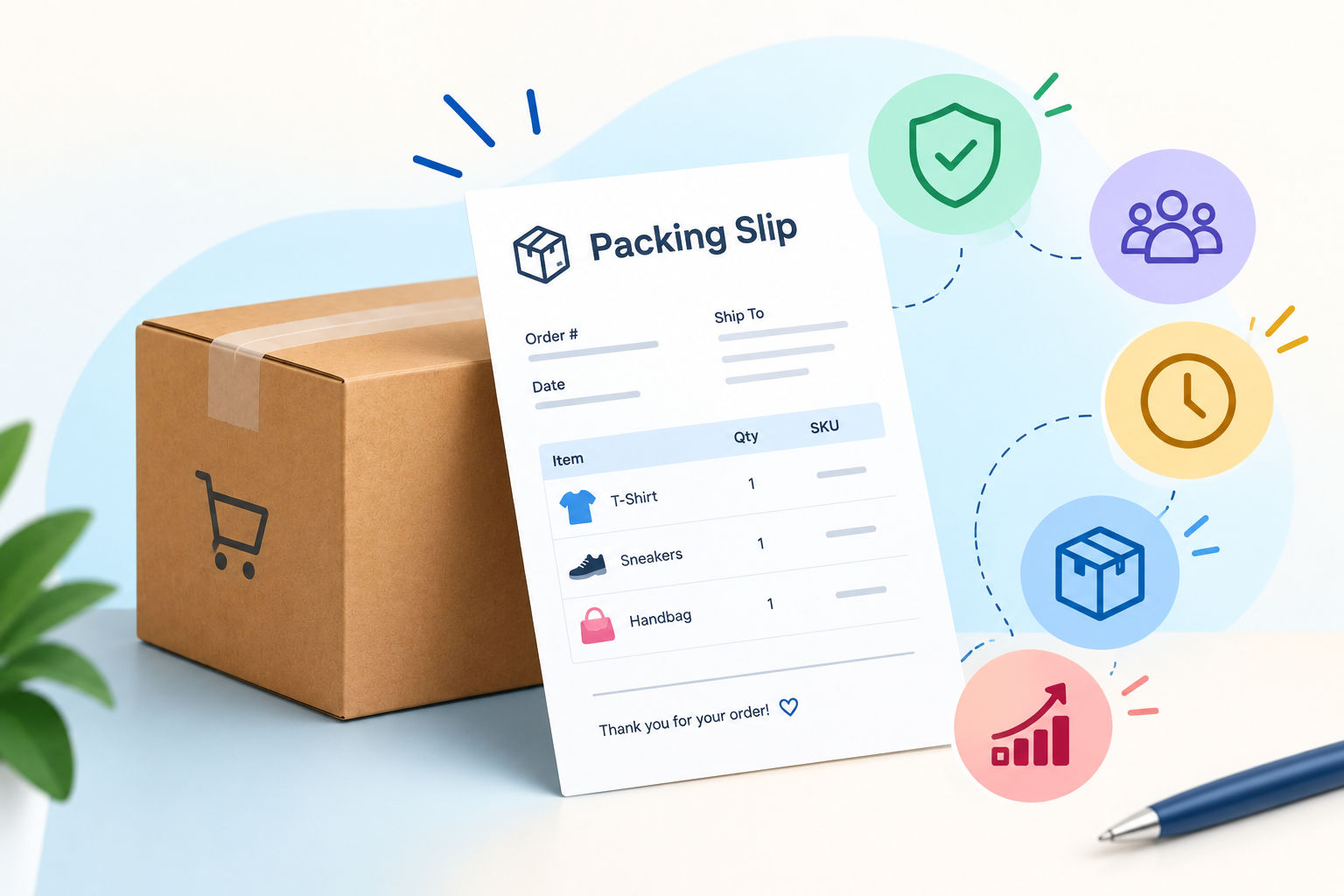
A packing slip is not just paperwork , it is one of the cheapest safeguards in your fulfillment process. The benefits show up at every stage, from packing to delivery to returns.
- Fewer packing errors. The packer runs down the slip line by line before sealing the box, so a wrong item or quantity is caught before it leaves your warehouse.
- Faster returns and exchanges. The slip tells the customer exactly what was shipped, which makes it easier to confirm a missing item and process a return without a long back-and-forth.
- Stronger customer confidence. A clear contents list inside the box reassures the buyer that the order is complete, and it cuts down on “is something missing?” support tickets.
- A more professional package. A clean, branded packing slip makes the unboxing feel organized and trustworthy , which matters most for wholesale and B2B orders.
- Lower cost of mistakes. Catching an error before shipping costs a few minutes; a returned order costs shipping, restocking, and a likely refund.
- A simple operational record. The slip documents what shipped and when, which helps with disputes and inventory reconciliation.
Digital vs. Printed Packing Slips
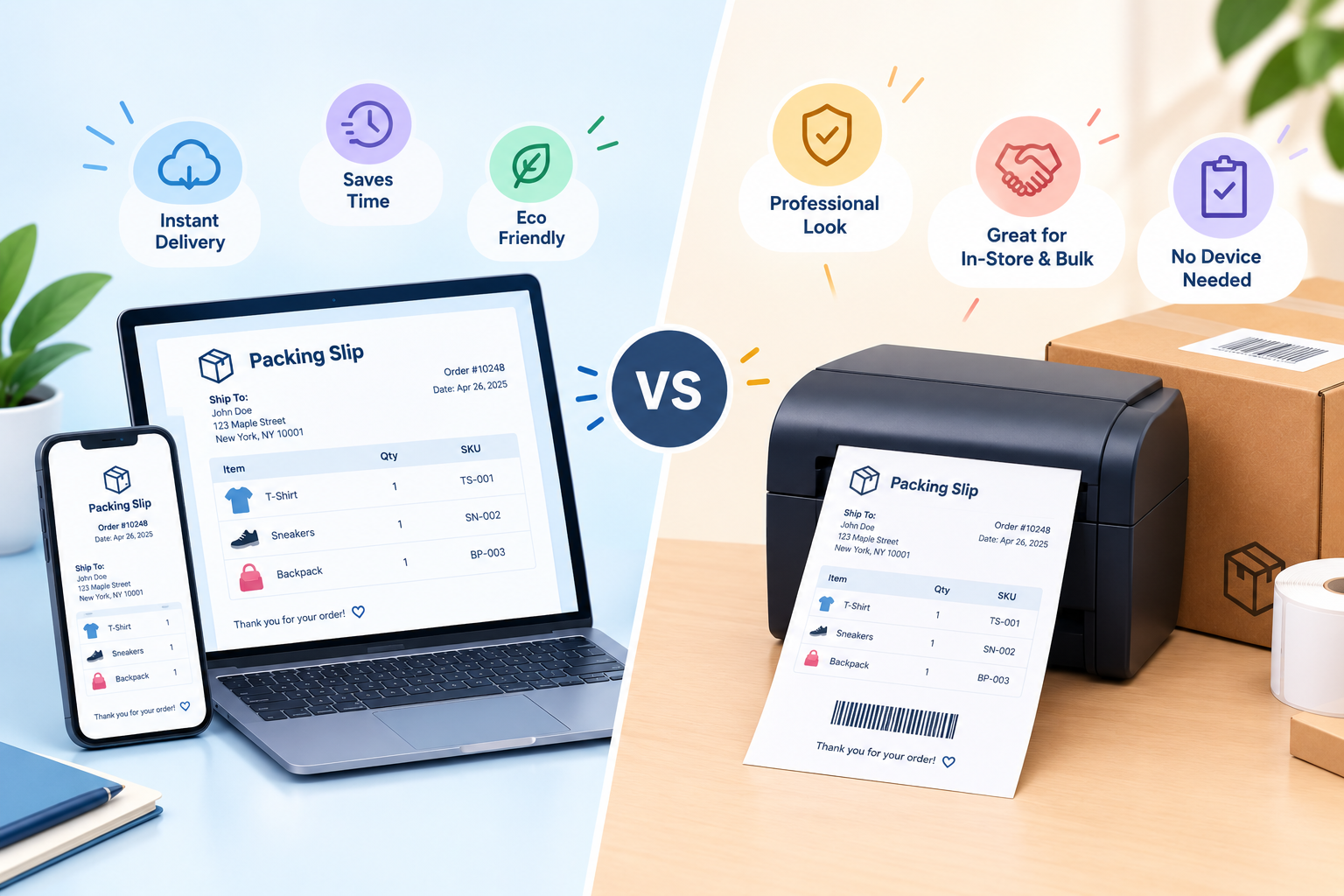
You can deliver a packing slip two ways: printed inside the box, or as a digital PDF. They carry the same information, but they solve different parts of the fulfillment problem. The printed slip serves the person packing and opening the box, while the digital slip serves the customer’s records and your support team.
Here is how the two formats compare:
| Aspect | Printed packing slip | Digital packing slip |
| Format | Paper, printed and placed inside the box | PDF sent by email or download link |
| Where it lives | Inside the package with the goods | In the customer’s inbox or account |
| Who reads it first | The packer (as a checklist), then the customer on delivery | The customer, before or after delivery |
| Customer effort | None , visible the moment the box opens | Requires opening an email or logging in |
| Environmental impact | Uses paper, ink, and printer time | No paper; reduces waste |
| Searchability | Must be kept as a physical copy | Easily searchable in the customer’s records |
| Best for | Wholesale, high-return products, unboxing trust | Everyday orders, digital-first buyers, archives |
Printed packing slips are the default for a reason. The slip travels with the physical goods, so the customer can check it the moment the box opens, with no login and no email search. If you ship wholesale orders or products with high return rates, a printed slip inside the box is still the most reliable reference.
Digital packing slips contain the same information but are sent by email or a download link instead of on paper. They reduce paper waste and give the customer an easily searchable record of every order and its contents. Shopify’s guide notes that digital slips “minimize waste” while keeping the transaction history accessible.
Most WooCommerce stores benefit from doing both: attach a PDF packing slip to the order confirmation email for the customer’s records, and print one for the box when the order is packed. You do not have to choose , you can generate the PDF once and use it in both places.
What About Target Packing Slips?
“Target packing slip” is a separate, more specific search. It usually comes from a Target.com customer looking for the itemized slip that arrived with their order , or a copy of it for a return or exchange.
Target includes a packing slip inside the package that lists the items shipped, and the same order details are also available in the customer’s Target account under order history and in the order confirmation email. For a return, the packing slip doubles as a handy proof of purchase.
The underlying idea is the same one that applies to your own store: the packing slip is the customer’s reference for what was shipped. Make yours easy to find in the box and easy to reproduce from your order records.
How to Generate Packing Slips Automatically in WooCommerce
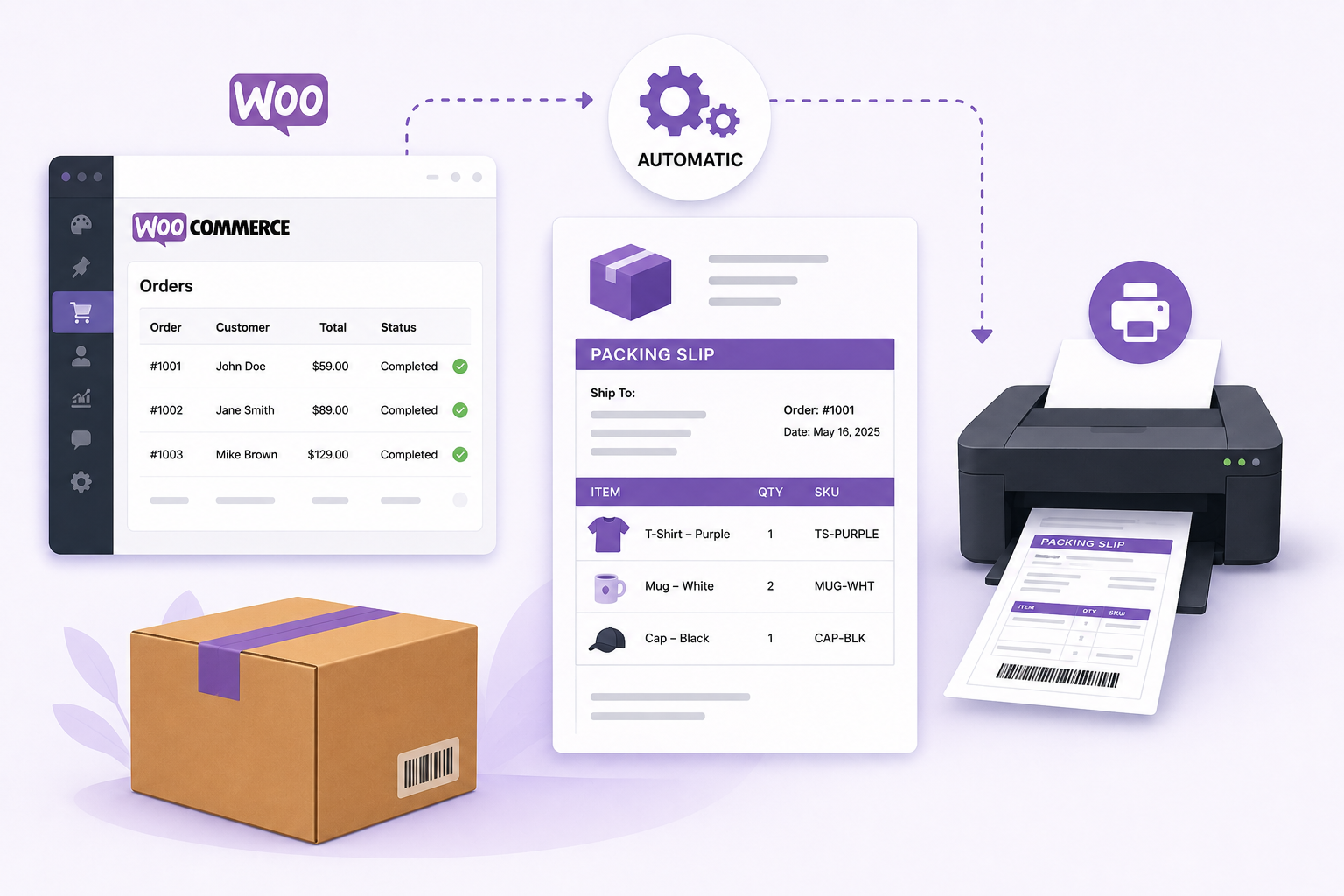
Creating packing slips by hand , copying order details into a word processor, formatting them, and printing them one by one , does not scale. It is slow, and every manual step is a chance to copy the wrong SKU or quantity.
The better path is to generate them automatically. A WooCommerce packing-slip plugin reads the order data already in your store and turns it into a clean, printable PDF , no retyping, no manual formatting.
The WooCommerce PDF Invoices and Packing Slips plugin does exactly this. Here is the practical workflow:
- Install the plugin. Activate it on your WooCommerce site and it adds invoice and packing-slip options to your order screen.
- Auto-generate PDF packing slips. Each order gets a packing slip generated from its own order data , order number, addresses, items, SKUs, and quantities.
- Attach slips to order emails. Configure the plugin to attach the PDF packing slip to the order confirmation email automatically, so the customer gets a digital copy without you sending anything manually.
- Bulk print from the orders list. Select multiple orders and generate or download their packing slips in bulk, then print them as you pack.
- Customize the template. Edit the HTML/CSS template to match your brand , add your logo, company address, footer text, and choose from supported Google Fonts such as Roboto, Open Sans, Lato, and Poppins.
The plugin also generates invoices, credit notes, shipping labels, and delivery notes from the same orders screen, and supports right-to-left languages for stores that need them. It powers more than 800 active installations and is currently at version 3.3.2.
Automation removes the two failure points that hurt real stores: the wrong quantity packed, and the slip that never got created because someone was in a rush. If you also want to tighten up the shipping side of fulfillment, the WooCommerce Table Rate Shipping plugin pairs naturally with automated packing slips , both pull from the same order data.
Conclusion
The packing slip is the quiet workhorse of ecommerce fulfillment. It lists every item in the shipment, helps the packer ship the right order, and helps the customer confirm it on arrival. It is not a receipt, not an invoice, and not a shipping label , it is the contents checklist that keeps orders accurate and returns simple.
The takeaway: know what belongs on a packing slip, and stop creating it by hand. Generate PDF packing slips automatically, attach them to order emails, and print them in bulk with the WooCommerce PDF Invoices and Packing Slips plugin , then spend the time you save on the next order, not on copying SKUs. If you are thinking about the broader experience your customer has from checkout to delivery, our guide on improving your ecommerce customer journey is a natural next read.
Acowebs are the developers of the WooCommerce PDF Invoices and Packing Slips which generate PDF invoices automatically and add them to the confirmation emails sent to your customers.WooCommerce invoice plugin allow you Create, edit, and modify your own templates and to download or print invoices and packing slips from the woocommerce email customizer using which you can easily build and customize WooCommerce emails with a drag-and-drop user interface.
FAQ
No. A receipt confirms that a customer has received goods or services in exchange for payment. A packing slip is created before shipping and simply lists the contents of the package, so it cannot confirm receipt. Keep the two separate: the receipt (or invoice) is the financial record; the packing slip is the contents list.
You are not legally required to include one, but you should. It is the cheapest error-check you can add to fulfillment , it helps your packer catch mistakes before the box ships and helps your customer verify the order on arrival. For stores with high return rates or large orders, a packing slip is close to essential.
The invoice is the payment document. It shows prices, taxes, discounts, and the amount due, and it serves as the financial record of the sale. The packing slip lists what was shipped and usually omits prices. The invoice asks for payment; the packing slip confirms the contents.
A digital packing slip contains the same information as a printed one , order number, addresses, itemized contents, and quantities , but it is delivered by email or a download link instead of on paper. It reduces paper waste and gives customers a searchable record of their orders.
The packing slip arrives inside the Target package with the shipped items. If you need another copy, the same order and item details are available in your Target account under order history and in the order confirmation email.