Login
Login
 Cart
Cart
Halloween isn’t just a costume holiday. For most Shopify stores, it’s a short shopping window that can bring in solid revenue if you plan it well, and a useful dry run before Black Friday. This guide is for Shopify store owners and small ecommerce teams (one to ten people) who want a plan rather than a list of ideas. You’ll get a realistic timeline from now through November 3, twelve strategies you can run entirely in Shopify’s admin, real numbers and a named case study showing what works, and a one-page checklist to keep the campaign on track.
TL;DR: the whole plan in 30 seconds: Set up a themed collection, banner, and scheduled badges by October 20. Run bundles and gift-with-purchase instead of blanket discounts. Send a four-email sequence plus one SMS flash offer. In the final week, push shipping cutoffs and gift cards. On November 1–3, send one “treat yourself” follow-up and pivot to Black Friday teasers. The two numbers to carry into November: new subscribers added and repeat purchase rate.
Why Halloween Matters for Shopify Stores
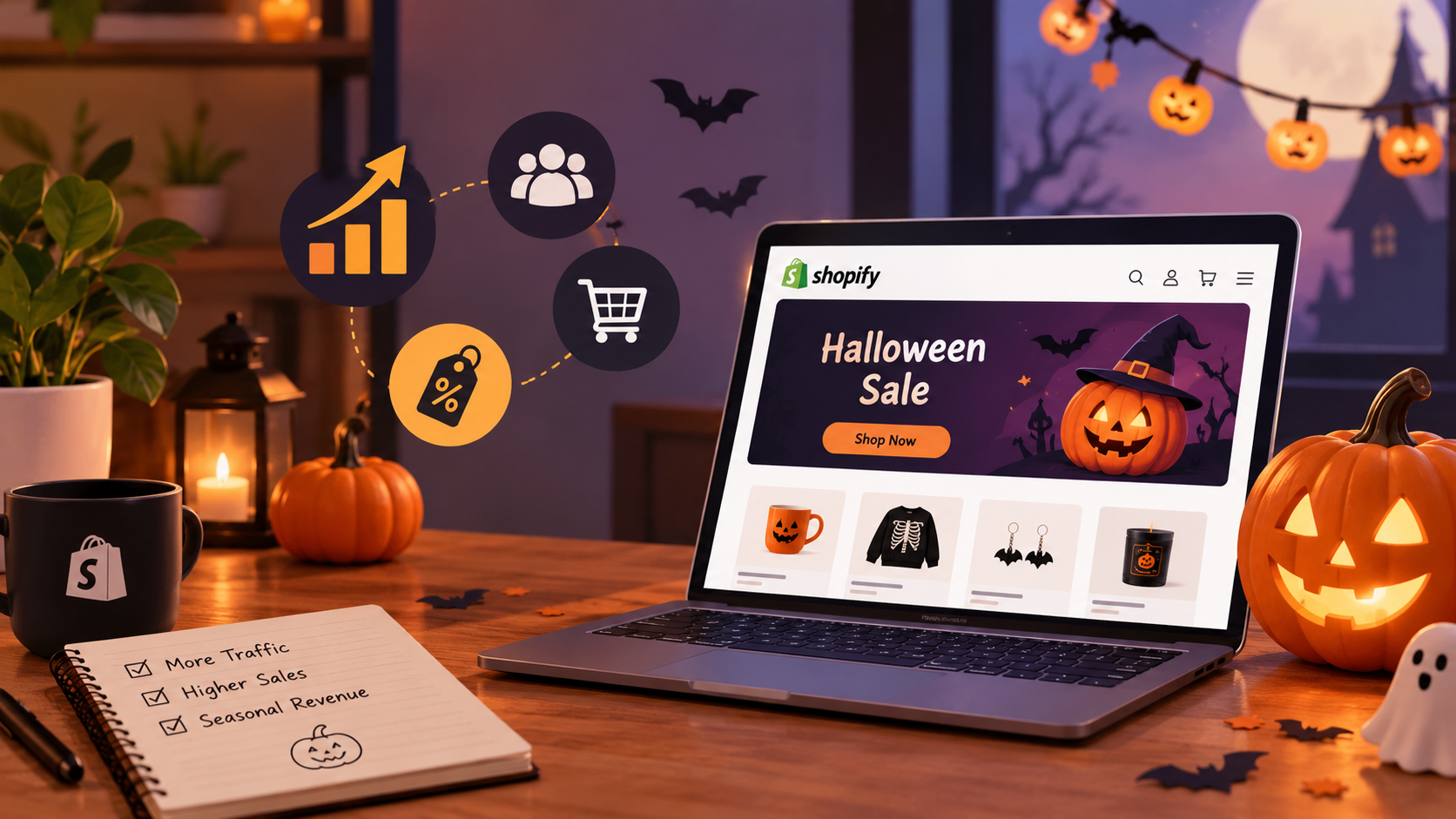
Halloween is a dress rehearsal for Black Friday and Cyber Monday. The window is short, shoppers are in a buying mood, and the stakes are low enough that you can test tactics you plan to scale in November.
Shopify’s own guide to Halloween marketing ideas notes that consumers spend heavily in the days leading up to October 31 and that festive shoppers are more likely to make impulse purchases. The broader context supports it:
US e-commerce hit $340.2 billion in Q2 2026, up 12.2% year over year and 17.1% of all retail sales, according to the
Three reasons Halloween deserves real planning:
- Seasonal intent. Shoppers are searching for costumes, candy, decorations, and themed gifts. Some of that intent lands on your store if your products fit the season.
- A low-risk testing ground. Email subject lines, bundle formats, and urgency tactics that work in October are the ones you repeat for BFCM.
- List building. A themed offer is a natural reason to ask for an email address or SMS opt-in.
Plan your campaign timeline
Work backward from October 31 and keep each window simple.
Now to October 20: set the stage
Create a themed landing page or collection, add a banner, and schedule your badge or sale start dates so nothing depends on manual updates. Send one teaser email or SMS to your list. This window is about visibility, not discounting.
October 21–27: the main push
Launch your bundles, gift-with-purchase, and any discount. This is when paid social and creator posts earn the most, because shoppers are actively planning costumes and parties.
October 28–31: urgency and last-minute buyers
Move to shipping cutoffs, “order by” messaging, and digital offers such as gift cards that cannot miss a courier deadline. Late buyers convert fast make checkout easy.
November 1–3: treat yourself
A short “treat yourself” follow-up clears leftover stock, then pivot to BFCM teasers. Halloween ends; the calendar does not.
Starting late? Prioritize these
If you are reading this with a week to go: skip the landing page, put a badge on your best products, send one email, and add a shipping-deadline notice. That is 80% of the value.
Do Halloween Marketing Strategies Actually Work?
These tactics are not guesses. They rest on a 2026 industry survey and on measured results from a named brand; none of it is a hypothetical.
- Video and social are the mainstream channels, not a gamble. 91% of businesses use video as a marketing tool, 93% of video marketers call it an important part of their strategy, and social media video is the single most common use (69% of video marketers), according to Wyzowl’s 2026 survey of 266 marketers and consumers. That is the engine behind strategies 8, 9, and 11.
- A real case study: Culture Kings. The global streetwear retailer put shoppable product video on its product pages and measured a 50% interaction rate: shoppers engaged with the video in half the sessions that saw it. The figure is published in Tolstoy’s case study of the brand, so read it as vendor-reported; the point is that this is a real store’s measured result, not an invented example.
- The conversion upside is bigger. Hampden, a brand running Tolstoy’s video content on product pages, reported a 7x lift in conversion rate and a 232% average-order-value uplift. Again, vendor-reported but it shows the direction of travel: shoppable video and UGC convert, and October is the cheapest month to test them on your own store.
What these numbers do not say: none of them guarantee your results. Run one tactic properly, measure it in Shopify Analytics, and scale only what earned its place.

Make Your Store Halloween-Ready!
Discover special Halloween deals from AcoWebs and save more on WooCommerce solutions this spooky season.
Shop Halloween Deals →12 Halloween Marketing Ideas to Boost Shopify Sales
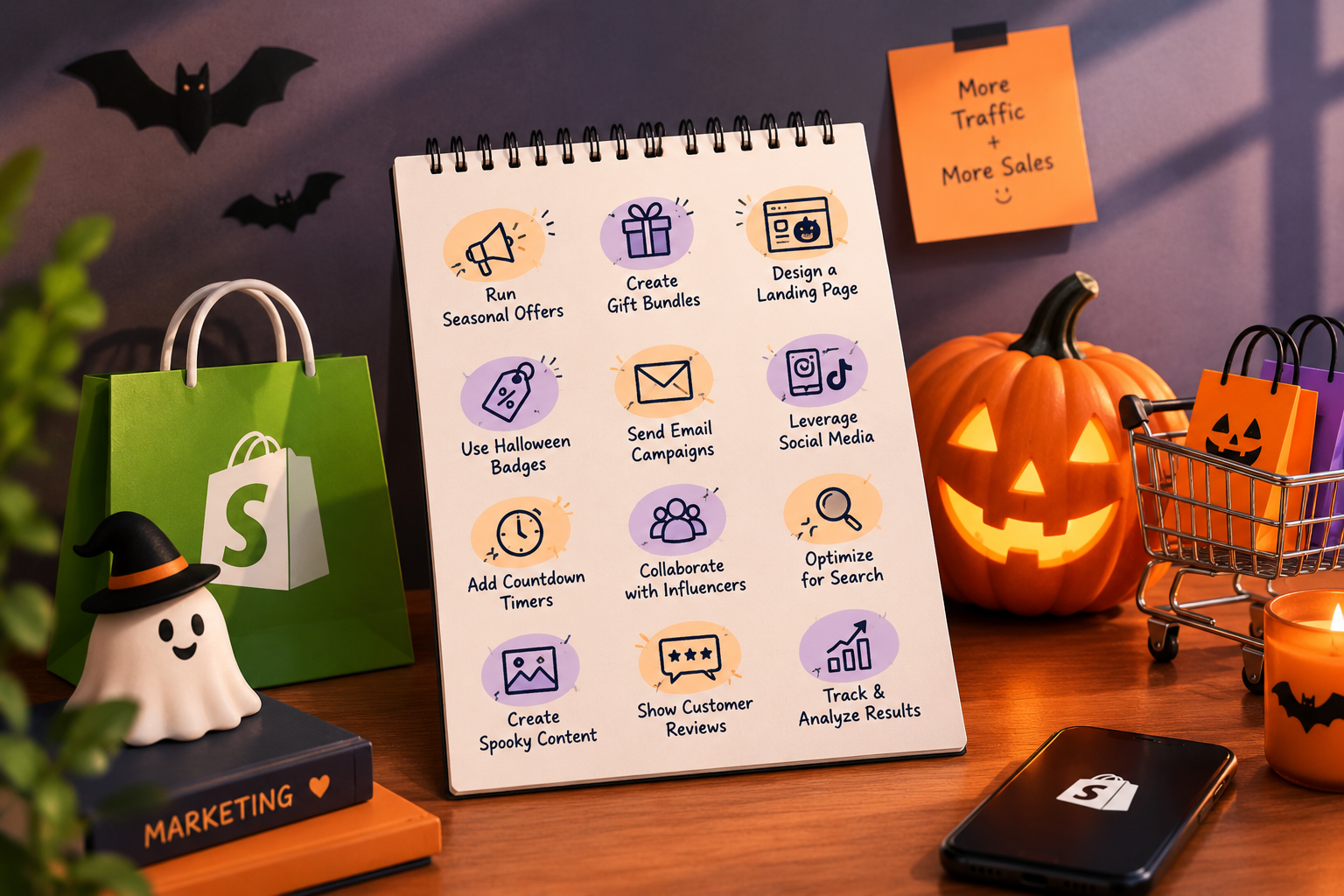
Each strategy below covers what it is, how to run it in Shopify, a quick example, and a tool that makes it faster.
1. Themed homepage and collection page
What it is: a temporary Halloween treatment of your storefront banner, collection, and product badges.
How to run it: create a “Halloween” collection in your admin, pin it to your homepage, and swap in a seasonal banner image. Set your product badges to run only between two dates.
Example: a candle store shows a “Spooky Scents” collection with a dark banner and a badge on pumpkin-spice products.
Tool: Labeler – Product Labels for Shopify schedules badges with start and end dates, so your Halloween badges appear and disappear automatically, and offers 400+ ready-made badge designs.
2. Limited-time and mystery bundles
What it is: a fixed-price bundle, sometimes with a surprise element, that raises average order value.
How to run it: build the bundle as a single product with its own inventory, then set a compare-at price so the savings shows as a strikethrough next to the sum of its parts. Shopify’s discount engine also supports buy-X-get-Y and percentage-off codes for bundle-style deals. Give the bundle its own handle and pin it to the Halloween collection from step 1.
Example: a skincare brand sells a “Trick-or-Treat Trio” of three minis at 20% off the single-product total.
Tool: no app required; use Shopify’s native discounts and a bundle product.
3. Spin-to-win popups with a discount floor
What it is: a popup that offers a prize wheel or scratch card in exchange for an email address.
How to run it: install a popup app, set the prize options, and make sure every outcome is a real, deliverable offer. Never promise a discount you cannot honor at scale.
Example: “Spin for 10%, 15%, or free shipping” with the wheel showing all three outcomes.
Compliance note: disclose the terms of the offer and keep your claims honest a “guaranteed” prize should actually be guaranteed.
4. Email sequence: teaser, launch, reminder, last call
What it is: four messages spread across October, each with one job.
How to run it: build the sequence in Shopify Email, which is built into your admin, and segment the list so repeat buyers see different offers than new subscribers.
Example: teaser on October 5, launch on October 21, reminder on October 28, last call with the shipping cutoff on October 30.
Tool: Shopify Email, plus our guide to segmentation in email marketing for the list-building mechanics.
5. SMS flash offers
What it is: short, urgent text offers for shoppers who opted in.
How to run it: Shopify Messaging handles SMS from your admin. Only message subscribers who explicitly opted in, and always include an opt-out instruction. Check the Shopify Help Center for the consent rules in your region.
Example: “Tonight only: 20% off Halloween picks. Reply STOP to opt out.”
Compliance note: SMS consent must be explicit and documented. Never text a list you bought or scraped.
6. Gift-with-purchase
What it is: a free item with a minimum order, instead of a blanket discount.
How to run it: create the gift as a product with a real price and inventory, then set an automatic buy-X-get-Y discount (“customer gets X for 100% off when they buy Y”) with a minimum quantity or spend. Shopify applies it at checkout automatically; no code needed. It protects margin because the gift costs less than a percentage discount on the whole cart would.
Example: “Free mini candle on orders over $50.” The candle costs you $4, not 20% of the whole cart.
7. Themed packaging with a hidden next-order code
What it is: a small unboxing surprise that drives a repeat purchase.
How to run it: print a themed card with a code for the next order, then create that code in Shopify’s discounts area with two settings: a usage limit of one per customer, and an expiry date (say November 15). That stops the code leaking into public deal sites and gives you a clean repeat-purchase signal to read in Analytics.
Example: a coffee brand slips a “Brew Again” card into October orders with 10% off the next bag, valid through November 15.
8. Social challenges and UGC with a branded hashtag
What it is: a prompt for customers to share photos or videos of your product in costume or fall styling.
How to run it: pick a hashtag, offer a small prize, and reshare the best entries. Then make those videos shoppable so the attention converts.
Example: a pet store runs #PetPumpkinContest; the winning photo gets a $50 gift card.
Tool: Shopeo – Shoppable Videos imports video from Instagram, TikTok, or YouTube and tags products directly in the player, so a UGC post becomes a checkout.
9. Creator collaborations
What it is: micro-influencers or affiliates who promote your store to their audience.
How to run it: install Shopify Collabs (free), invite five to ten micro-influencers with personalized offers and a gift, and give each a commission code. Collabs tracks sales by creator automatically and pays commissions through your Shopify bill so you can see exactly which creator paid for themselves before you scale the program.
Example: a bakery sends a free sampler box to five local food creators and gives each a 15% commission code.
10. Countdown timers with real deadlines only
What it is: a visible timer that builds urgency around a true cutoff.
How to run it: add a countdown section to your landing page or cart page in the theme editor (most Shopify themes ship one) or install a countdown-timer app from the Shopify App Store. Point it at a real deadline the shipping cutoff- not a fake sale ending and make sure the offer genuinely ends when the timer hits zero.
Example: “Order by October 29 for Halloween delivery.” The timer counts to midnight on October 29.
11. Retargeting and paid social with seasonal creative
What it is: ads shown to people who visited your store, with Halloween-themed visuals.
How to run it: connect the Meta channel in your Shopify admin so the Meta pixel fires on your store, then build a Custom Audience from “People who visited your website” and a second one from cart abandoners. Swap in one seasonal creative set, keep the daily budget small, and set a 48-hour code so the ad has a deadline. Halloween is a test, not a bet but retargeting is the cheapest ad there is, because these people already know you.
Example: a costume accessory brand retargets cart abandoners with “Your costume is waiting” and a 48-hour code.
12. Give-back or content-series campaigns
What it is: a campaign that gives something away knowledge, a donation, or a community moment rather than a discount.
How to run it: publish a short series a 31-day tip calendar, a costume ideas post, a “how we source” video on a fixed schedule- and tie each piece to a product link. Make the videos shoppable with Shopeo – Shoppable Videos so a viewer can tap the product inside the video instead of hunting for it.
Example: a plant store posts “Plants That Survive Spooky Season” with care tips and links to its hardiest varieties.
Halloween Marketing Ideas for Any Brand
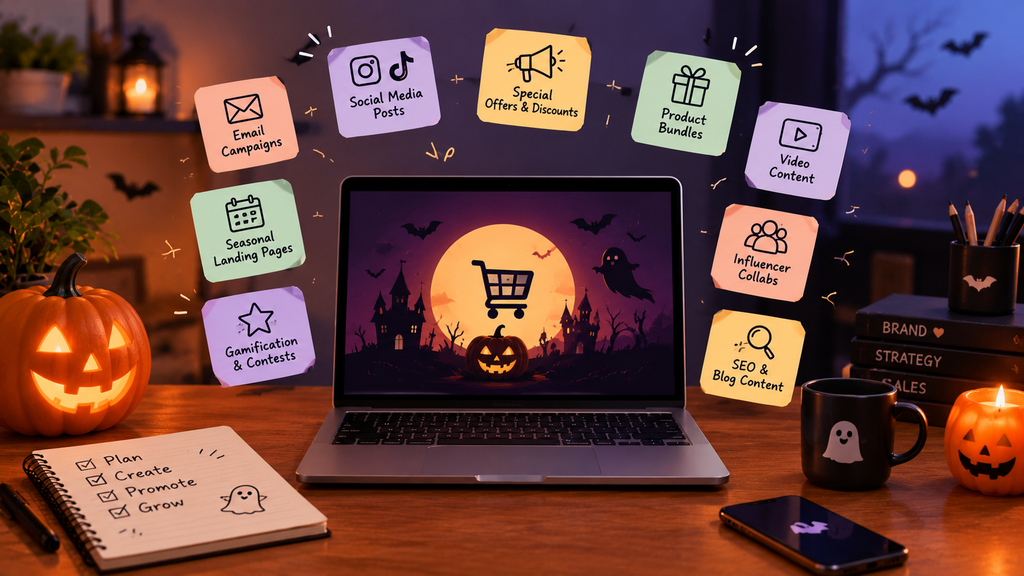
You do not need costumes to benefit. Beauty brands run “Trick or Treat” bundles of minis. Apparel stores theme their colors orange-and-black for the week. Home brands offer fall decor or a free candle with a threshold. Food and beverage stores bundle “party packs.” Digital products can run a 48-hour launch with Halloween packaging on the offer page. The strategy is the same everywhere: seasonal theming on the surface, list building and bundles underneath.
How to Protect Your Profit Margins During Halloween Sales
Three habits keep Halloween profitable:
- Bundles over sitewide discounts. A blanket 20% off hits every product. A bundle moves specific stock and lifts average order value.
- Thresholds and limits. Attach a minimum order amount to discount codes and set usage limits, so one code cannot be shared into a loss.
- Know your shipping. Set the cutoff date in your copy, and use gift cards or digital offers after it so late shoppers still convert.
Tag every code by channel: email, SMS, social, creator and you will know which one paid for itself.
How to Measure Your Halloween Campaign Results
Track revenue, conversion rate, and average order value in Shopify Analytics, plus discount code redemptions by channel. Add UTM tags to every social and creator link so sessions are attributed correctly. Two numbers matter most: list growth (how many new email or SMS subscribers) and repeat purchase rate in the two weeks after the campaign. Those are the assets you carry into Black Friday.
🎃 One-Page Halloween Checklist
Run your Halloween campaign with this simple checklist. Tick off each task as you complete it!
🕯️ Before October 20
🕸️ October 21–27
🦇 October 28–31
🍬 November 1–3
Conclusion
The three highest-impact moves are simple: schedule your badges and banner so your store looks seasonal without manual work, run bundles and gift-with-purchase instead of blanket discounts, and build an email and SMS sequence you can reuse for Black Friday. When November arrives, check two numbers: how many new subscribers you added and your repeat purchase rate. Halloween marketing for Shopify is a small, fast test, and the store you set up this week is the one you’ll scale for BFCM.
Acowebs are the developers of the WooCommerce Product Labels which let customers include custom product labels or product badges for WooCommerce products. WooCommerce sales badges plugin provides you with different label styles and customizations for labels. It offers a easy-to-use UI to add labels to the selected products or categories and woocommerce email customizer using which you can easily build and customize WooCommerce emails with a drag-and-drop user interface.-
FAQ
Shopify’s guide recommends starting in August or September. If you are late, focus on the final ten days: badges, one email, and a shipping deadline.
No. Bundles, gifts with purchase, and early access protect margin and often outperform a flat percentage off.
Email and SMS to your existing list give the best return for the effort. Social and creators add reach. Start with the list, then extend outward.
Model your net profit after discounts, ad spend, shipping, and fees before you announce a sale. A discount-heavy push can set sales records while quietly losing money. Bundles, minimum-order thresholds, and gift-with-purchase usually protect margin better than a blanket percentage off.
Work backward from your carrier’s slowest realistic transit time and add a buffer. Show the cutoff on the product page, cart, and emails. After the cutoff, switch to gift cards or digital offers.
Set start and end dates on your Shopify discount and automatic discount. For badges, Labeler’s Badge Schedule feature shows a badge when the campaign starts and removes it when it ends. That way no expired promo stays on your storefront.
Yes. Theming, bundles, and a short content series work for any product, and the list you build is yours to keep for BFCM.