


















 Login

 Cart
Product tagging allows you to link Shopify products to your videos so customers can shop directly while watching. You can tag products in bulk or individually, depending on your needs.
Bulk Product Tagging
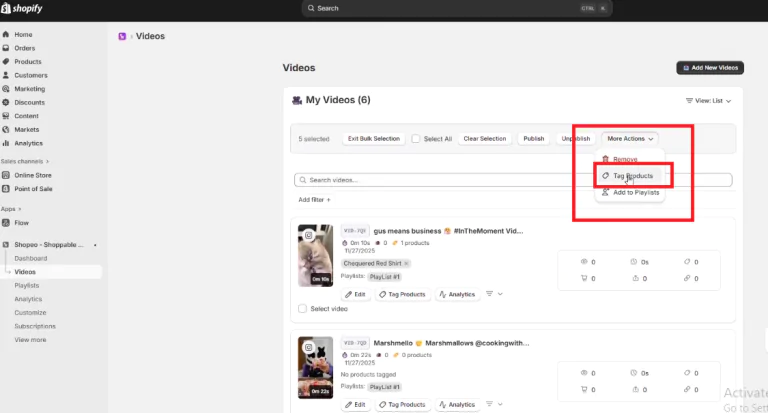
To tag products to multiple videos at once:
- Open the Videos section
- Select one or more videos using the checkboxes
- Click the Add button
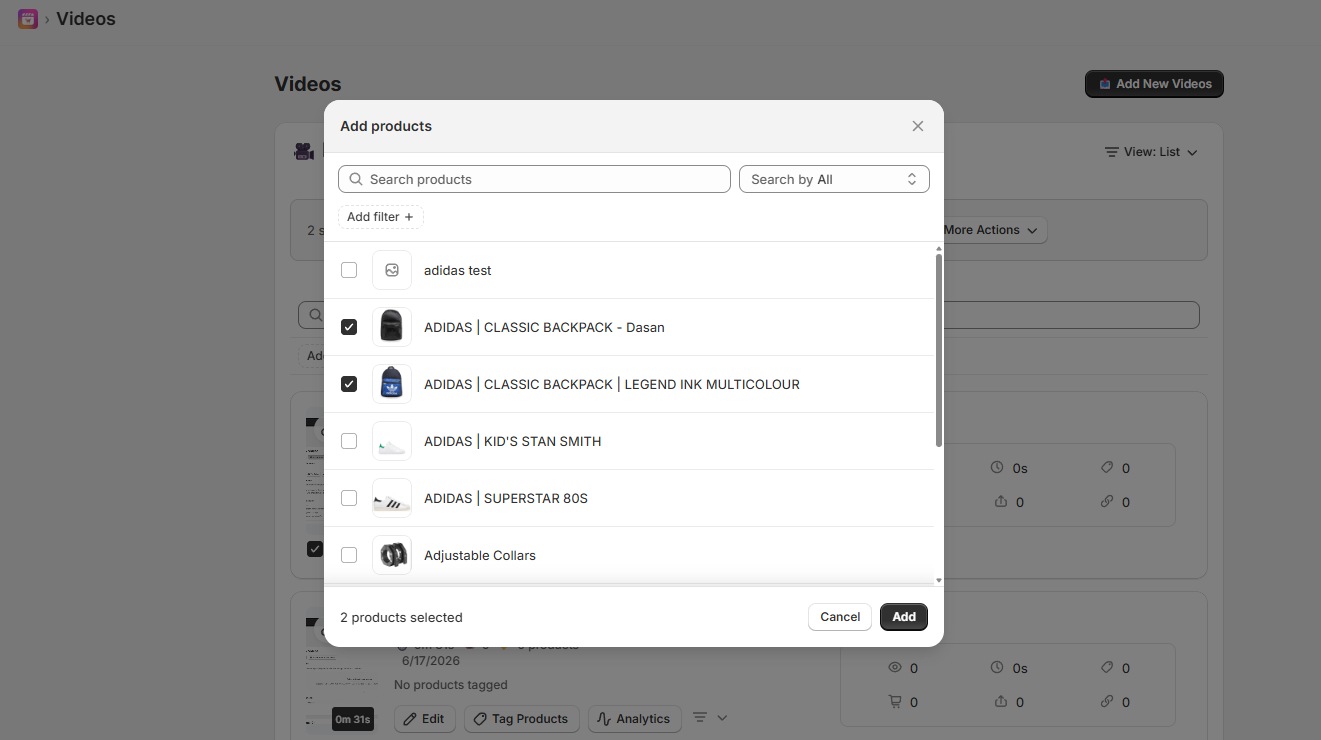
- Choose the products you want to tag
All selected products will be applied to every selected video, making it easy to manage large batches of content.
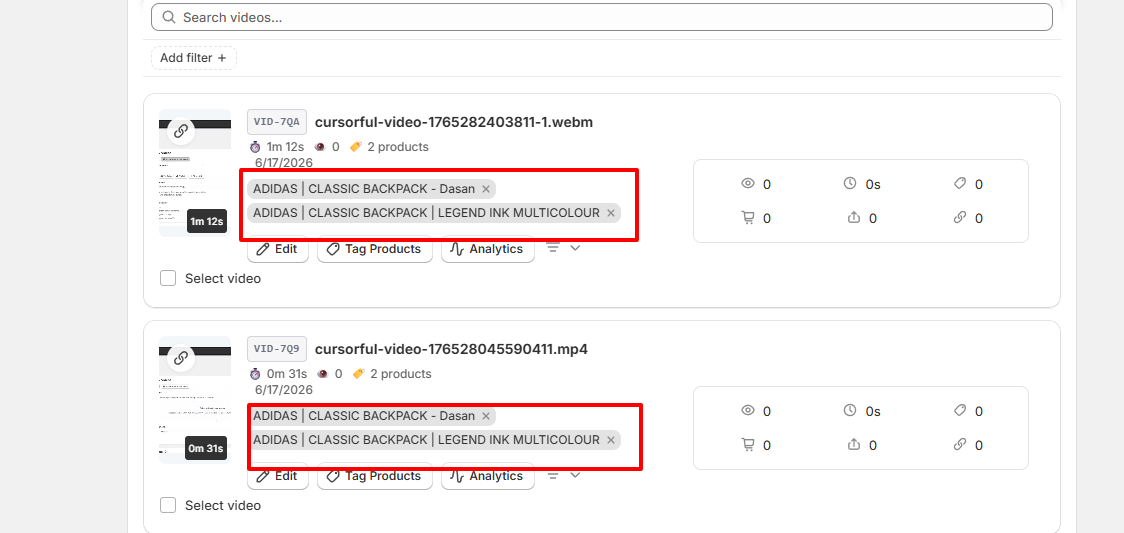
Individual Product Tagging
If you want to tag products for each video separately:
- Click the Tag Video button next to the specific video
- Select the products to associate with that video
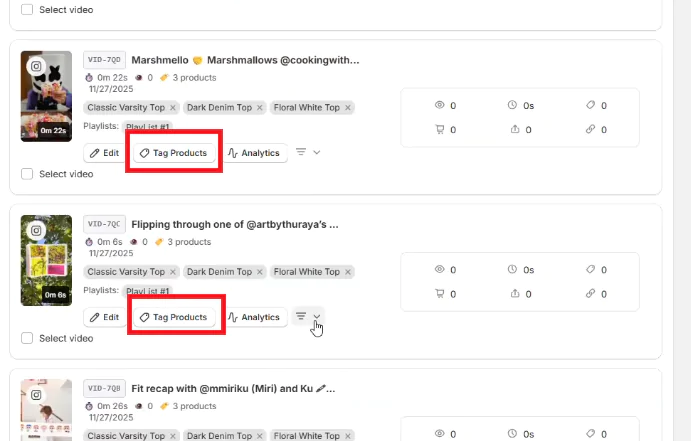
- Save your changes
This allows you to create precise product-to-video relationships—perfect when each video promotes different products.
Was this article helpful?
Thanks for letting us know.
Sorry about that. Ask our support team and we will help you set it up.