
To delete the badge displayed on your shop, follow these steps:
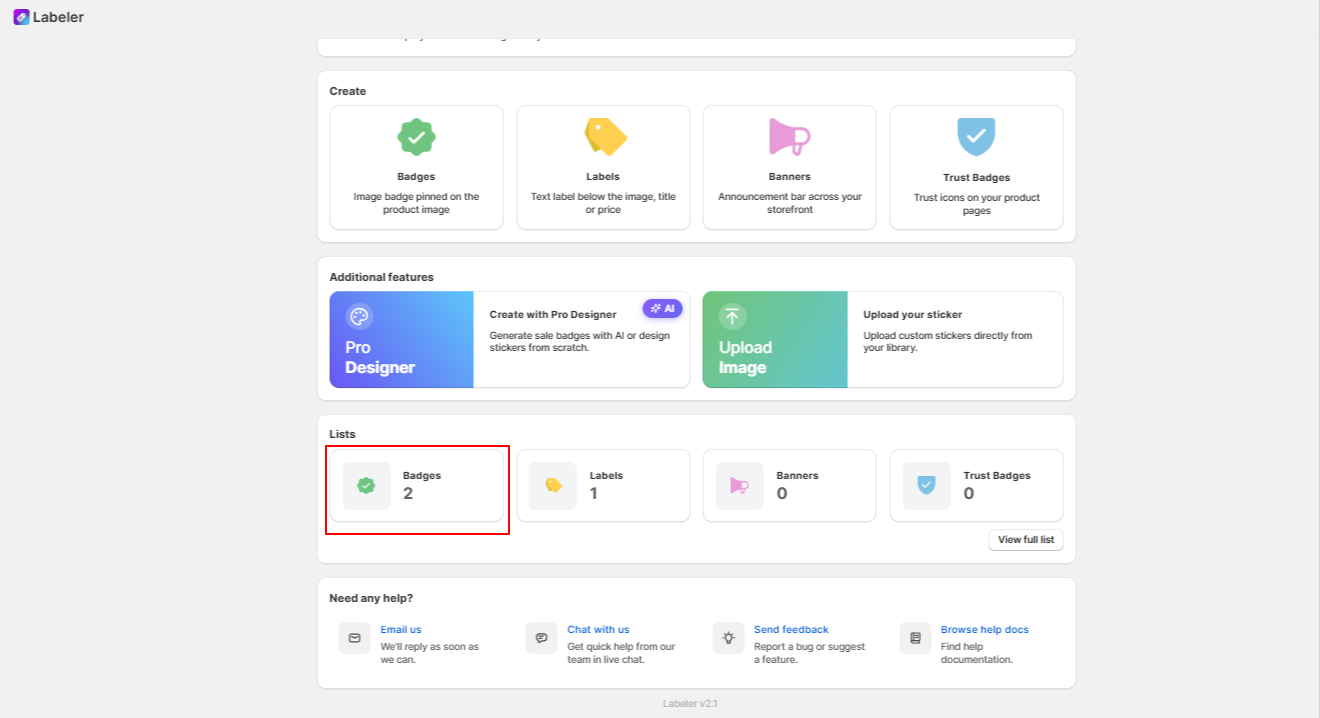
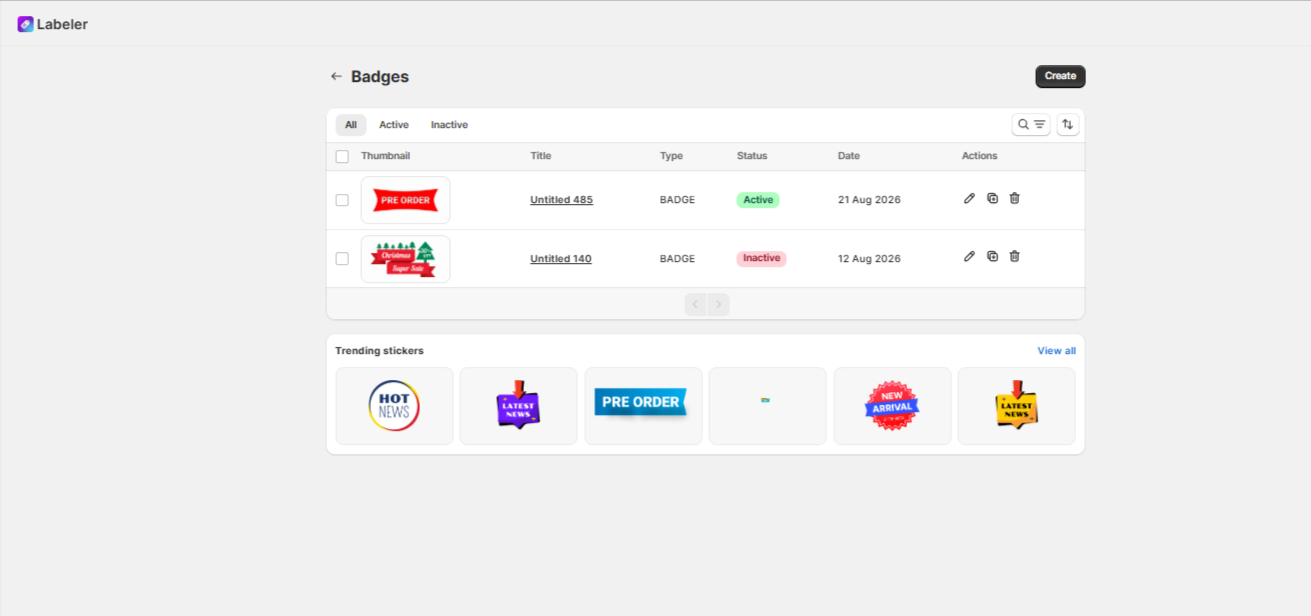
You’ll see list of badges you’ve created
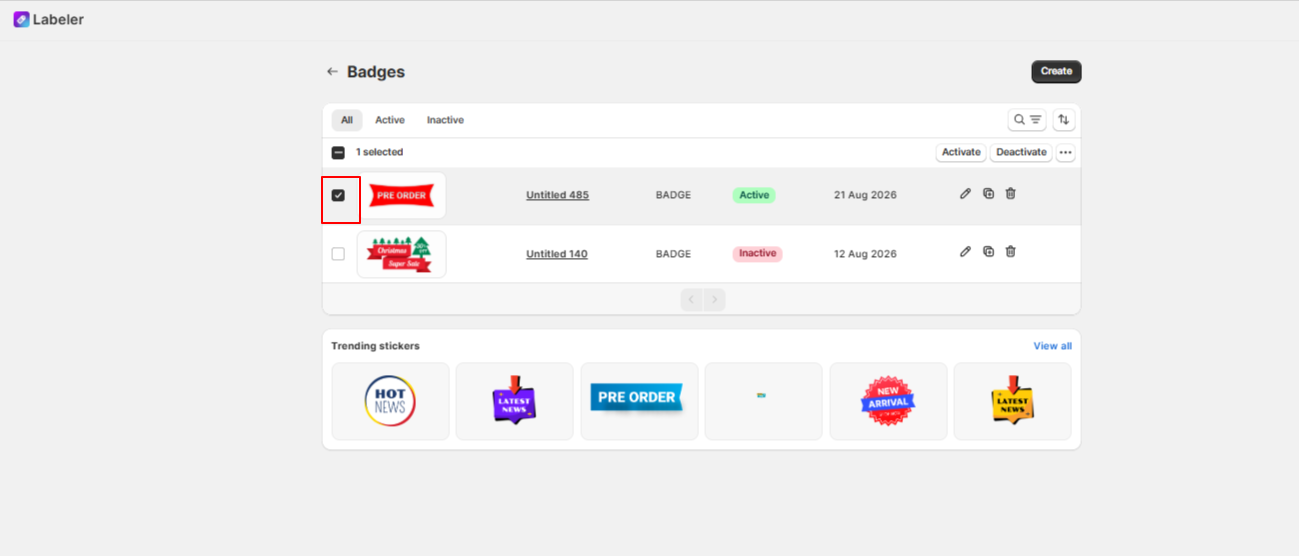
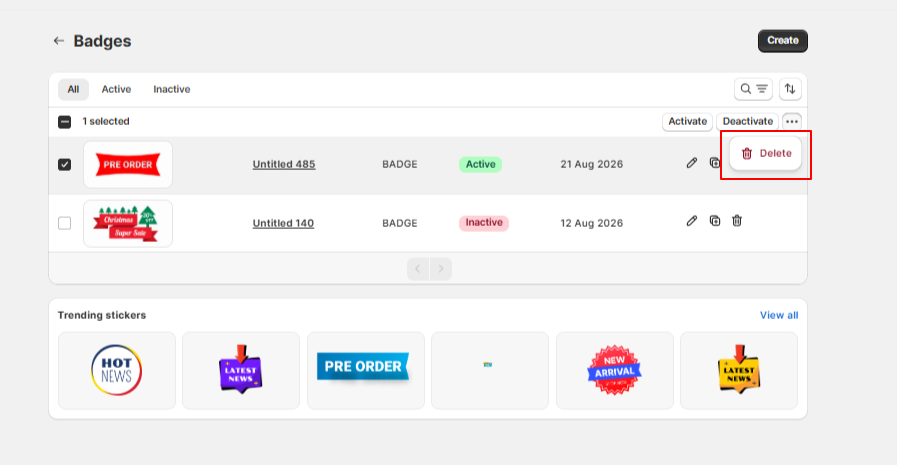
Select the checkboxes next to the badges you want to delete. Then, click the three dots (More Actions) near the Deactivate button.
Then choose Delete from the dropdown to remove it.
If you have questions about our plugin(s), are experiencing issues with any of our plugin






















 Login
Login
 Cart
Cart BUY THIS PLUGIN
