The Chat History dashboard gives store admins complete visibility into real-time and historical store interactions. By reviewing these logs, you can audit how successfully the AI handles customer queries, check context loops, and read full message transcripts.
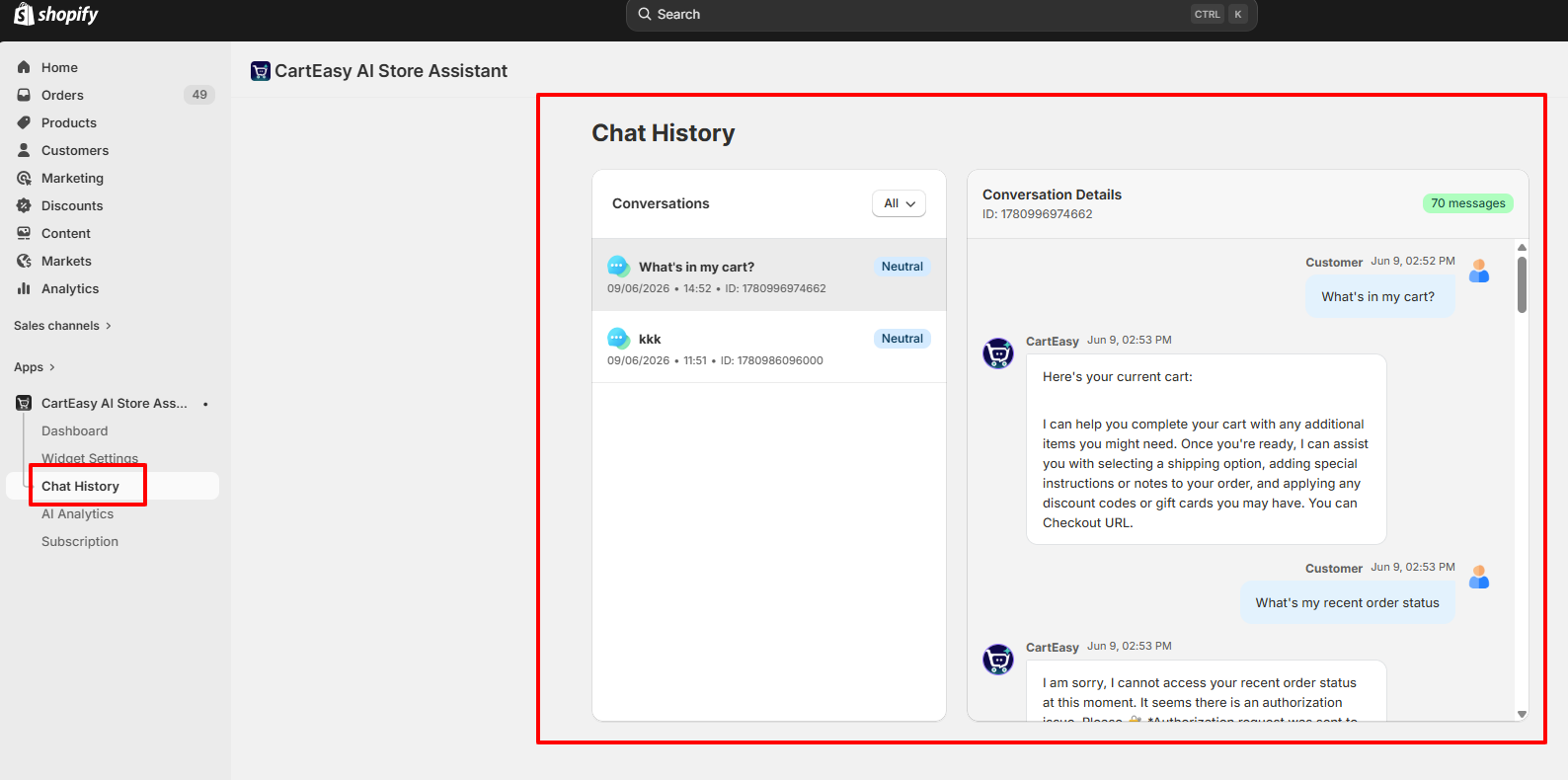
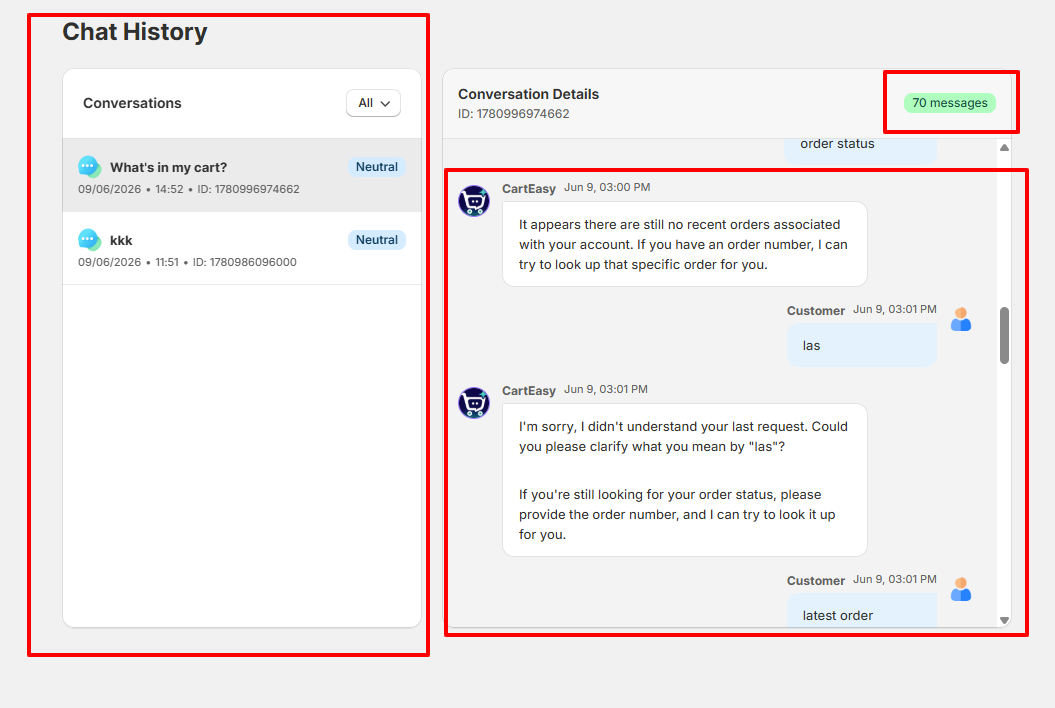
To help you quickly locate unhappy shoppers or analyze successful sales interactions, the dashboard supports automated sentiment categorization.
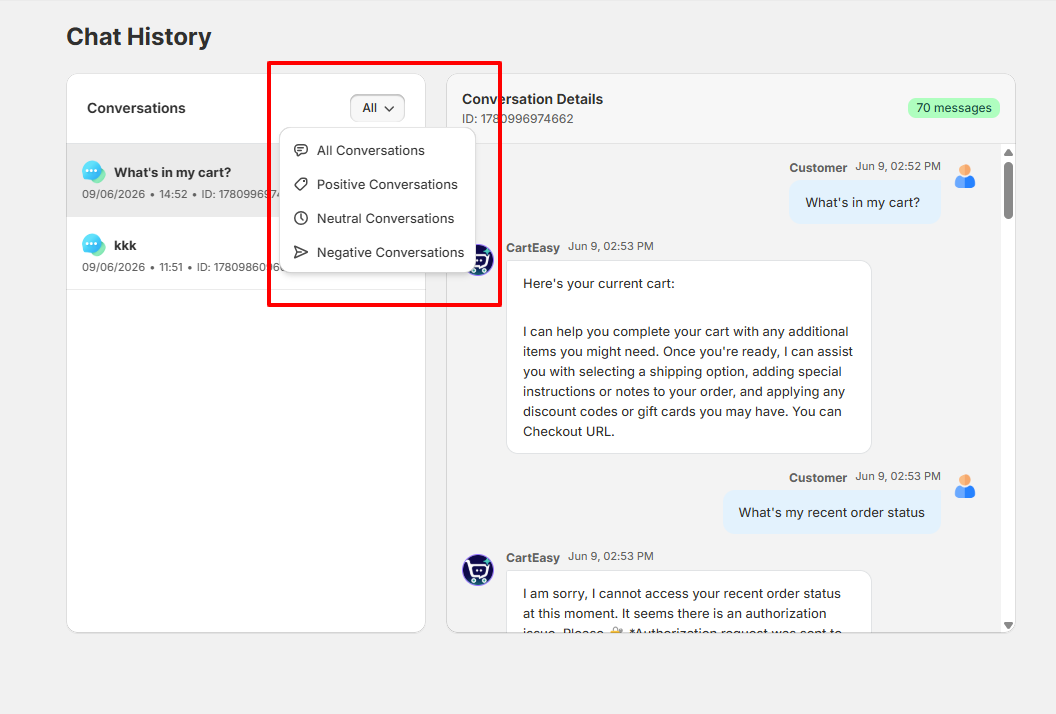
Click the All filter dropdown menu above the conversations list to segment chat files into four distinct view states:
| Filter Option | Description |
| All Conversations | Default feed containing every chat session recorded. |
| Positive Conversations | Pulls chats where users expressed satisfaction, compliments, or successful outcomes. |
| Neutral Conversations | Displays standard informational chats (e.g., checking cart items or checking simple FAQ details without strong emotion). |
| Negative Conversations | Highlights chats where customers faced authorization bugs, friction points, or expressed frustration. Review these regularly to improve your FAQ knowledge bases. |
If you have questions about our plugin(s), are experiencing issues with any of our plugin









 Login
Login
 Cart
Cart