Login
Login
 Cart
Cart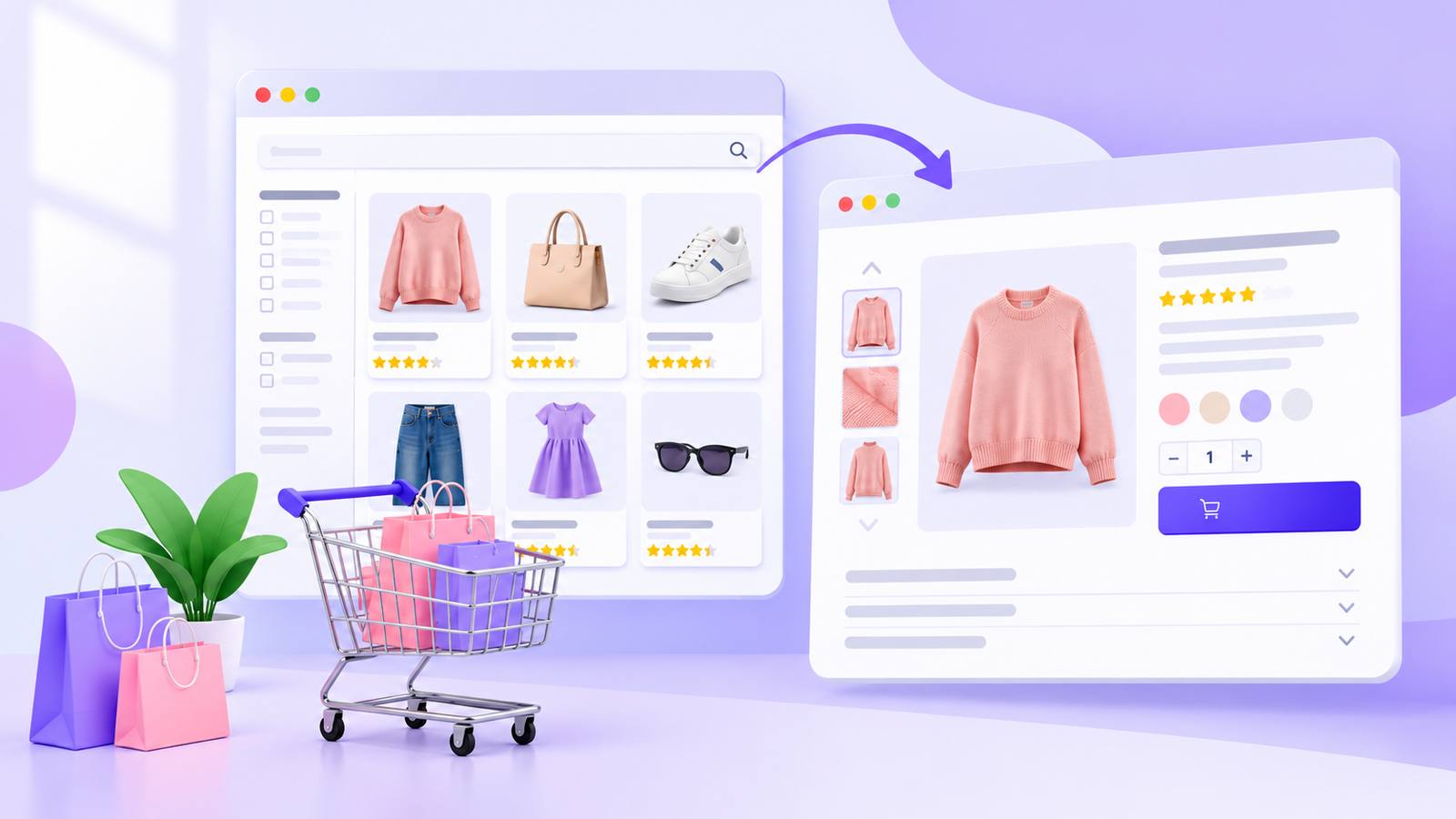
PLP and PDP are two important pages in an ecommerce store. A PLP (Product Listing Page) shows a list of products and helps shoppers find what they are looking for. A PDP (Product Detail Page) shows all the details about one product and helps shoppers decide whether to buy it.
Both pages play an important role in the shopping journey. A good PLP makes it easy to browse and compare products, while a good PDP gives shoppers the information they need to make a purchase. In this guide, we’ll explain what PLP and PDP mean, how they are different, their best practices, SEO tips, and the key metrics you should track.
TL;DR: A PLP shows many products at once, such as a category or search results page, and is where shoppers browse. A PDP shows one product in full, with an add-to-cart button, and is where shoppers decide. Good PLPs have a few useful filters, consistent product cards and fast loading. Good PDPs have clear images, honest copy, visible pricing, reviews and trust signals. Both need clean technical SEO: crawlable links, controlled filter URLs and canonical tags. Track click-through rate for PLPs, and add-to-cart and conversion rate for PDPs.
what is pdp in ecommerce
A PDP is a product detail page: the page for one single product, holding everything a shopper needs to buy it. PDP meaning in ecommerce: “product detail page,” the page where a shopper makes the final buying decision. You may also hear it called a product page. Unlike a campaign landing page, it is a permanent part of your catalogue and must work for shoppers arriving from search, ads, email, social media and category pages.
Most PDPs share the same building blocks:
- Title and price: the first things a shopper checks.
- Images and video: a substitute for handling the product.
- Description and specs: the answer to “will this work for me?”
- Options: size, colour or custom choices that change the product or price.
- Reviews and trust signals: proof that other people bought and were happy.
- Shipping and returns information: when it arrives, and what if it doesn’t fit.
- Add-to-cart button: the action the whole page leads up to.
what is plp in ecommerce?
A PLP is a product listing page. It shows a grid or list of many products at once. PLP meaning in ecommerce: “product listing page,” any page that lists several products, such as a category, collection, brand or search results page. It does not try to close the sale; its job is to help shoppers narrow their choices and click through to the right PDP.
A typical PLP includes a product grid, filters and sorting, pagination or “load more,” breadcrumbs and a short category intro. Shoppers here are often still deciding, so the page must balance choice with focus: too few products feels empty, and too many with no filters feels overwhelming.
Why PLPs and PDPs Matter
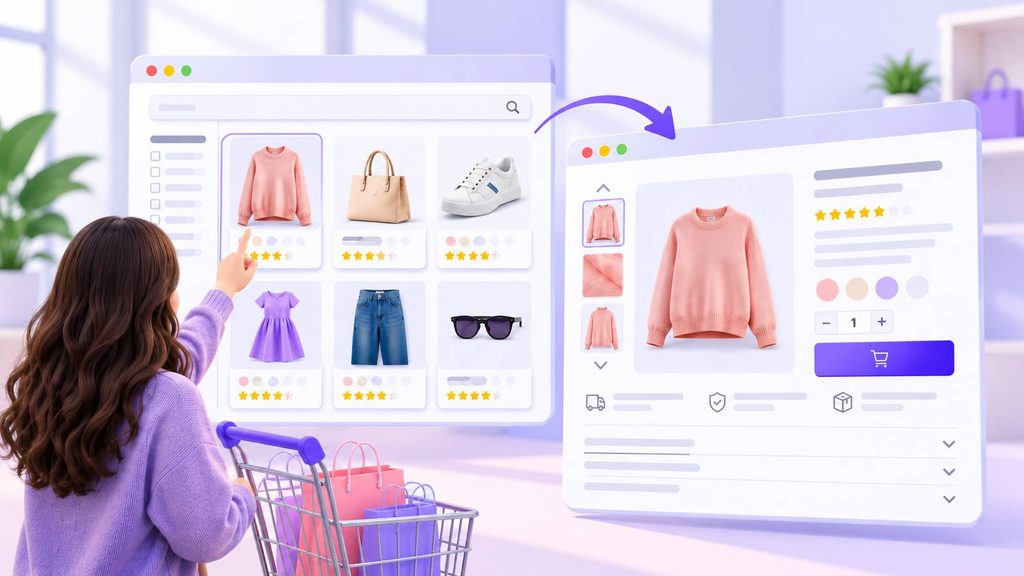
The PLP decides whether shoppers reach a product at all. It ranks for broad searches such as “women’s running shoes,” so it is often a new visitor’s first page, and it is where shoppers compare prices, ratings and images side by side. On mobile each card has to earn its space, because fewer products fit on screen.
The PDP decides whether they buy. The add-to-cart button lives here, it brings in search traffic for specific buying searches, and a clear page answers questions before they reach support or become returns. It also fights abandonment: the Baymard Institute averages 50 studies of cart abandonment to 70.22%. Treat that as a reminder that most carts never convert, not a benchmark, since the studies span many years and methods.
One older data point shows how the pages connect. Monetate research, quoted in our product page best practices guide, found product pages made up about a quarter of ecommerce landing pages. Shoppers who landed on a product page viewed about 3 products, against 1.8 for those who landed elsewhere. The figures are dated, so use them as direction, not as a target.
PDP Examples
Each pattern below is built around a different worry the shopper has before buying.
- Apparel: a large photo gallery, size chart, colour swatches and fit reviews. Put size guidance next to the size selector, not three scrolls below it.
- Electronics: a spec table, comparison with similar models, demo video and warranty details. Lead with the specs that separate this model from its neighbours.
- Grocery and consumables: ingredients, a subscription option, quantity discounts and delivery dates, which suit repeat purchases.
- Custom products: a form for engraving or add-ons that updates the price live, so shoppers see exactly what they will pay.
- Furniture and home goods: dimensions, material close-ups, room photos and assembly details, with scale shown clearly.
The order is usually the same everywhere: title, price and main photo at the top, reviews and delivery details near the button, and longer specs and Q&A lower down. For help with the copy, see our guide to ecommerce product descriptions.
PDP Best Practices for Conversion
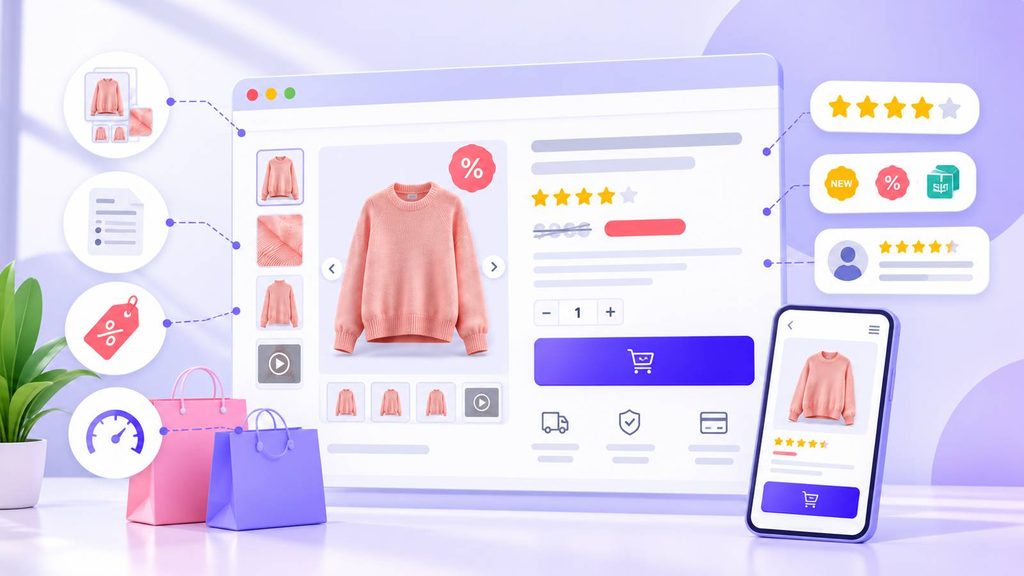
These PDP best practices suit nearly any store. Each comes with a trade-off, because a tip that helps one store can hurt another.
1. Show the product clearly
Use several sharp photos from different angles, zoom, and a short video if you can. Our product photography tips cover the details. Trade-off: every image and video adds weight, so compress files and keep the main image light, since it is usually the largest element on screen.
2. Write for scanning
Lead with a short, benefit-focused summary, then bullets for size, material and what’s in the box. “Above the fold” means what a shopper sees without scrolling, so put the details they ask about most there. Trade-off: short pages can leave technical buyers short of detail, so put long specs in tabs or accordions rather than deleting them.
3. Make the price and offer obvious
Show the price near the title and say early if shipping or taxes add to the total, because surprise costs drive abandonment. Acowebs WooCommerce Dynamic Pricing With Discount Rules helps here: for product price discounts it strikes through the original price and shows the new one, and for quantity-based discounts it shows a pricing table. It also supports buy-one-get-one rules, user-role restrictions and scheduled offers. Trade-off: a pricing table is clutter on a simple single-item page, so show it only where quantity discounts apply. Cart-total discounts appear only at the cart, so don’t promise them in product copy.
4. Use labels to highlight what matters
A small badge can say “New,” “Sale,” “Low stock” or “Free shipping” at a glance. Acowebs WooCommerce Product Labels offers 150+ predefined badges, scheduling with start and end dates, sale timers, custom badge images and assignment by product or category. Trade-off: too many badges and none stands out, so pick one message per product, keep the style consistent and schedule offers so expired ones don’t linger.
5. Add social proof and trust signals
Show star ratings, written reviews and customer photos, and place return policy, secure payment icons and delivery times near the add-to-cart button. If you have few reviews, say so and ask recent buyers to leave one; mixed, real reviews feel more believable than perfect ones.
6. Keep the call to action clear
Use one main button in a contrasting colour with plain wording, and keep secondary actions like “add to wishlist” quieter. On mobile, consider a sticky add-to-cart bar. Our guide to the ecommerce call to action shows what works.
7. Make it fast on mobile
Google’s web.dev guidance says a good Largest Contentful Paint is 2.5 seconds or less, measured at the 75th percentile of page loads. Compress images, limit heavy scripts and test on a real phone. See our guides on how to speed up a WordPress site and Google Core Web Vitals for WordPress. Trade-off: every plugin, badge, timer and review widget adds load, so measure before and after and keep only what earns its weight.
8. Control duplicate URLs and add structured data
One product can be reachable at several URLs, for example through category paths or tracking parameters. Google explains that a rel=”canonical” link tells search engines which version you prefer, so give the main product URL a self-referencing canonical. Product markup lets Google show price, availability and ratings, and Google’s product structured data guide separates product snippets from merchant listings. Check what your theme or SEO plugin already outputs, and keep marked-up price and availability in line with what shoppers see. For a longer checklist, read our top product page best practices.
PLP Examples
Common PLP types are category pages (“Men’s jackets,” “Laptops”), search results pages, collection or sale pages (“New arrivals,” “Under $50”) and brand pages. Category pages are usually your biggest search entry points, so keep the structure logical enough that a shopper can move from “Shoes” to “Running shoes” easily. Search results pages show how shoppers describe products, so review searches that return nothing, as they point to gaps in your range or names.
Collection and sale pages work best with a clear theme, a deadline and badges that show the offer. Brand pages suit shoppers who know what they want, so keep best sellers near the top. Large US retailers such as Amazon, Walmart and Target use filters for price, rating, brand and delivery speed, and a smaller store can get most of the benefit with a few well-chosen filters.
PLP Best Practices for Conversion
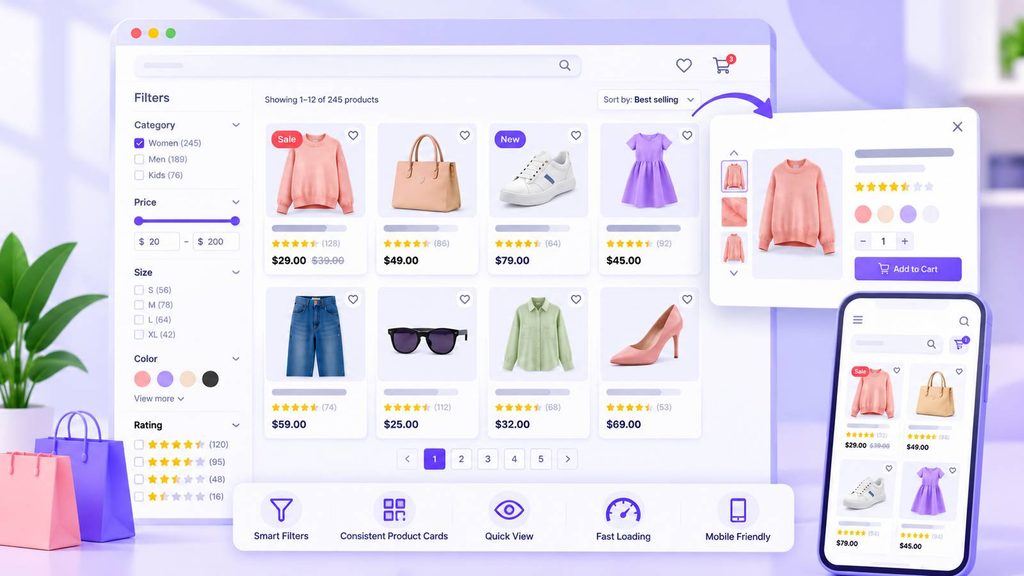
1. Offer filters that fit your products
Show only the filters that matter for the category: “screen size” suits laptops, not backpacks. Show match counts next to each option and let shoppers clear a filter in one click. In SEO, “faceted navigation” usually means filters that change the URL, which can create many page variations (see the technical SEO section). With high-SKU stores, put the two or three most-used filters first, collapse the rest and retire any filter nobody touches, since each extra one is more to maintain and, if it creates URLs, more for Google to crawl.
2. Use consistent product cards
Each card should show a good image, name, price, rating and any sale badge, in an identical layout so the eye can scan. A product table layout also suits stores with many similar items, such as wholesale or parts. Don’t hide key information behind hover effects on mobile.
3. Let shoppers preview without leaving the page
Acowebs WooCommerce Product Quick View adds a button to the listing that opens a preview in a modal window or a cascading view below the row. Shoppers can add single or variable products to the cart with Ajax, without reloading, and a button in the preview can link to the full PDP. Trade-off: if shoppers buy from the preview, fewer open the PDP, so judge success on add-to-cart and sales rather than click-through alone. Keep the title and image on each card as normal links to the PDP so search engines can still reach it.
4. Keep pages fast and choose the right loading pattern
Lazy-load images, keep thumbnails small and set image dimensions in advance so the layout doesn’t jump. Google’s ecommerce guidance compares pagination, “load more” and infinite scroll:
- Pagination shows result size and position, but needs a new page load for each step.
- Load more keeps everything on one page, but can’t handle very large result sets.
- Infinite scroll feels natural, but can cause “scrolling fatigue” and also can’t handle very large sets.
5. Make mobile browsing easy
Use a two-column grid, large tap targets and a sticky filter button with an obvious “apply” button. Test on a small phone, not only a large one.
6. Write a short intro and handle dead ends
A twlo-line category intro helps shoppers and search engines; keep longer copy below the grid. If a filter or search returns nothing, suggest related items, spelling fixes or best sellers. For more on ranking category pages, read our ecommerce SEO guide and WooCommerce SEO tips.
PLP and PDP in Ecommerce: The Difference
| Feature | PLP (Product Listing Page) | PDP (Product Detail Page) |
| What it shows | Many products | One product |
| Main goal | Help shoppers browse and compare | Help shoppers decide and buy |
| Shopper intent | Exploring | Ready to evaluate or purchase |
| Key elements | Filters, sorting, product cards, pagination | Gallery, description, price, reviews, add to cart |
| Typical search term | Broad (“running shoes”) | Specific (“Brand X trail runner size 9”) |
| Main SEO risk | Filter and pagination URLs multiplying | Duplicate URLs for the same product |
| Success signal | Click-through to a PDP | Add to cart and purchase |
PLPs tend to rank for broad searches and welcome shoppers who are still exploring, while PDPs rank for specific searches and welcome shoppers who know what they want. The two depend on each other: a PLP sends shoppers down to a PDP, and a good PDP sends them back up with breadcrumbs and related-product links. A strong PLP with a weak PDP sends traffic nowhere, and a great PDP behind a confusing PLP never gets seen.
Technical SEO for PLPs and PDPs
Pagination and crawlable links. Google generally finds pages by following href links in <a> elements, and its crawlers don’t click buttons or trigger scripts. If “load more” or infinite scroll is script-only, later products may never be discovered. Google’s infinite scroll guidance recommends a paginated series of component pages with full URLs behind the scroll.
Faceted navigation. Filters that add parameters, such as ?color=green&size=small, can generate huge numbers of URLs. Google’s guidance on managing faceted navigation URLs warns of over-crawling and slower discovery of useful pages, and suggests blocking crawling with robots.txt or using URL fragments if you don’t need them indexed. If a filtered page such as “green dresses” deserves to rank, treat it as a real category page with a clean URL and unique heading.
Indexing on large catalogues. Near-duplicate URLs waste crawl on pages that don’t matter. Keep a clean list of wanted URLs in your sitemap and point filtered or tracked variants to the main version with a canonical tag. Canonical is a hint, not a command, so check in Google Search Console that Google chose the page you intended. A practical order of work: crawlable links, then filter URLs, then canonicals, then markup.
Key PLP and PDP Metrics to Track
Judge a PLP by how well it moves shoppers on, and a PDP by how many buy. Segment mobile and desktop, and see our list of important ecommerce metrics.
PLP metrics
- Click-through rate to PDP: the share of visitors who open a product.
- Filter and sort usage: shows whether shoppers can find things.
- Bounce and exit rate: high numbers suggest poor relevance or slow load.
- Scroll depth: how far shoppers browse your grid.
- Page load time: aim for the 2.5-second LCP target above.
- Zero-result rate: how often shoppers search and find nothing.
PDP metrics
- Add-to-cart rate: the share who add the item. See our guide to add-to-cart conversion rate.
- Conversion rate: the share who buy.
- Bounce rate: a high figure can mean the ad or search promise doesn’t match the page.
- Time on page and review engagement: signs of real interest.
- Return rate: can point to unclear descriptions or photos.
- Add-to-cart to purchase gap: a big drop usually points to shipping costs or checkout friction.
Look at numbers over weeks, not days, compare each page with its own history, and test one change at a time. Our ecommerce A/B testing guide shows how.
Conclusion
PLP and PDP in ecommerce work as a pair. The PLP helps shoppers browse and narrow down choices, and the PDP gives them the confidence to buy. For PLPs, focus on a few useful filters, consistent cards, fast loading and a crawlable structure. For PDPs, focus on strong visuals, visible pricing, trust signals, a clear call to action and clean canonical and product markup.
Every improvement has a cost: badges can clutter, pricing tables add weight and quick previews change your click-through numbers. Test one change at a time and let the metrics decide. Tools like Acowebs Product Labels, Dynamic Pricing With Discount Rules and Quick View can help you apply these ideas in WooCommerce without custom code. To start, browse your own store as a shopper, note every place you hesitate, and treat those moments as your to-do list.

Make Your Store Halloween-Ready!
Discover special Halloween deals from AcoWebs and save more on WooCommerce solutions this spooky season.
Shop Halloween Deals →FAQ
PDP stands for product detail page. It is the page for a single product, with photos, price, description, reviews and an add-to-cart button, where a shopper decides to buy.
PLP stands for product listing page. It shows multiple products at once, such as a category, collection or search results page, so shoppers can browse, filter and choose which product to open.
Personalisation can raise conversion because shoppers see offers and products that match their needs, such as a role-based price, related-item recommendations or a relevant discount. Results vary by store, so run an A/B test first. We have not quoted a percentage, because published lift figures differ widely and many come from vendors.
Yes. PDPs often rank for specific buying searches. Unique descriptions, descriptive titles, clean URLs, fast loading, canonical tags and product structured data all help. Write each product’s own description rather than copying the manufacturer’s, and link to PDPs from your PLPs so search engines can find them.
A PLP lists many products so shoppers can browse and compare. A PDP shows one product in detail so shoppers can decide and buy.