
















 Login

 Cart
















Looking for the best Black Friday WordPress deals 2026 has to offer? Acowebs is running a Black Friday and Cyber Monday sale from November 23 to December 4, 2026. Bundle any of its WooCommerce plugins and save up to 30%, with no coupon code needed.
If you run a store on WordPress, Black Friday is the best time of year to upgrade your tools. A plugin bought now can pay for itself within the sale, and it keeps working long after the last order ships. Most store owners put off tool upgrades because of the cost. A bundle discount removes that excuse.
Below you’ll find every Black Friday WordPress deal from Acowebs. Each plugin comes with what it does, how to use it during the sale and who it suits. After that, you get marketing ideas, a step-by-step preparation plan and a Black Friday ecommerce checklist to get your store ready.
TL;DR: Acowebs offers up to 30% off premium WooCommerce plugins during its Black Friday and Cyber Monday sale, running from November 23 to December 4, 2026. Get 10% off one plugin, 20% off two, and 30% off three or more, with no coupon code required. Choose from 12 WooCommerce plugins, including Dynamic Pricing, Product Labels, Product Addons, Checkout Field Editor, and Wishlist, to improve discounts, highlight offers, simplify checkout, and increase sales. Prepare your store early by scheduling discounts, testing checkout, optimizing mobile performance, and planning your marketing campaigns using the Black Friday ecommerce checklist.
Best Black Friday WordPress Deals 2026: What Acowebs Offers
Black Friday WordPress deals are mostly about plugins, themes and hosting. Most stores only need a few good plugins, so a bundle deal is the best fit.
Here is how the Acowebs deal works:
| Plugins in your cart | Discount |
| 1 plugin | 10% off |
| 2 plugins | 20% off |
| 3 or more plugins | 30% off |
You can mix any of the 12 premium WooCommerce plugins. Single-site prices start at $49 for the first seven plugins and $43 for the other five. In a bundle of three or more, they drop to $34.30 and $30.10. The deal can’t be combined with other coupons. Shopify apps are billed through the Shopify App Store and aren’t part of it.
Each plugin also comes in larger licenses. The Acowebs offer page lists lifetime-update options and multi-site options for stores that run more than one website. If you manage client sites, check those before you buy.
Why bundle? Each extra plugin raises your discount on the whole cart. Say you already know you need two plugins. Adding a third you were going to buy next year moves the whole order from 20% to 30% off. That is often cheaper than buying the two alone.
The shoppers you’re selling to are ready for deals. Adobe’s 2026 holiday forecast expects online discounts of 14% in early November, 21% just before Thanksgiving, and 30% once Cyber Week starts. It also expects ecommerce to make up about $1 of every $4 spent on retail goods this holiday season (Adobe Digital Insights). If your own offer is weaker than those numbers, shoppers will notice.
Best Black Friday WordPress Deals 2026
WooCommerce Custom Product Addons
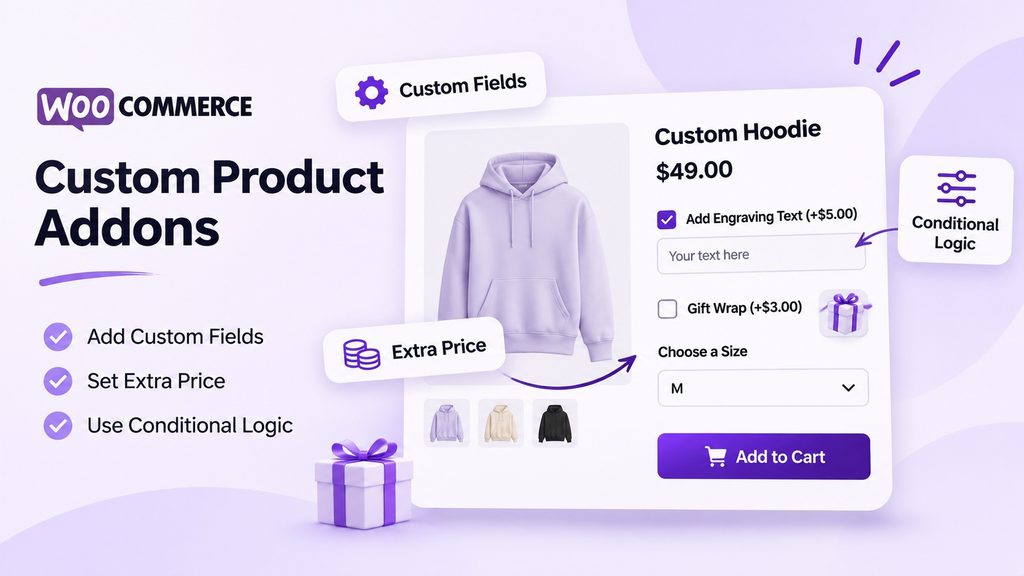
AcoWebs WooCommerce Product Addons lets shoppers customize a product before they buy it. You add custom fields to the product page, such as text boxes, dropdowns, checkboxes and file uploads. Other field types include number, radio, text area, date, color and hidden fields.
Each option can change the price. A shopper ticks “gift wrap” and the extra cost is added to the cart and checkout total automatically. You can also use conditional logic to show or hide a field based on an earlier answer. For example, an “engraving text” box can appear only when the shopper picks “Add engraving.”
This works well for gifts. Think engraving, gift wrap, a personal message or a size add-on. Each extra option raises the order value without you adding a new product.
How to use it on Black Friday:
- Add a paid “gift wrap” or “gift message” option to your best sellers.
- Let shoppers choose a bonus item from a dropdown when they buy a bundle.
- Offer a priority-handling checkbox for last-minute orders.
Best for: stores that sell custom, personalized or gift products, and stores with products in many sizes, materials or colors.
WooCommerce Product Labels
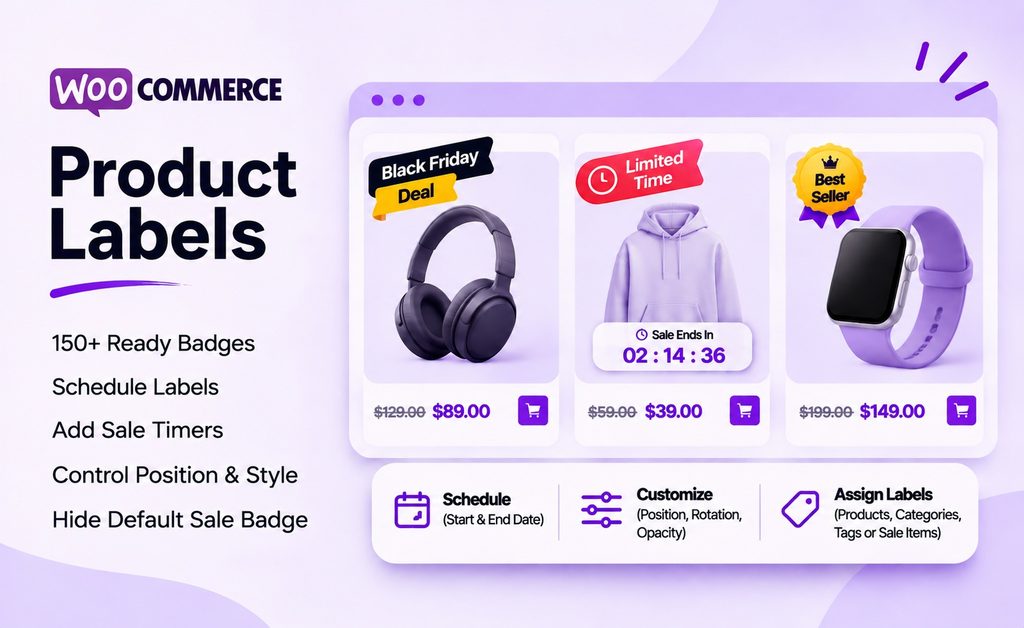
AcoWebs WooCommerce Product Labels puts badges on your products so shoppers see a deal at a glance. It includes 150+ predefined badges. You can schedule them with a start and end date and add sale timers. You also control position, rotation and opacity.
Use labels like “Black Friday Deal,” “Limited Time” or “Best Seller.” Schedule them to switch on at midnight on sale day and off when the sale ends, so you don’t have to do it by hand. You can hide the default “On Sale” badge if you want a cleaner look.
A badge works because it reaches the shopper at the exact moment they look at a product. They don’t need to read the description to see there is a deal. Labels can be assigned to products, categories, tags or sale items, with exclusions. That means you can tag a whole range in one step instead of editing each product.
How to use it on Black Friday:
- Add a “Black Friday Deal” badge to every discounted product.
- Use a countdown timer on your top three offers to build urgency.
- Mark “Low Stock” on items that really are running out.
- Switch to a “Cyber Monday” badge on November 30 with a second scheduled label.
Best for: stores with large catalogs, and stores that run several offers at once and need shoppers to tell them apart.
WooCommerce Dynamic Pricing & Discount Rules
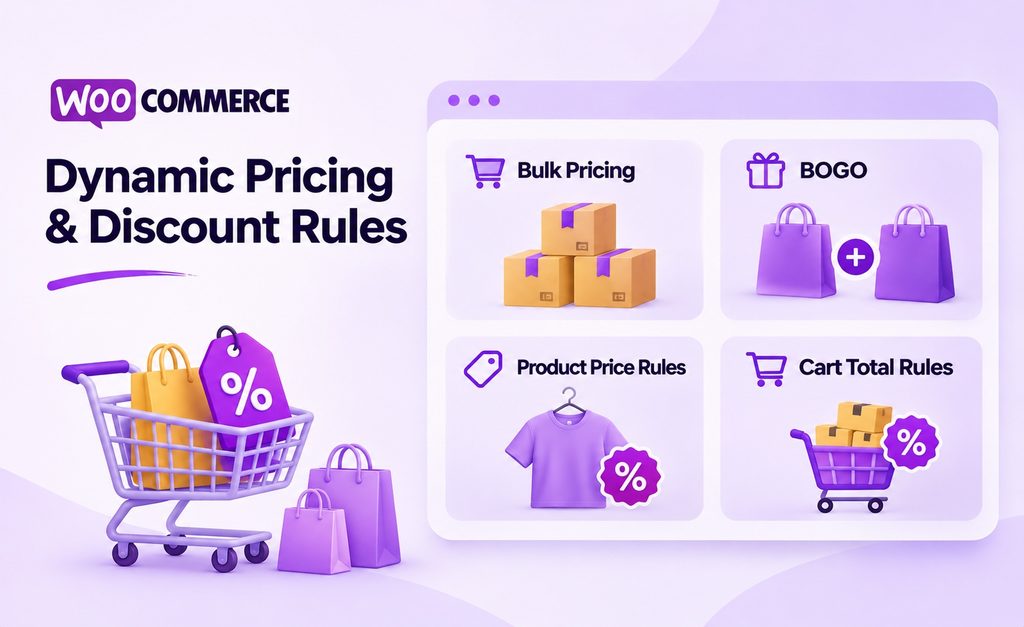
AcoWebs WooCommerce Dynamic Pricing & Discounts is how you build the sale itself. Set percentage or fixed discounts on products, categories, cart totals or quantities. You can add Buy One Get One (BOGO) rules, quantity pricing tables and scheduled discounts.
Discounts matter to shoppers. A RetailMeNot study cited in our Dynamic Pricing plugin review found that 80% of customers said an offer or discount would motivate them to buy from a new brand. It also found that 93% would consider a repeat purchase from a retailer with good discounts, and 48% would avoid brands without offers.
The plugin covers the common rule types:
- Bulk pricing: a bigger discount as the quantity goes up.
- BOGO: a free or cheaper item when the shopper buys another.
- Product price rules: discounts for a price range or specific items.
- Cart total rules: a discount once the order passes a set amount.
Ideas that work on Black Friday:
- “Buy 2, get 1 free” on a best-selling category
- 15% off carts over a set amount
- Tiered discounts the more a shopper buys
Schedule each rule with a start and end date. The sale then goes live at midnight and ends on time without anyone logging in. That matters if your sale starts at 12 AM and your team is asleep.
Best for: any store running a real sale. If you pick only one plugin from this list, this is the one that builds the offer.
WooCommerce Checkout Field Editor & Manager
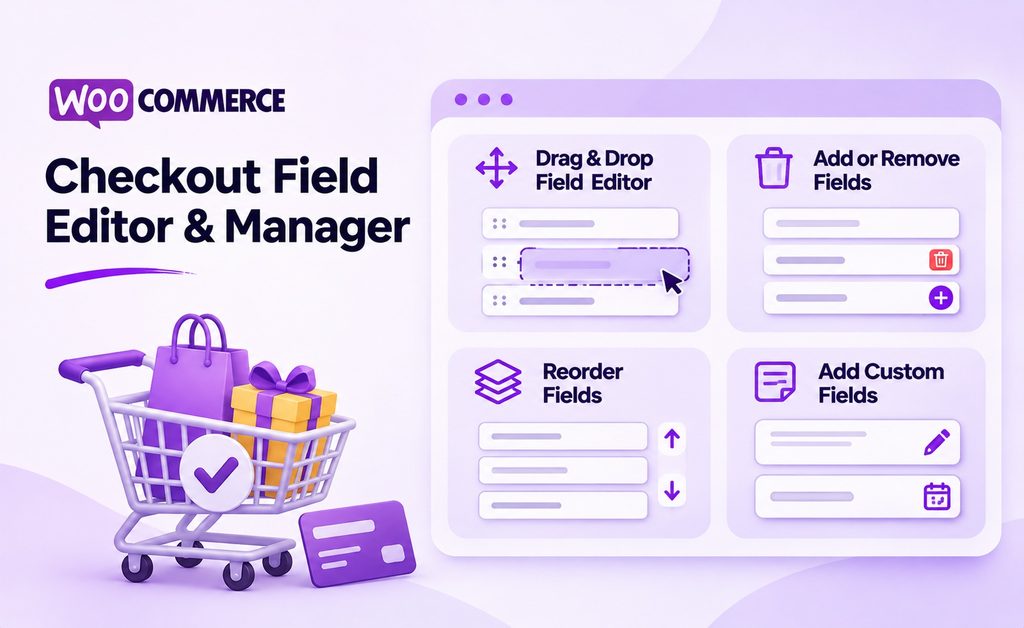
AcoWebs WooCommerce Checkout Field Editor lets you add, remove and reorder checkout fields with drag and drop. A shorter checkout means fewer abandoned carts when traffic is at its highest.
The default WooCommerce checkout is hard to change. You can’t easily rearrange or delete fields without code. This plugin gives you a visual editor instead. You can also add custom fields to collect extra information, such as a delivery note or a gift message.
Remove fields you don’t need. Selling digital products? Then an address field only confuses buyers. Running a store that takes special instructions? Then add a field for them. Every field you remove is one less reason for a shopper to give up.
How to use it on Black Friday:
- Delete optional fields such as company name and second address line.
- Add a “gift message” field for holiday orders.
- Add a “delivery date” or “delivery note” field for busy shipping weeks.
- Reorder fields so the most important ones come first.
Best for: stores that see high cart abandonment, and stores that need to collect extra order details.
WooCommerce PDF Invoices
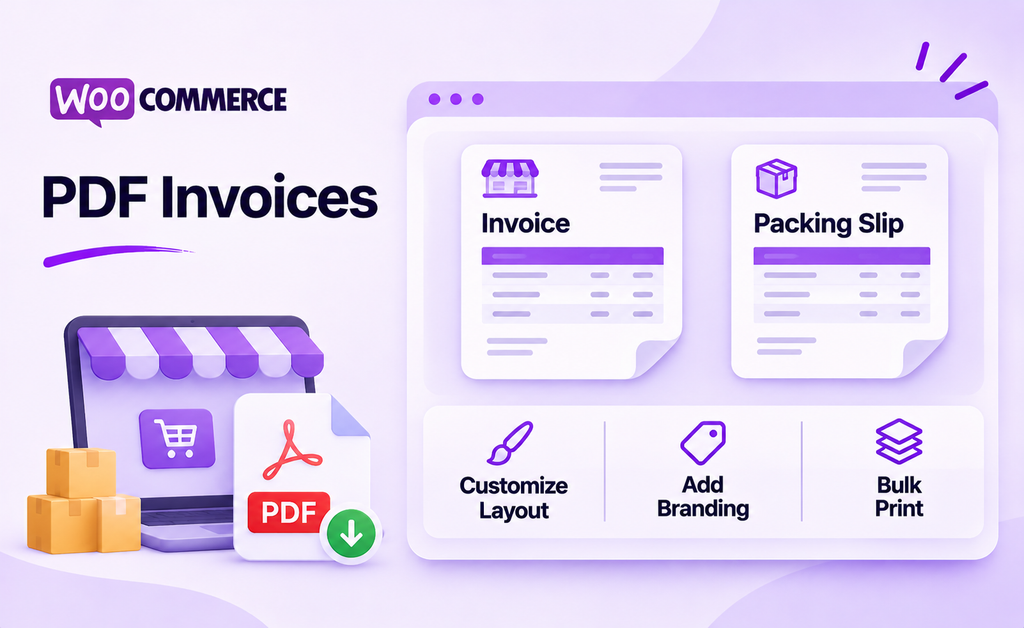
AcoWebs WooCommerce PDF Invoices creates invoices and packing slips automatically for every order. Black Friday brings far more orders than a normal week, and typing invoices by hand won’t keep up.
An invoice records the products, quantities, prices, taxes and the final amount. A packing slip lists what is in the box, such as SKUs, weights and dimensions. It helps your team pack the right items and lets the customer check the delivery. WooCommerce’s built-in invoicing is basic. This plugin lets you customize the layout and add your branding.
Customers get a clean, branded document. You get fewer support questions about receipts. A small touch, such as a thank-you message with the customer’s name, can also bring people back for a second order.
How to use it on Black Friday:
- Add your logo and store details to every invoice.
- Include a short thank-you note and a return-policy reminder on the packing slip.
- Print packing slips in bulk to speed up fulfillment.
Best for: stores expecting a spike in orders, and stores that need tidy records for tax or accounting.
WooCommerce Deposits & Partial Payments
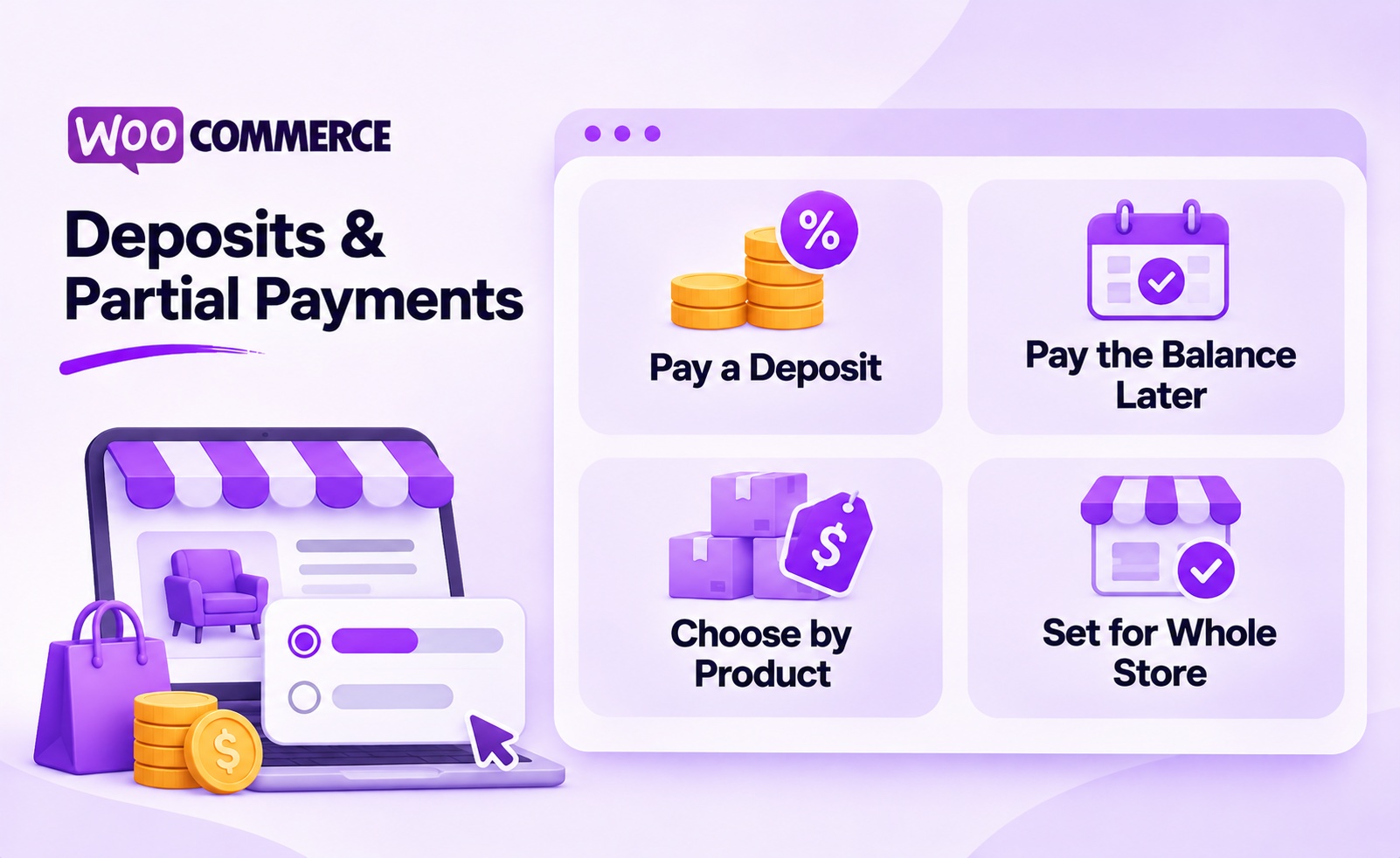
AcoWebs WooCommerce Deposits & Partial Payments lets shoppers pay part of the price now and the rest later. That helps with high-ticket items when people can’t pay in full on Black Friday.
You choose how it works. Deposits can be a percentage or a fixed amount. You can turn them on for the whole store or only for certain products. Customers can place an order with a deposit or the full amount. They can pay the balance later by logging in to their account.
Adobe forecasts record Buy Now, Pay Later spending of $21.3 billion this holiday season (Adobe). Shoppers like paying in parts. A deposit option gives you a similar offer. It can also lift your average order value, because a shopper who would not pay $600 today may pay $150 down.
How to use it on Black Friday:
- Offer a 25% deposit on your most expensive products.
- Add the deposit option only to items above a set price, so low-cost items stay simple.
- Mention “pay in parts” in your sale emails and on your sale page.
Best for: stores that sell high-priced goods, custom orders or services.
WooCommerce Email Customizer & Designer

AcoWebs WooCommerce Email Customizer & Designer gives you a drag-and-drop editor for your store’s emails. Order confirmations are among the most opened emails you send, so make them look like your brand.
WooCommerce sends 11 transactional emails by default, from new order and processing order to refunds and password resets. The default templates are plain and give you little control. With a visual editor, you can change the logo, colors, text and layout of each one without code.
Add a “thanks for your order” note, a link to a related product, or a coupon for the next purchase. Black Friday buyers are new customers for many stores. The first email they get from you shapes how they see your brand.
How to use it on Black Friday:
- Add a short “what happens next” note to the order confirmation, with shipping times.
- Show a related product or accessory below the order details.
- Include a coupon for the next purchase, valid after the sale ends.
- Add your support email so customers don’t have to hunt for it.
Best for: stores that want every email to look on-brand, and stores that want to sell more through order emails.
WooCommerce Wishlist
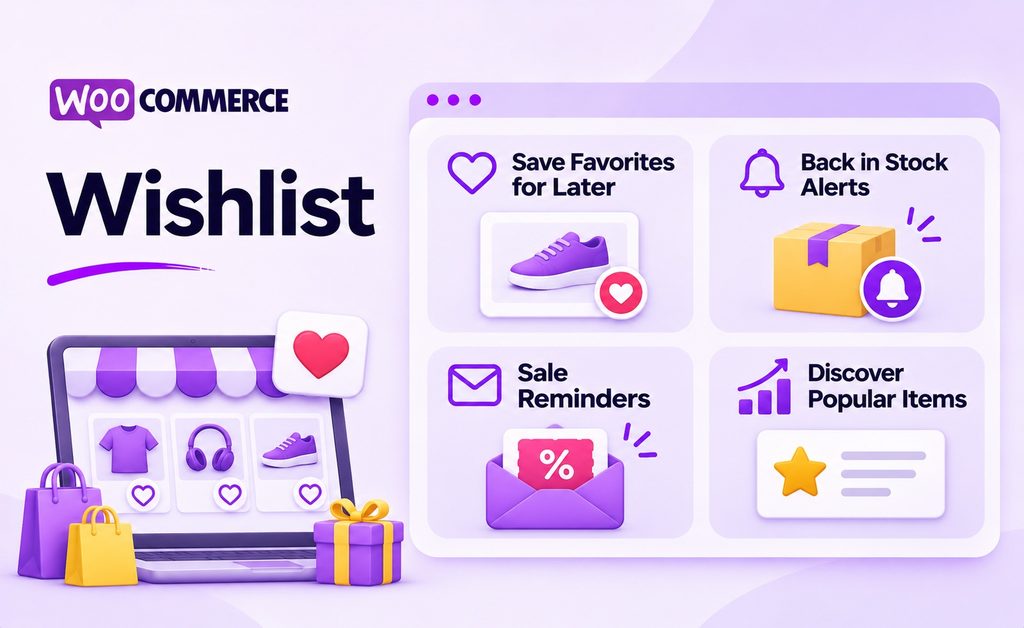
AcoWebs WooCommerce Wishlist plugin lets shoppers save favorites to buy later. Many people browse before Black Friday and come back on the day. A wishlist keeps your products in front of them.
A wishlist also helps with repeat sales. As cited in our wishlist review, SEMrush says the chance of selling to an existing customer is 60% to 70%, against 5% to 20% for a new one. Shoppers who save an item have already told you what they want.
You can place the “Add to wishlist” button on product pages and on listing pages. A shortcode lets you place it anywhere. Shoppers can also add out-of-stock products to a wishlist and get a notice when they are back in stock.
How to use it on Black Friday:
- Tell visitors in early November to save items now and get an alert when the sale starts.
- Send a reminder email when a wishlist item goes on sale.
- Look at which items are saved most and give them your best offers.
Best for: stores with a long consideration period, and stores that sell gifts.
WooCommerce Quick View
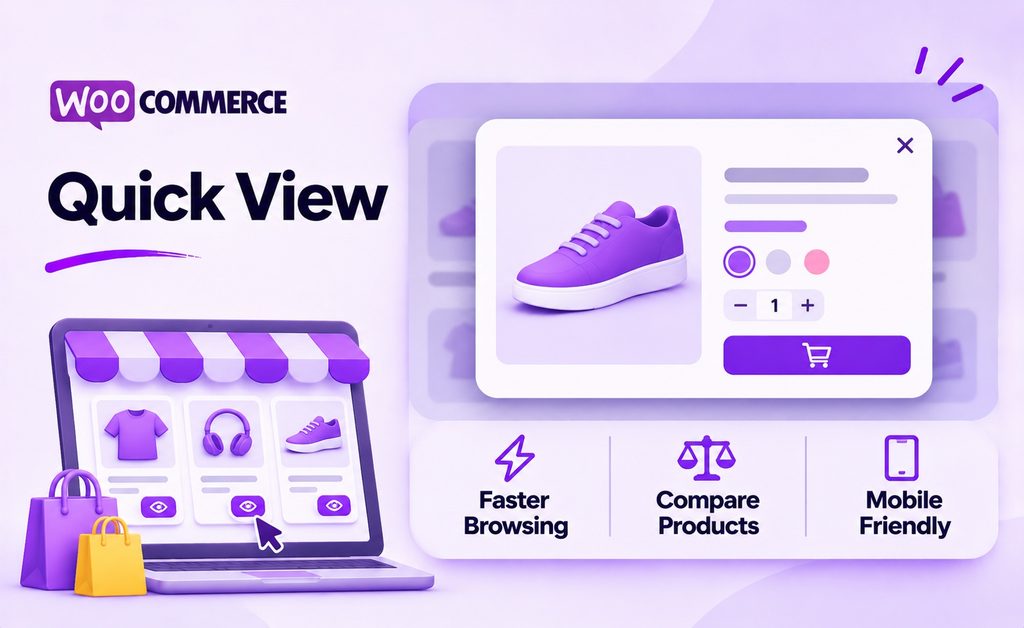
AcoWebs WooCommerce Quick View plugin opens a product preview in a popup. Shoppers can compare items without leaving the category page. On a busy sale day, faster browsing leads to more carts.
Think about how people shop on Black Friday. They scan many products fast and don’t want to load a new page for each one. A pop-up keeps them in the same place. They see the image, price and options, then add to cart or close the window and keep looking.
It helps most on mobile, where every page load feels slow. Shoppers stay on the page they were already on, so browsing feels quicker.
How to use it on Black Friday:
- Turn it on for your sale category so shoppers can compare deals quickly.
- Check that the add-to-cart button works well inside the popup on a phone.
- Use it together with Product Labels so the deal badge shows in the preview.
Best for: stores with big catalogs and shoppers who like to compare.
WooCommerce Product Table
Offer: Black Friday up to 30% off. $43 single site, from $30.10 in a 3+ bundle.
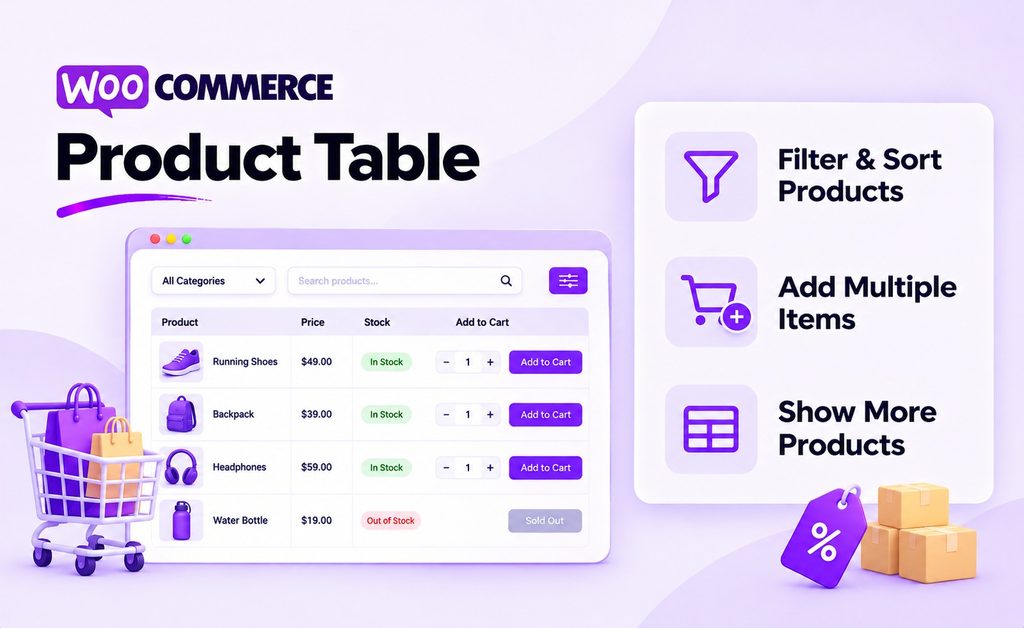
AcoWebs WooCommerce Product Table plugin shows your products in a sortable, filterable table. It suits stores with many similar items, or wholesale buyers who know what they want and want to add many items to the cart fast.
A standard shop grid is made for browsing. A table is made for buying. Shoppers can see names, prices and options in rows, filter by what they need and add several items at once. That saves clicks, and on Black Friday fewer clicks mean fewer dropped carts.
How to use it on Black Friday:
- Build a “Black Friday deals” page that lists every sale item in one table.
- Create a table for bulk or wholesale buyers who order many items.
- Group stock-up items such as consumables or refills in one place.
Best for: B2B and wholesale stores, and any store with many similar products.
WooCommerce Variation Swatches
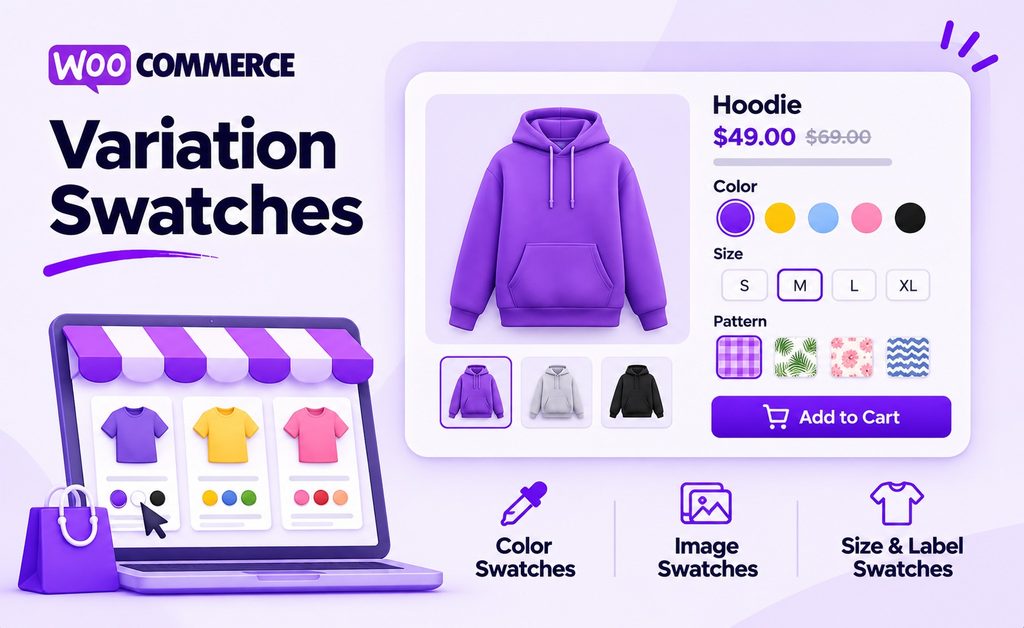
AcoWebs WooCommerce Variation Swatches replaces dull dropdowns with color, image and label swatches. Shoppers pick a size or shade in one tap, which helps on mobile.
The plugin shows product attributes on the front end the way you set them up in the back end. You can show swatches on the product page and on shop and category pages. You can also style tooltips and change how out-of-stock options look, so shoppers know what’s available before they click.
A faster way to choose a variation means a faster path to the cart. When someone can see the actual color instead of reading its name in a list, they feel more sure about the buy.
How to use it on Black Friday:
- Show color swatches on the category page so shoppers can pick without opening the product.
- Use image swatches for patterns and materials.
- Style out-of-stock variations clearly so shoppers don’t get frustrated.
Best for: fashion, home decor and any store that sells products in many colors, sizes or styles.
WooCommerce Advanced Table Rate Shipping
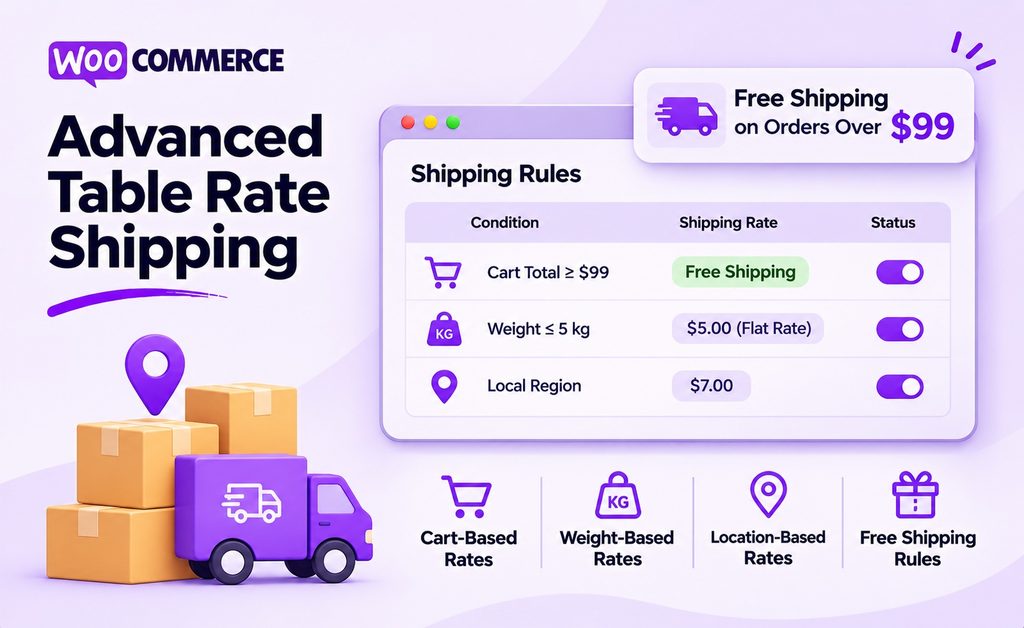
AcoWebs WooCommerce Advanced Table Rate Shipping sets shipping rates by rules such as weight, price, quantity or destination. Free shipping above a set cart total is one of the most popular Black Friday offers, and these rules make it easy to run.
Shipping cost is a top reason shoppers give up at checkout. Rule-based rates let you charge fairly instead of using one flat fee. A light order can cost less to ship than a heavy one, and nearby addresses can cost less than far ones. You can then offer free shipping on orders that pass your threshold, which also nudges shoppers to add one more item.
How to use it on Black Friday:
- Set free shipping above a cart total that is slightly higher than your average order.
- Offer a flat rate on small items and a weight-based rate on heavy ones.
- Set clear delivery rules for different regions, and tell shoppers about holiday shipping cut-off dates.
Best for: stores that ship products of different sizes or to many regions.
Which plugins should you choose? A simple starting trio for a sale: Dynamic Pricing to build the offer, Product Labels to show it, and Checkout Field Editor to keep checkout fast. That already earns you the 30% tier. If you sell gifts, swap in Product Addons. If you sell high-ticket items, add Deposits & Partial Payments.
Quick matching guide:
| Your goal | Plugin to pick |
| Build the sale | Dynamic Pricing & Discount Rules |
| Make deals visible | Product Labels |
| Cut cart abandonment | Checkout Field Editor & Manager |
| Raise order value | Product Addons, Deposits & Partial Payments |
| Speed up shopping | Quick View, Product Table, Variation Swatches |
| Win repeat buyers | Wishlist, Email Customizer & Designer |
| Handle more orders | PDF Invoices, Advanced Table Rate Shipping |
How to Prepare for Black Friday Ecommerce
To prepare for Black Friday ecommerce, plan your offers, test your site, and warn your customers before the sale starts. Work back from November 27.
- Four to six weeks out: Choose the products and discounts. Check stock levels and your supplier’s lead times. Set your margin floor, so you know the lowest price you can offer without losing money.
- Three weeks out: Install and test your plugins. Build discount rules and schedule them. Create sale badges and set their start and end dates.
- Two weeks out: Write your emails and social posts. Update your sale page. Review your hosting plan and ask your host about traffic spikes.
- One week out: Run a full test order. Check speed, mobile and payment methods. Take a full backup. Send your teaser email.
- Sale week: Watch orders, stock and support. Fix issues fast. Send your “sale is live” and “last chance” emails.
- After the sale: Review sales, returns and support tickets. Turn off sale badges and rules, and send a thank-you email to new customers.
Test one thing in particular: a full order on a phone, with a discount applied, from the product page to the confirmation email. That one run shows problems in pricing, checkout, invoices and emails together.
Related guides:
- 7 Ways to Prepare Your Online Store for Holiday Sales
- How to Set Discount Schedule for Holiday Season
- Best 12 Ways to Speed up WordPress Website
- How to Manually Backup a WordPress Website
- 6 Black Friday and Cyber Monday eCommerce Marketing Strategies
- 20 Discount Code Ideas and Tips
Black Friday Ecommerce Checklist
Use this Black Friday ecommerce checklist before you go live. Print it, share it with your team and tick each line.
Site and speed
- Hosting can handle a traffic spike
- Pages load fast on mobile
- Backups are done
- Plugins and WordPress are updated, and no update is planned during the sale
Offers and pricing
- Discount rules are scheduled with start and end times
- Sale badges are ready
- Shipping rules and free-shipping thresholds are set
- Coupon rules don’t clash
- Prices never fall below your margin floor
Checkout and orders
- Checkout has no unneeded fields
- Payment options are tested, including pay-later options
- Invoices and order emails work
- A test order on mobile has been placed and checked
Marketing and support
- Email teasers and sale emails are written
- Social posts and ads are scheduled
- Return policy and FAQ are clear (see how to create an effective return policy)
- Someone is on call for support
- Stock levels are checked and low-stock alerts are on
Conclusion
The best Black Friday WordPress deals are the ones that fix a real problem in your store. Pick the plugins that match your needs, bundle three or more, and take the full 30% off during Acowebs’ Black Friday and Cyber Monday sale, November 23 to December 4, 2026.
Start with the offer: Dynamic Pricing builds it and Product Labels shows it. Then smooth the path to purchase with a lean checkout, quick browsing and clear shipping rules. Finish with documents and emails that make buyers want to return.
Then use the checklist, set up your discounts early, and test everything before the sale. Ready to go? Build your bundle.
Acowebs are the developers of Woocommerce Custom Product Addons which is a optimized, lightweight, and fruitful plugin that is simply the best to add extra product options using its custom form builder easily. WooCommerce custom fields also comes with drag and drop form builder, 22+ field types and custom price formula.
FAQ
What is Black Friday and why is it called that?
Black Friday is the day after Thanksgiving in the US and marks the start of the holiday shopping season. The name is commonly linked to retailers moving from “the red” (loss) to “the black” (profit). In 2026, Black Friday falls on November 27.
How to promote a Black Friday sale online?
Start with email, social media and a clear sale page. Tease the deal a week before, then send a reminder on the day. Add countdown timers and sale badges on your store, run retargeting ads, and work with affiliates or partners. Make sure your site is fast on mobile.
Also add the sale to your homepage banner and your cart page. Ask past buyers to share the offer, and give VIP customers early access. After the sale starts, send one last-chance email 24 hours before it ends.
How to prepare for Black Friday ecommerce?
Choose your offers four to six weeks ahead. Then schedule discounts, test checkout and payments, write your emails, and check stock and hosting. Run a test order a week before the sale. See the checklist above.
Set a margin floor, so no discount costs you money. Back up your site and update plugins before the sale, not during it. Plan who handles support, returns and shipping questions.
What time does Black Friday close?
Black Friday officially ends at midnight on Friday. However, many online stores extend their deals through Cyber Monday or the entire weekend. Always mention your sale’s exact end date and time to avoid confusing customers.
How much can I save on Acowebs plugins this Black Friday?
You can save up to 30%. One plugin gets 10% off, two get 20%, and three or more get 30%. There’s no coupon code.
For example, a single-site license of a $49 plugin costs $44.10 with 10% off. Three $49 plugins cost $102.90 with 30% off, instead of $147. The discount can’t be combined with other coupons.