

















 Login

 Cart
This app helps to set badges and labels for Shopify products easily.
We offer a wide variety of badges for products, It can choose any with a single click.
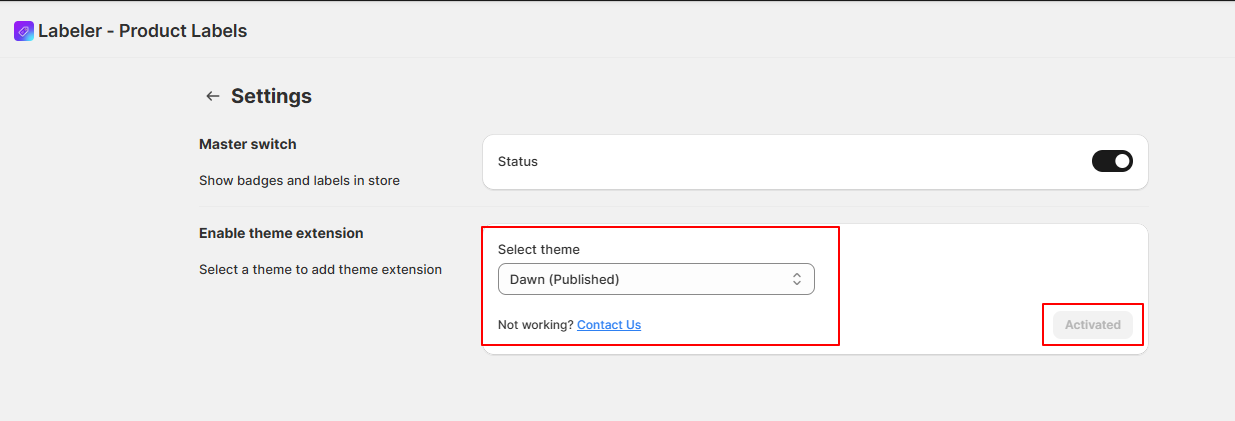
To enable the extension, you can either click Enable next to Theme extension to enable the app embed from the dashboard or click on the App Settings at the top right
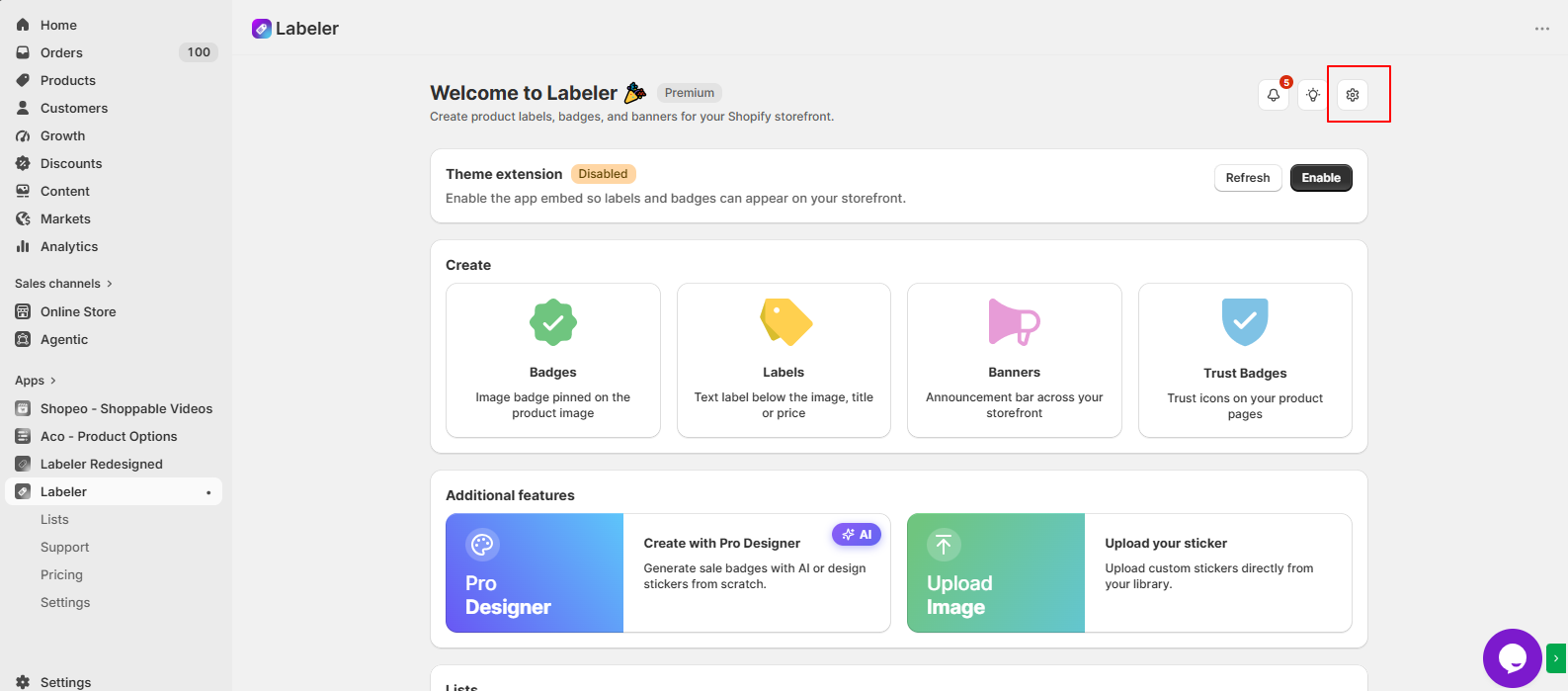
From the available theme list, select the theme where you want the extension to be enabled.Then, click on Activate.
Click Save to apply the changes.
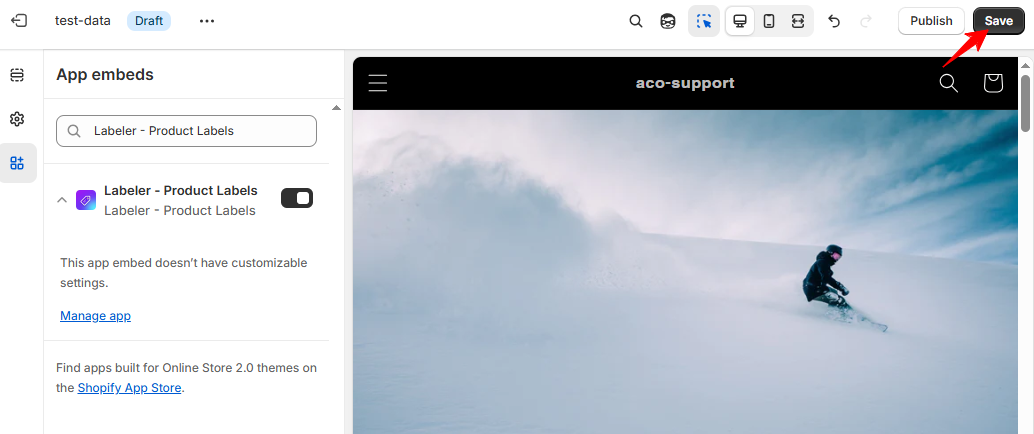
Once enabled, the extension will start working with the selected theme.
Settings
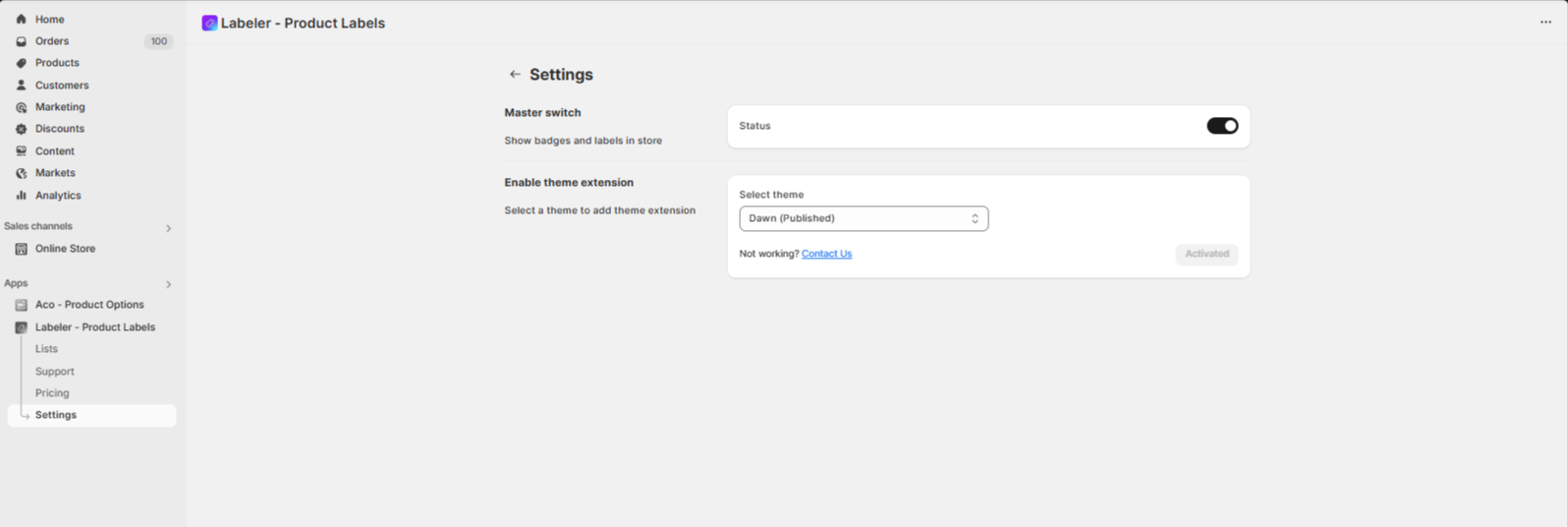
- Master Switch
- With the master switch the user can enable or disable all badges and labels.
Was this article helpful?
Thanks for letting us know.
Sorry about that. Ask our support team and we will help you set it up.